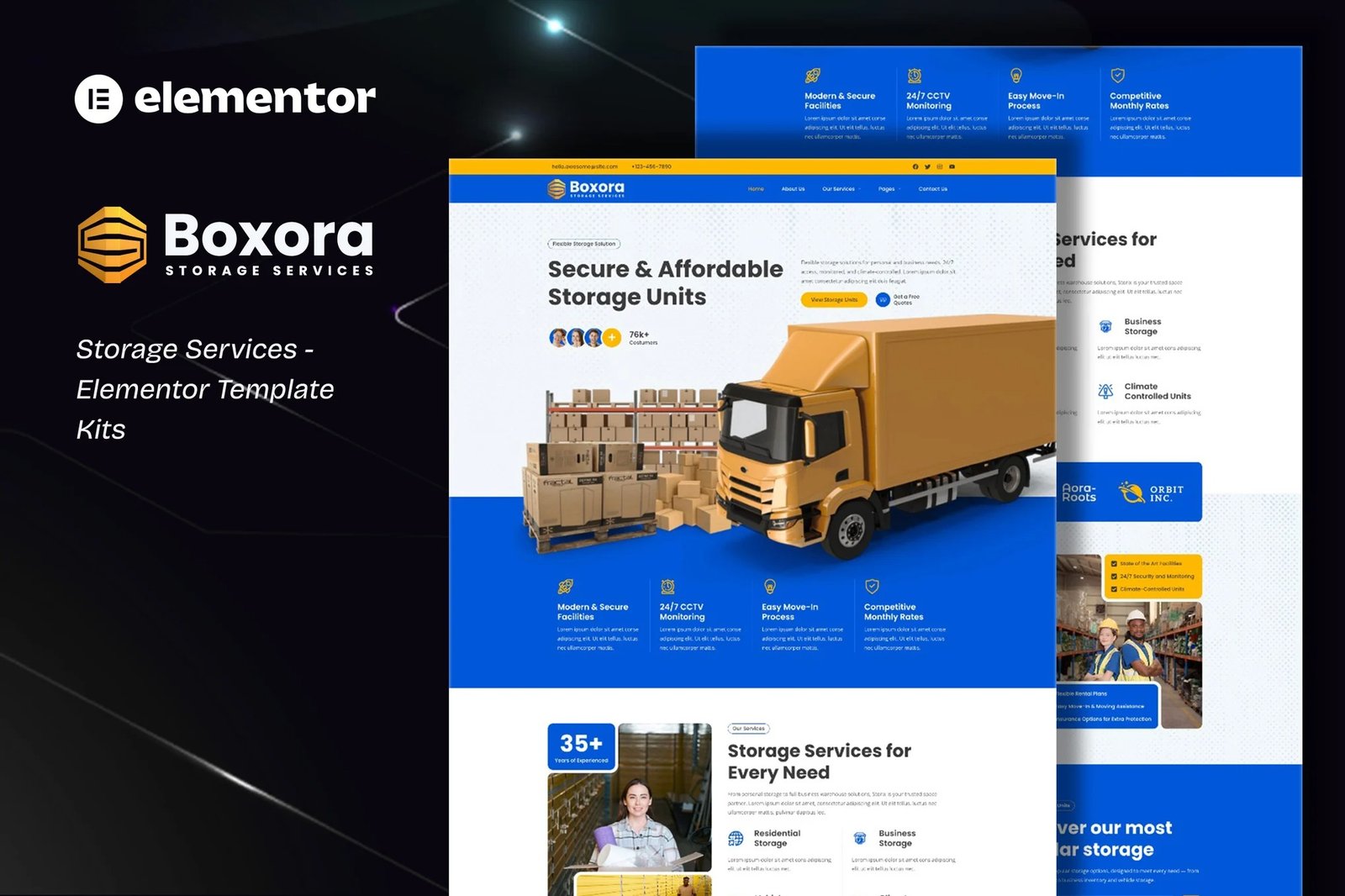
Boxora is an Elementor Tempate Kit specially designed for Storage Services!
This kit has a modern and creative design with a 100% fully responsive layout, easy installation, and sure very easy to customize because using Elementor so you don?t need a single line of coding!Save your time.
This Template Kit contains page content for creating Elementor pages. This kit has been optimized for use with the free ?Hello Elementor? theme.
Features :
- Compatible with WordPress ? Elementor
- Using Free Plugins (Elementor Pro is not required)
- True no-code customization with drag and drop
- 100% Fully Responsive & mobile-friendly
- Modern and Professional design
- 16+ pre-built templates ready to use
- Customize fonts and colors in one place (Global Theme Kit Style)
Templates in Zip :
- Homepage
- About Us
- Our Services
- Service Detail
- Storage Units
- Appointmet
- Pricing Plan
- Testimonials
- FAQ
- Our Blog
- Single Post
- Contact Us
- Header
- Footer
- AppointmentForm ? Block
- Contact MetForm ? Block
Required Plugins :
- Elementor
- ElementsKit Lite
- RTMKit Addons for Elementor
- RTMForm Builder for Elementor
For further support, go to Elementor > Get Help in WordPress menu.
If you have Elementor Pro, setup headers and footers in Theme Builder. Pages you create with Elementor must have the Page Layout set to Elementor Full width for the global header and footer to appear.
- Go to Romethemekit > Theme builder > Header and click Add New
- Give it a title and select Header, click Condition tab and add Entire Site and click Save
- Click Edit with Elementor
- Click the gray folder icon to access My Templates tab and select the header template to import and Update.
- Repeat for Footer
How to Setup Forms
If you have Elementor Pro, skip install of form plugin and form blocks.
- Import the form blocks.
- Click on RTMForm > Forms in the admin menu
- Click Add New
- Enter a Form Name and click Save and Edit (ignore other options)
- Click the gray folder icon in the builder area and click the My Templates tab
- Click Insert on the form block
- Click Publish/Update
- When customizing pages with forms, click the RTMForm Element and select the form from the drop-down












Reviews
There are no reviews yet.