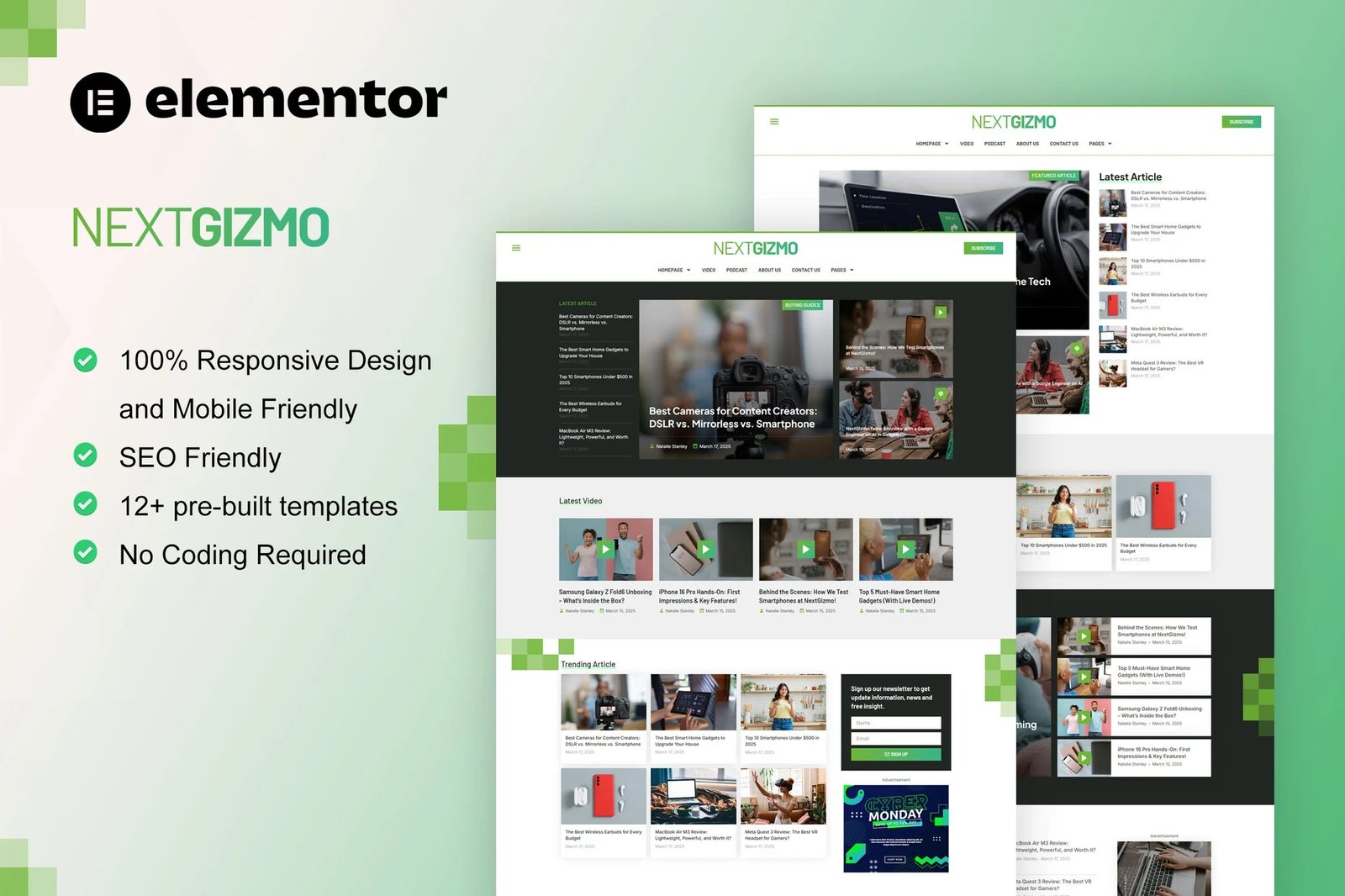
NextGizmo is Elementor Pro Template Kit for news & magazine website. This template has cool layout with clean, modern and professional layout design. Suitable for any website related to news, magazine, blog, article, tutorial, review, etc. Just drag and drop, no coding required.
Elementor Template Kits contain page content for Elementor page builder. This kit has been optimized for use with the free Hello Elementor theme but may be used with most themes that support Elementor.
Layout Features :
- Modern and Professional design
- Built with Elementor Pro
- 100% Responsive & mobile-friendly
- 12+ pre-built templates
- Easy to customize
- Template kit built with Elementor Hello Theme
Elementor Pro upgrade is required for some templates and features (not included)
What?s Included in the Zip :
- Homepage
- Homepage 2
- Homepage 3
- About Us
- Blog Archive
- Contact Us
- Error 404
- Loop Post Article Medium
- Loop Post Podcast 1
- Loop Post Podcast Medium
- Loop Post Podcast Small 1
- Loop Post Post Side
- Loop Post Video
- Loop Post Video Big
- Loop Post Video Medium
- Loop Post Video Small
- Our Team
- Search Result
- Single Post
- Video
- Header
- Footer
- Global Style
Plugins installed with kit:
- ElementSKit Lite
- Skyboot Icons
How to use Loops
- Go to Templates > Theme Builder
- Click on Loop Item and Create new
- Click the green Envato leaf icon to locate your kit
- Import the first Loop template and Save/Publish
- Repeat for all loops. You may repeat this process to make a copy of any loop to customize further. Changes made to loops here affect all instances of the loop in your site
Add To pages
- Create a page with the page layout of your choice
- Right Click in the build area to enable the Navigator
- Locate the Loop Grid or Loop Carousel widgets and select the post block from the Loop Item dropdown.
- Set the Query of the Loop Grid or Loop Carousel to display the posts you want











Reviews
There are no reviews yet.