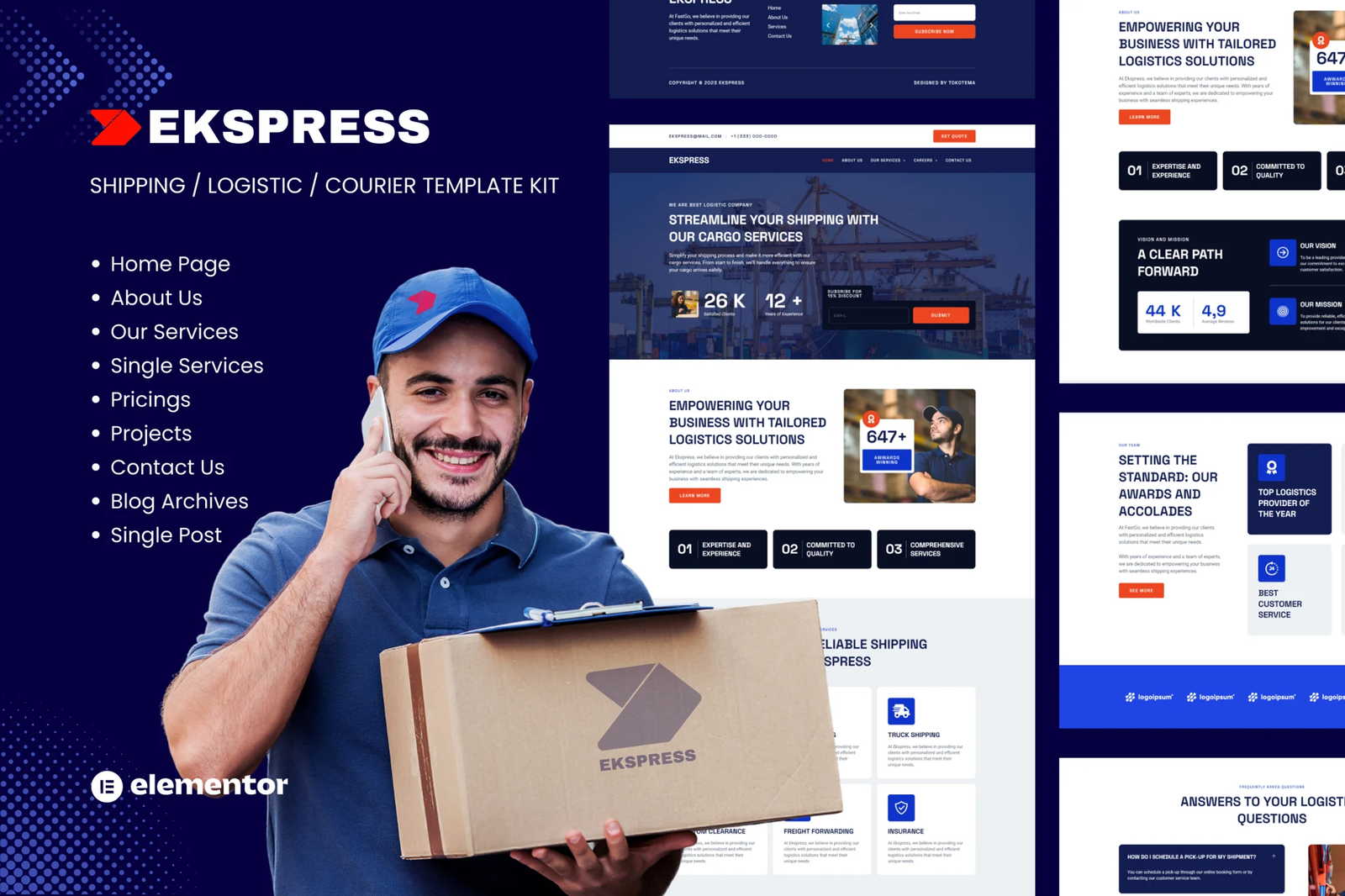
Ekspress Elementor Template Kit is an easy solution for Logistics & Transportation needs. With pre-built templates that boast a fully responsive, clean design and customizable theme, Ekspress is perfect for Logistics, Transportation, Cargo, Shipping, Moving, and all related services and companies.
This template kit includes stunning carefully crafted 10 stunning templates, you can build your professional website just a click away.
NoteThis is not a WordPress theme. Template Kits contain page content for Elementor page builder. This kit has been optimized for use with the free Hello Elementor theme but may be used with most themes that support Elementor.
Page templates included
- Homepage
- About Us Page
- Services Page
- Service Detail Page
- Careers Page
- Career Detail Page
- Our Service
- Coverage Area Page
- Contact Us Page
Key Highlights:
- Effortlessly customize your website using the drag and drop visual builder, with no coding required.
- Easily customize fonts and colors in one central location or tweak them individually for specific elements.
- Enjoy a sleek and professional design that?s both modern and up-to-date.
- Benefit from fast-loading speeds that ensure a seamless user experience.
- Compatible with most Elementor themes, making it easy to integrate into your existing website design.
Plugins installed with kit
- Happy Elementor Addons
- Elementor Header & Footer Builder –
- Jeg Elementor Kit
- MetForm
How to Import Metforms
- Import the metform block templates
- Import the page template where the form appears and right-click to enable the Navigator
- Locate and select the Metform widget and click Edit Form. Choose New, then Edit Form. The builder will appear
- Click ?Add Template? grey folder icon.
- Click ?My Templates? tab.
- Choose your imported metform template, then click ?Insert? (click No for page settings).
- Once the template is loaded, make any desired customizations and click ?Update & Close? The form will appear in the template
- Click Update
Setup Global Header and Footer in ElementsKit
- Import the header and footer template
- Go to ElementsKit > Header Footer and click Add New (if prompted with a wizard, you may click Next through it without taking any action)
- Title the header, leave Entire Site selected and toggle Activation to On
- Click the gray Edit Content button to load the builder
- Click the gray folder icon and select the header template to import, select your menu in the nav element and click Update.
- Repeat for Footer











Reviews
There are no reviews yet.