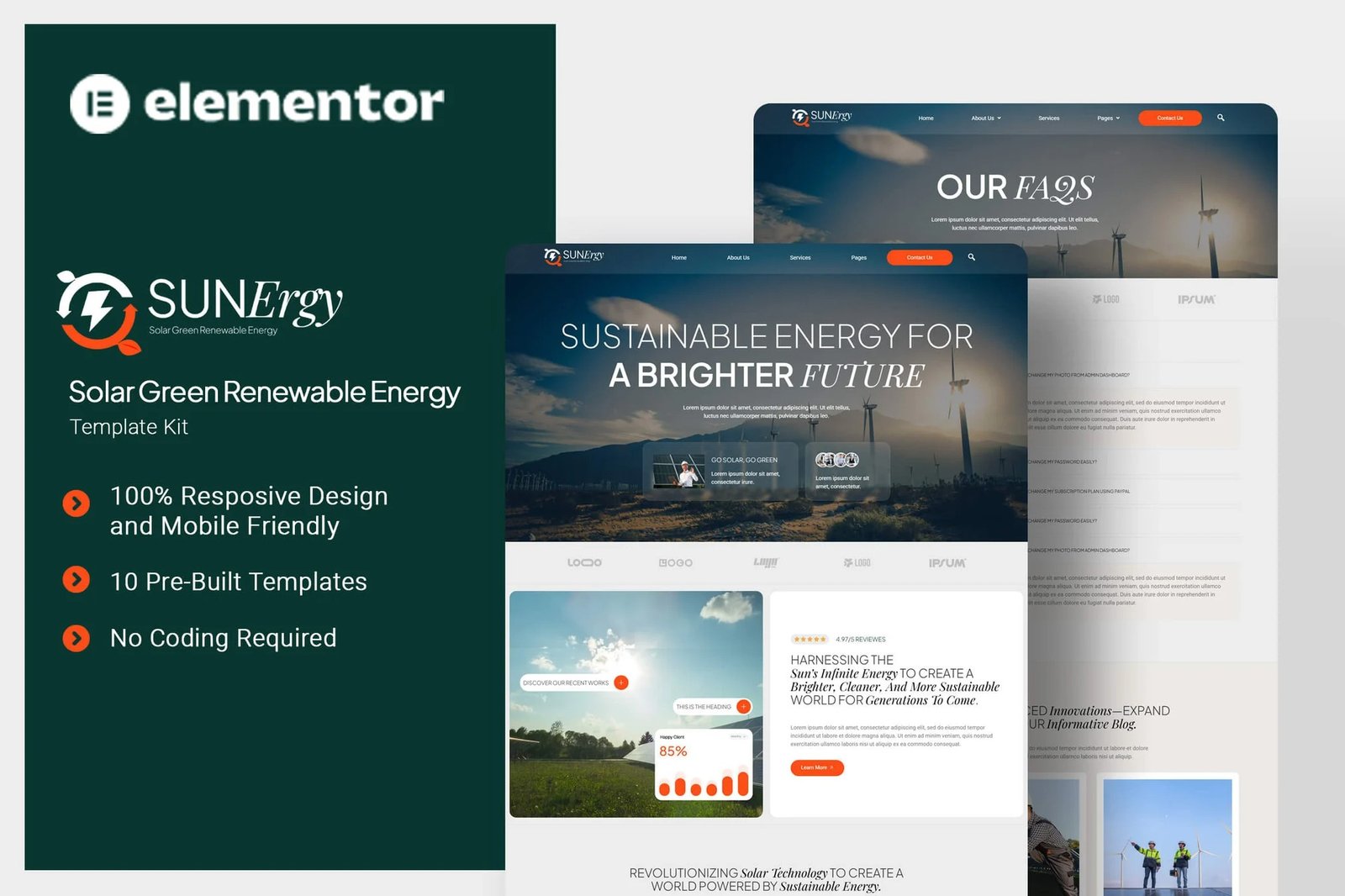
Sunergy is an Elementor Template Kit designed for businesses looking to build a strong online presence in the solar and renewable energy industry. Perfect for solar panel providers, green energy consultants, and sustainable technology firms, this kit empowers you to showcase your expertise in solar power solutions, energy efficiency, and eco-friendly innovations. With a professional and engaging design, Solarion helps you connect with clients, promote clean energy initiatives, and drive the transition toward a sustainable future. Sunergy uses free elements, so don?t worry about trying this one. Sunergy provides various pages including Home, About Us, Team, Services, Case Studies, Case Study Detail, Solutions, FAQs, Blog, 404, Contact Us.
Templates
- Home
- About Us
- Team
- Services
- Case Studies
- Case Study Detail
- Solutions
- FAQs
- Blog
- 404
- Contact Us
Plugins installed with kit
- Elementor
- ElementsKit Lite
- Jeg Elementor Kit
- Metform
- Ultimate Addons for Elementor Lite
Font Used
- Plus Jakarta Sans
- Playfair Display
- Roboto
How to Import Metforms
If you have Elementor Pro, skip install of Metform and form blocks.
- Import the metform block templates
- Import the page template where the form appears and right-click to enable the Navigator
- Locate and select the Metform widget and click Edit Form. Choose New, then Edit Form. The builder will appear
- Click ?Add Template? grey folder icon.
- Click ?My Templates? tab.
- Choose your imported metform template, then click ?Insert? (click No for page settings).
- Once the template is loaded, make any desired customizations and click ?Update & Close? The form will appear in the template
- Click Update
How to setup header in Jeg Elementor Kit plugin
If you have Elementor Pro, headers and footers may be customized under Theme Builder.
- Go to Jeg Elementor Kit menu item > Header Template
- Click Add New Header
- Add condition > All Site and click Create
- Click the pencil icon to Edit and elementor will appear
- Click gray folder icon to access My Templates tab
- Insert the header template.
- Customize and Save.












Reviews
There are no reviews yet.