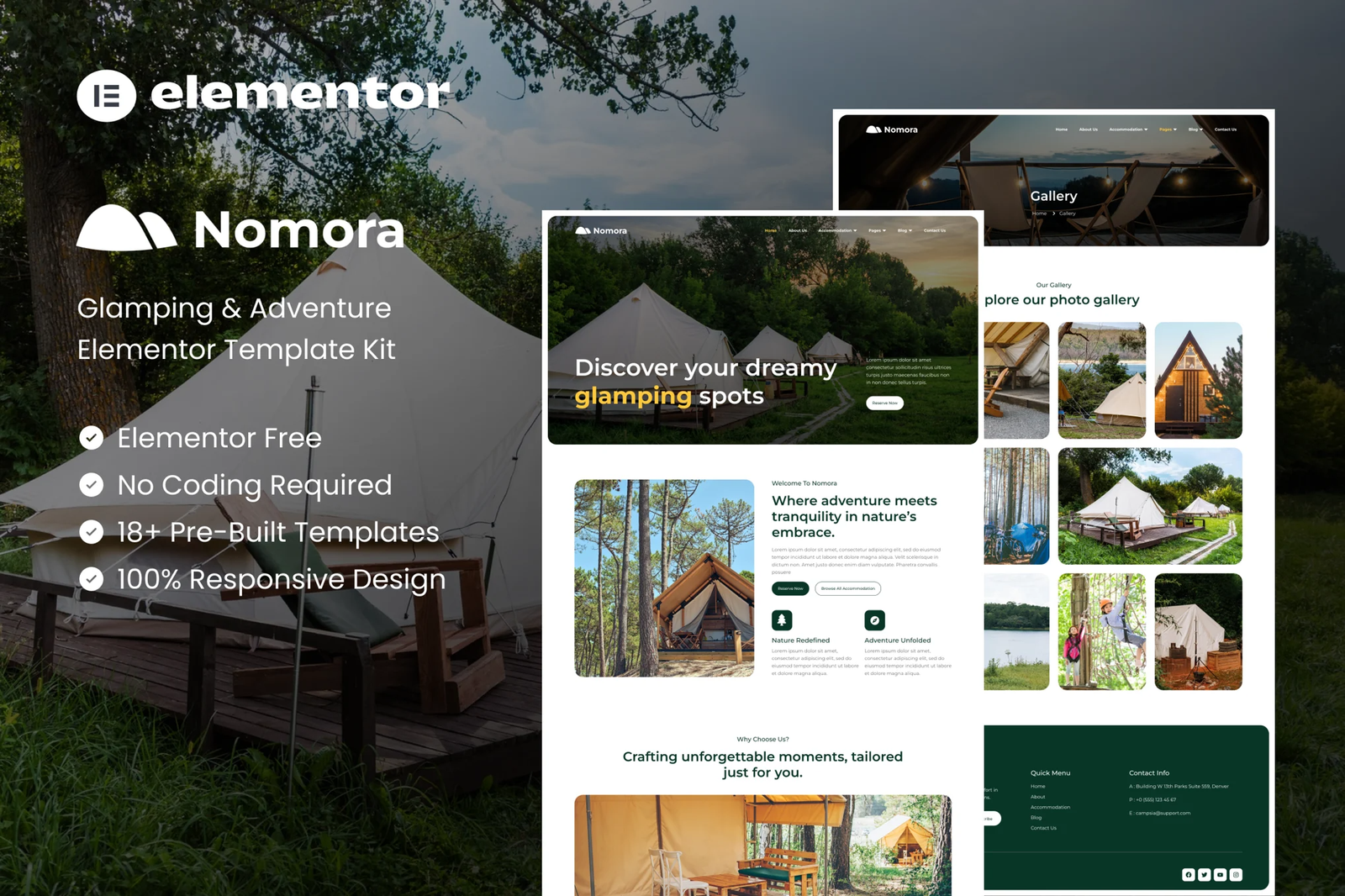
Nomora is a carefully crafted Glamping & Adventure Elementor Template Kit, designed for glamping sites, adventure resorts, and nature retreats. With a clean, modern design and fully responsive layout, Nomora provides a seamless way to showcase your unique accommodations and outdoor experiences. Whether it?s luxury camping or thrilling adventures, Nomora elevates your brand and connects you with nature-loving travelers.
Featuring pre-designed pages for accommodations, activities, pricing plan, and FAQs, this template kit ensures you can easily build a stunning website without coding knowledge. Built exclusively for Elementor, Nomora offers an intuitive customization experience, empowering you to tailor your website to your vision. Take your glamping business to the next level with Nomora and captivate your audience with nature-inspired design.
Features:
- Great for Glamping and Adventure
- Fully With Elementor Free Version (Elementor Pro is not required)
- Simple, Modern and Clean Design
- No Coding Knowledge Required
- 18+ Ready To Use Templates
- Easy & Fully Customizable
Templates Include:
- Global Kit Styles
- Home
- About Us
- Accommodation
- Accommodation Detail
- Activities
- Pricing Plan
- Gallery
- FAQs
- Blog
- Single blog
- Contact Us
- 404 Page
- Coming Soon
- Header
- Footer
- Metform Contact
- Metform Booking
Plugins installed with kit:
How To Import Metform Custom Form
- Import metform template
- Import the template where the form appears, then edit in Elementor
- Click the Metform widget in the column where the form should be and click Edit Form
- Select New, leave blank selected then click Edit Form button
- Click ?Add Template? grey folder button
- Click ?My Templates? tab
- Choose your imported metform template, then click ?Insert?
- Once the template is loaded, click ?Update?
How to setup header in Jeg Elementor Kit plugin
If you have Elementor Pro, headers and footers may be customized under Theme Builder.
- Go to Jeg Elementor Kit menu item > Header Template
- Click Add New Header
- Add condition > All Site and click Create
- Click the pencil icon to Edit and elementor will appear
- Click gray folder icon to access My Templates tab
- Insert the header template.
- Customize and Save.











Reviews
There are no reviews yet.