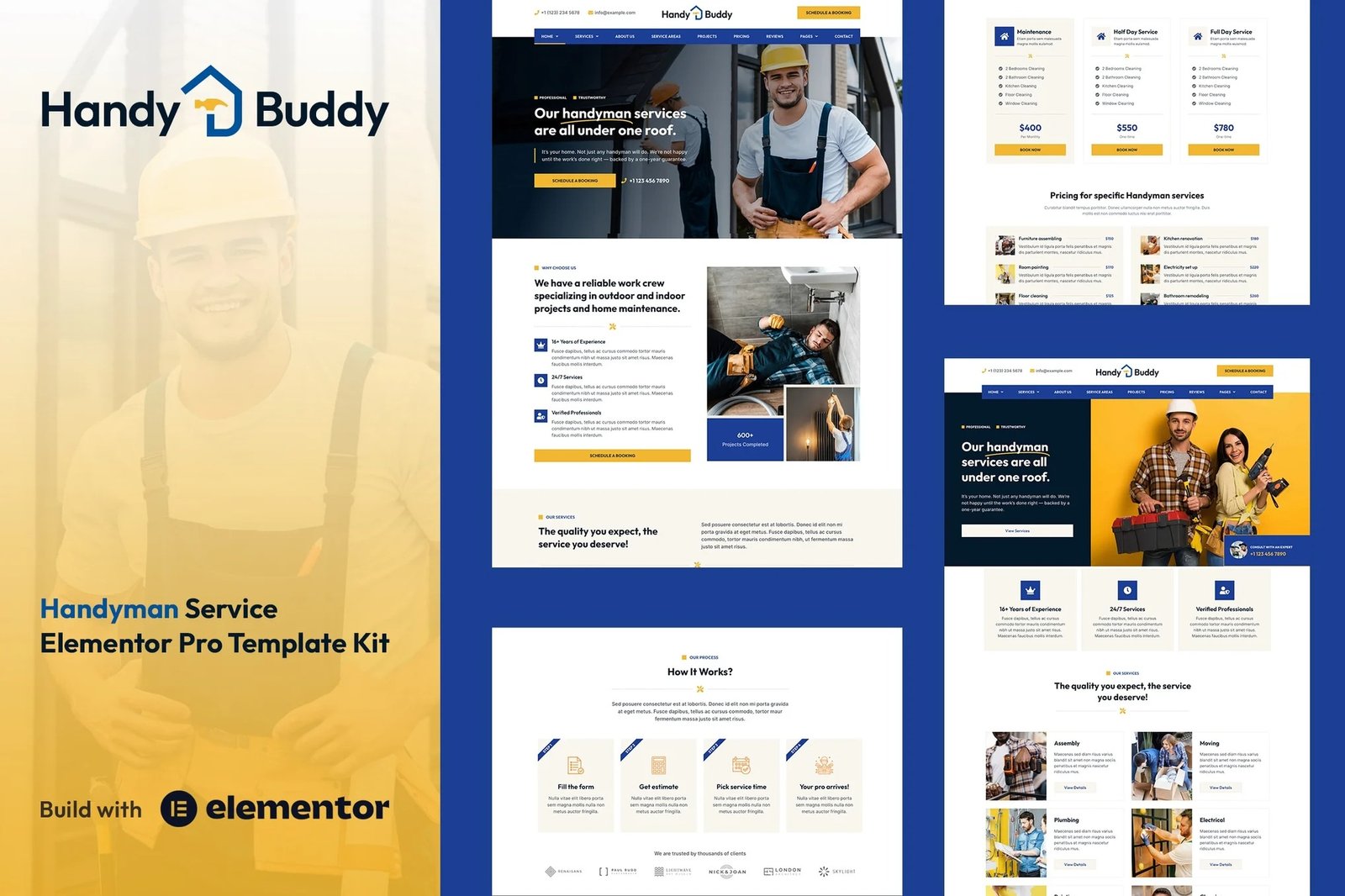
The Handy Buddy Elementor Template Kit is a specialized Elementor Pro template design solution tailored specifically for handyman services. This Elementor template kit is versatile and can be utilized for websites encompassing a wide range of handyman services, including plumbing, roofing, general maintenance, electrical work, roof repairs, home renovations, repair services, construction, plumbing, remodeling, and more.
Every template is fully responsive, ensuring a flawless look across all devices, from desktops to smartphones. With Elementor?s user-friendly drag-and-drop interface, you can easily change the layout, typography, and color scheme all in one place, without writing a single line of code.
Important Notes:
- Elementor Pro upgrade (purchase separately) is required for most templates and features (not included).
- This template kit is?not a WordPress theme. Template Kits contain page content for Elementor page builder. This kit has been optimized for use with the free Hello Elementor theme but may be used with most themes that support Elementor.
Template Kit Features:
- Designed with Elementor Flexbox container.
- Built with Elementor Pro
- 20 ready to use templates.
- True no-code customization with drag and drop visual builder
- 100% Fully Responsive & mobile-friendly.
- Customize fonts and colors in one place or fine-tune on individual elements.
- SEO-friendly design and fast-loading
- Works with most Elementor themes.
- Lifetime free updates.
Templates Included:
- Home 1
- Home 2
- Home 3
- Home 4
- Services
- Single Service Details
- About Us
- Our Team
- Our Clients
- FAQs
- Service Areas
- Projects
- Pricing
- Reviews
- Blog Archive
- Single Blog Post
- Booking
- Contact
- Header
- Footer
- Main CTA Block (Global)
- 404 Page
- Global Style Kit
How to Setup Main CTA Block:
- Import the Main CTA blocks and customize it from Templates > Saved Templates.
- Create / Open the page where the CTA block should appear in Elementor.
- Locate the Template element in the navigator and select the block from the dropdown.
- Alternatively, you may set the CTA Block template to Global and insert the block directly into your pages from the My Templates library. For more information on Globals, see Elementor > Get Help in your admin menu.
Theme Builder parts such as Blog Posts, Blog Archive, Header, Footer, Single Post Layout, Popup and Post Loop are managed through Templates > Theme Builder.
Blog Posts: Blog content is not included ? you will need to add a few posts to WordPress before post content will appear in templates.











Reviews
There are no reviews yet.