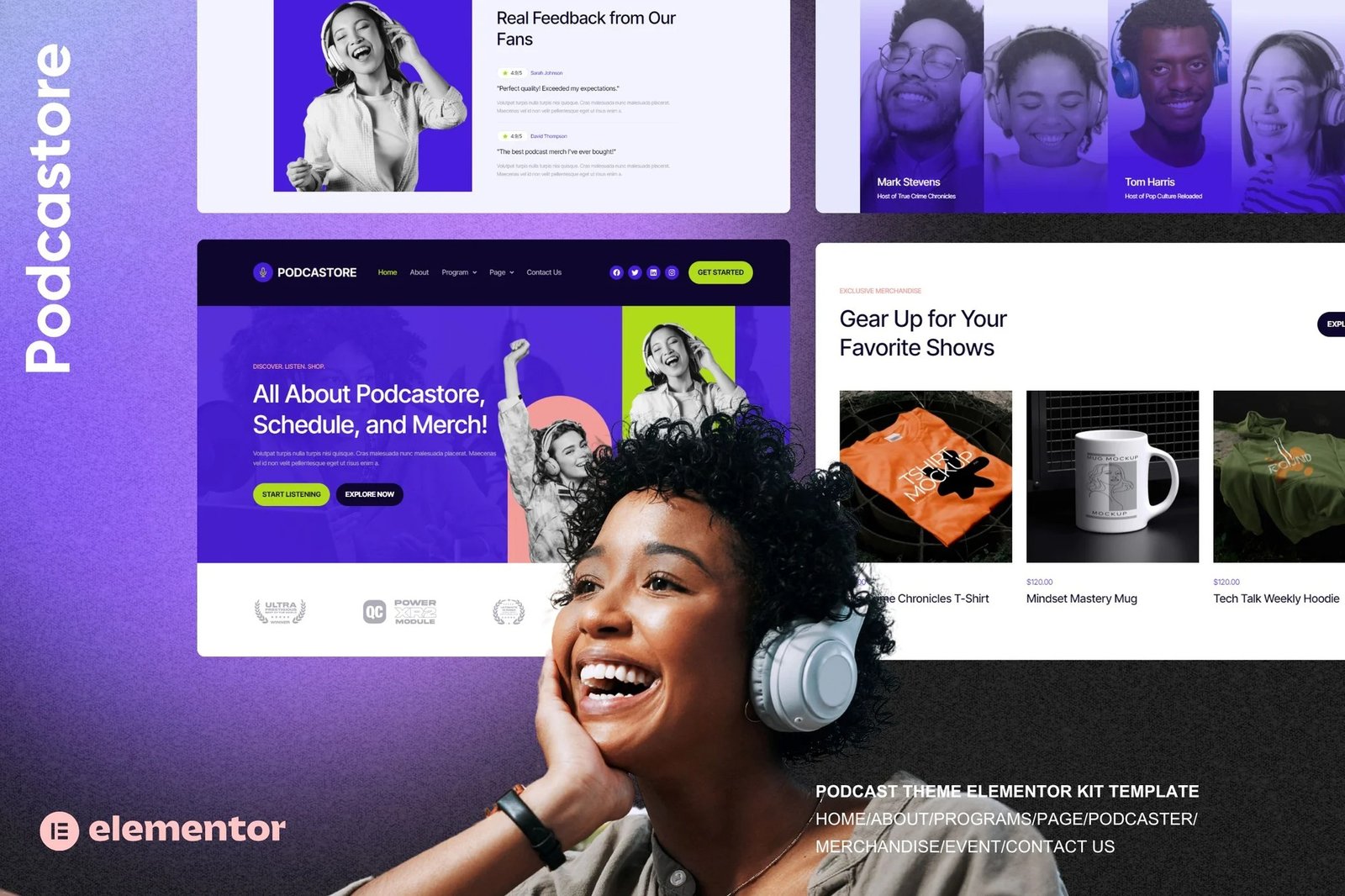
Podcastore ? Podcast & Merch Store Elementor Kit is a delightful solution designed to create a captivating online presence for content creators, podcasters, talent agencies, labels and broadcasters. Powered by Elementor, this template offers a bright and engaging platform to showcase your educational services and programs. The Home page welcomes visitors with a colorful and friendly layout, ensuring a warm and inviting experience from the start.
Features
- True no-code customization with drag and drop visual builder
- Customize fonts and colors in one place or fine-tune on individual elements
- Modern, professional design
- Fast-loading
- Works with most Elementor themes.
Pages included in the template:
- Home
- About Us
- Podcast Program
- Podcast Details
- Event
- Podcaster
- Merchandise
- Help Center
- Contact Us
- Error 404
Plugins installed with kit
- Jeg Elementor Kit
- The Plus
- Metform
How to Import Metforms
If you have Elementor Pro, skip install of Metform and form blocks.
- Import the metform block templates
- Import the page template where the form appears and right-click to enable the Navigator
- Locate and select the Metform widget and click Edit Form. Choose New, then Edit Form. The builder will appear
- Click ?Add Template? grey folder icon.
- Click ?My Templates? tab.
- Choose your imported metform template, then click ?Insert? (click No for page settings).
- Once the template is loaded, make any desired customizations and click ?Update & Close? The form will appear in the template
- Click Update
How to setup header in Jeg Elementor Kit plugin
If you have Elementor Pro, headers and footers may be customized under Theme Builder.
- Go to Jeg Elementor Kit menu item > Header Template
- Click Add New Header
- Add condition > All Site and click Create
- Click gray folder icon to access My Templates tab
- Insert the header template.
- Customize and Save.












Reviews
There are no reviews yet.