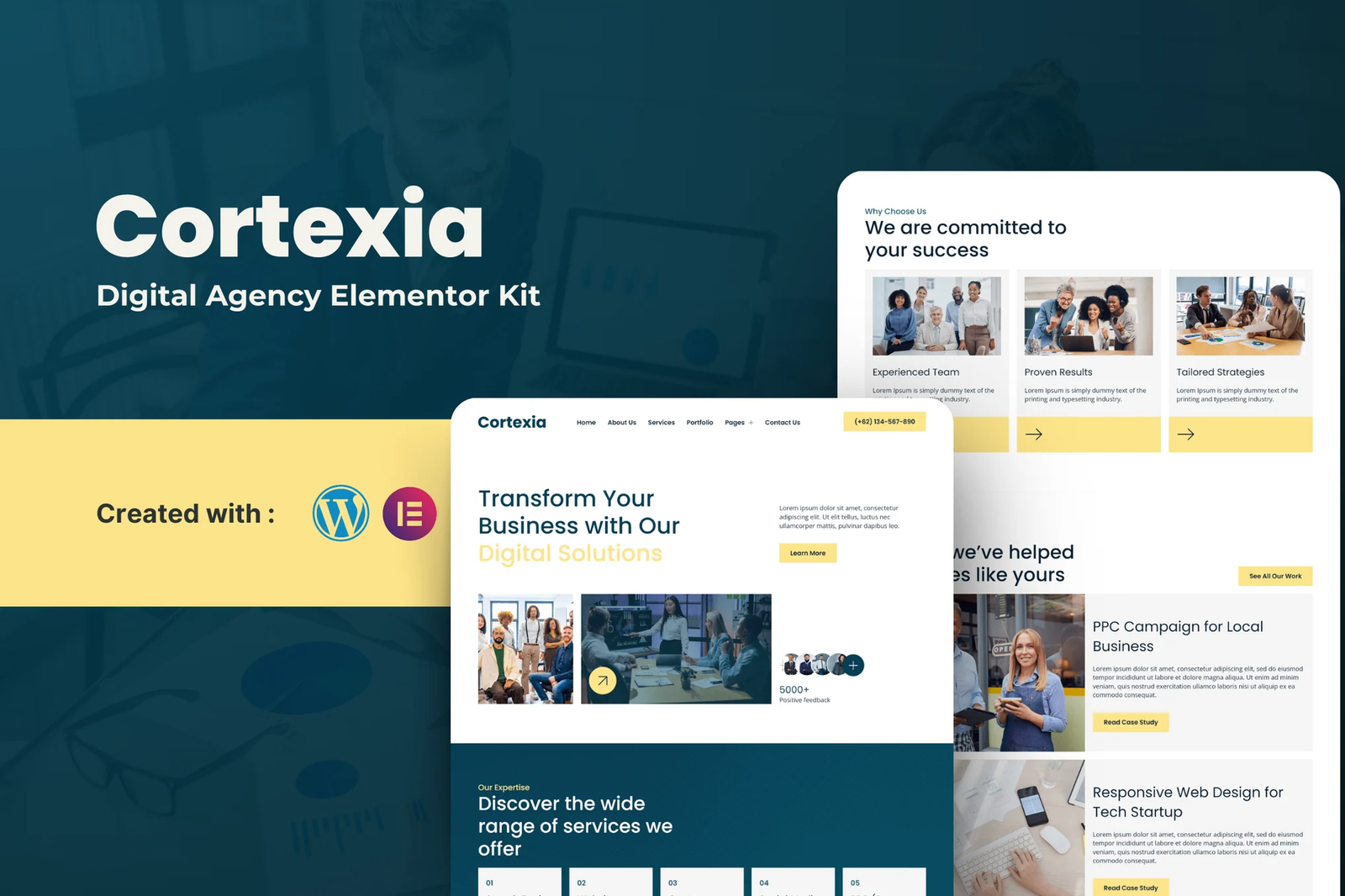
Welcome to Cortexia, where innovation meets creativity. Our Elementor Template Kit is designed for modern digital agencies seeking to establish a strong online presence and connect with their audience effectively.
Our comprehensive template kit features beautifully crafted, fully customizable pages that cater to all your business needs. From showcasing your services to highlighting successful projects, we provide the tools to help your agency stand out.
Features
- 16 page design
- Drag and Drop page builder
- Build with Elemntor Free (Elementor Pro is not required)
- Using Free Plugin
- Easy & Fully Customizable
Templates include
- Home
- About Us
- Blog
- Single Blog Post
- Services
- Portfolio
- Case Studies
- Careers
- Pricing
- Contact Us
- Testimonials
- FAQs
- Metform Contact Us
- Header
- Footer
- Global Theme Style
Required Plugin
- Elementor
- MetForm
- Jeg Elementor Kit
- Envato Elements
How to Import Metforms
If you have Elementor Pro, skip install of Metform and form blocks.
- Import the metform block templates
- Import the page template where the form appears and right-click to enable the Navigator
- Locate and select the Metform widget and click Edit Form. Choose New, then Edit Form. The builder will appear
- Click ?Add Template? grey folder icon.
- Click ?My Templates? tab.
- Choose your imported metform template, then click ?Insert? (click No for page settings).
- Once the template is loaded, make any desired customizations and click ?Update & Close? The form will appear in the template
- Click Update
How to setup header in Jeg Elementor Kit plugin
If you have Elementor Pro, headers and footers may be customized under Theme Builder.
- Go to Jeg Elementor Kit menu item > Header Template
- Click Add New Header
- Add condition > All Site and click Create
- Click gray folder icon to access My Templates tab
- Insert the header template.
- Customize and Save











Reviews
There are no reviews yet.