Hostom ? Hosting & WHMCS Template Kit
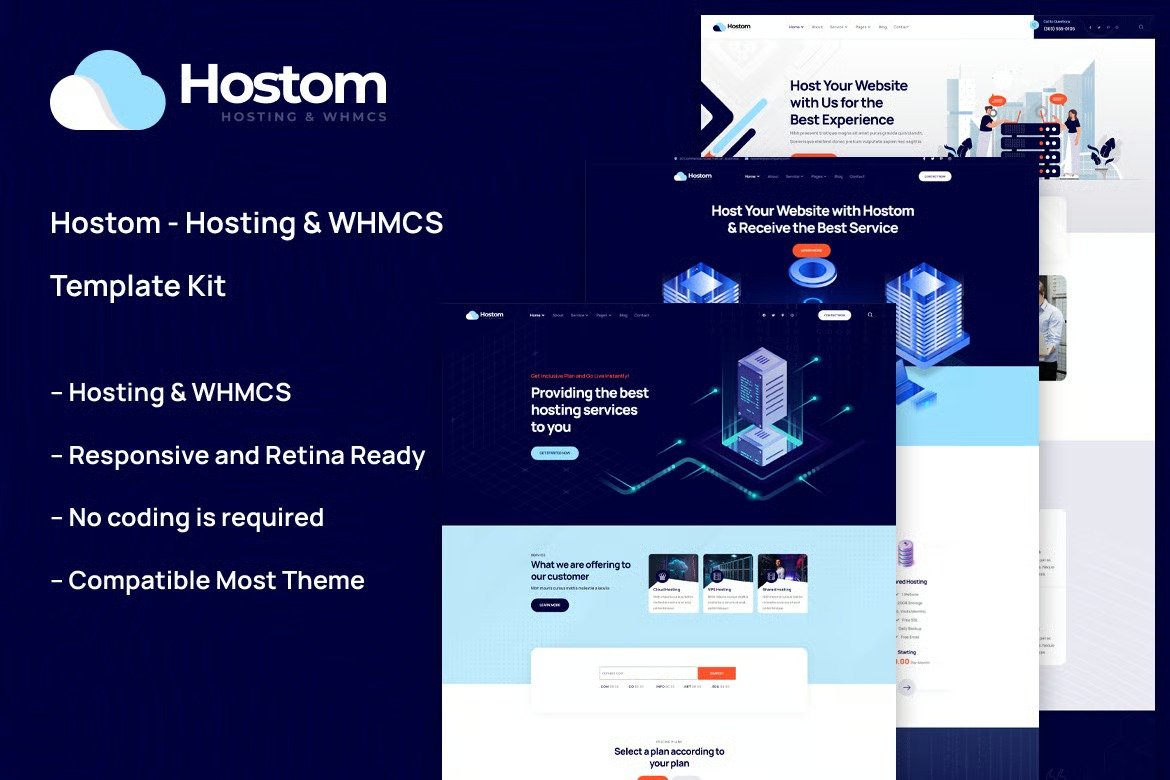
Hostom ? Hosting & WHMCS Template Kit is a modern and clean Elementor Template Kit ideal for web hosting, domain provider, WHMCS, hosting support, VPS hosting, hosting company, hosting provider, cloud hosting and all hosting and domain business and websites.
It is created with a clean and modern design aesthetic, and it includes a slew of tools and features that make it simple to display showcase your services, introduce your talented team, display your best projects.
This template has a professional design with a 100% responsive layout, is retina-ready, and is incredibly easy to edit because it is built with Elementor, which means you don?t need to write a single line of code!
Kit Key Features:
- 03 Unique Homepages
- Hosting & WHMCS support
- No Coding Knowledge
- Fully with Elementor free version ( Elementor Pro is not required )
- Header & Footer Builder Included
- Unique and Modern Style.
- Super Clear and Clean Layout
- Cross browser compatible
- Post Widget
- Carousel Slide Box ( Create sliders with anything )
- Ultra Responsive and Retina Ready
- Compatible with most WordPress themes
- Optimized for search engines
Plugins installed with kit
- Elementor
- Themesflat Addons For Elementor
- MetForm
- ElementsKit Lite
- WHMCS Elements for Elementor (optional if you need this integration)
Creating pages
- Go to Pages and create a new page and click Edit with Elementor
- Click the gear icon at lower-left of the builder to view page settings and choose Elementor Full Width and hide page title
- Click the gray folder icon to access My Templates tab and then Import the page you?d like to customize.
- The home page is set under Settings > Reading by selecting Static Front Page.
How to Import Metforms
If you have Elementor Pro, skip install of Metform and form blocks.
- Import the metform block templates
- Import the page template where the form appears and right-click to enable the Navigator
- Locate and select the Metform widget and click Edit Form. Choose New, then Edit Form. The builder will appear
- Click ?Add Template? grey folder icon.
- Click ?My Templates? tab.
- Choose your imported metform template, then click ?Insert? (click No for page settings).
- Once the template is loaded, make any desired customizations and click ?Update & Close? The form will appear in the template
- Click Update
Setup Global Header and Footer in TF Header Footer *
If you have Elementor Pro, headers and footers may be customized under Theme Builder.
- Go to TF Header Footer and click Add New button
- Give it a title and select Header, Display on Entire Site and click Publish
- Click Edit with Elementor
- Click the gray folder icon to access My Templates tab and select the header template to import and Update.
- Repeat for Footer












Reviews
There are no reviews yet.