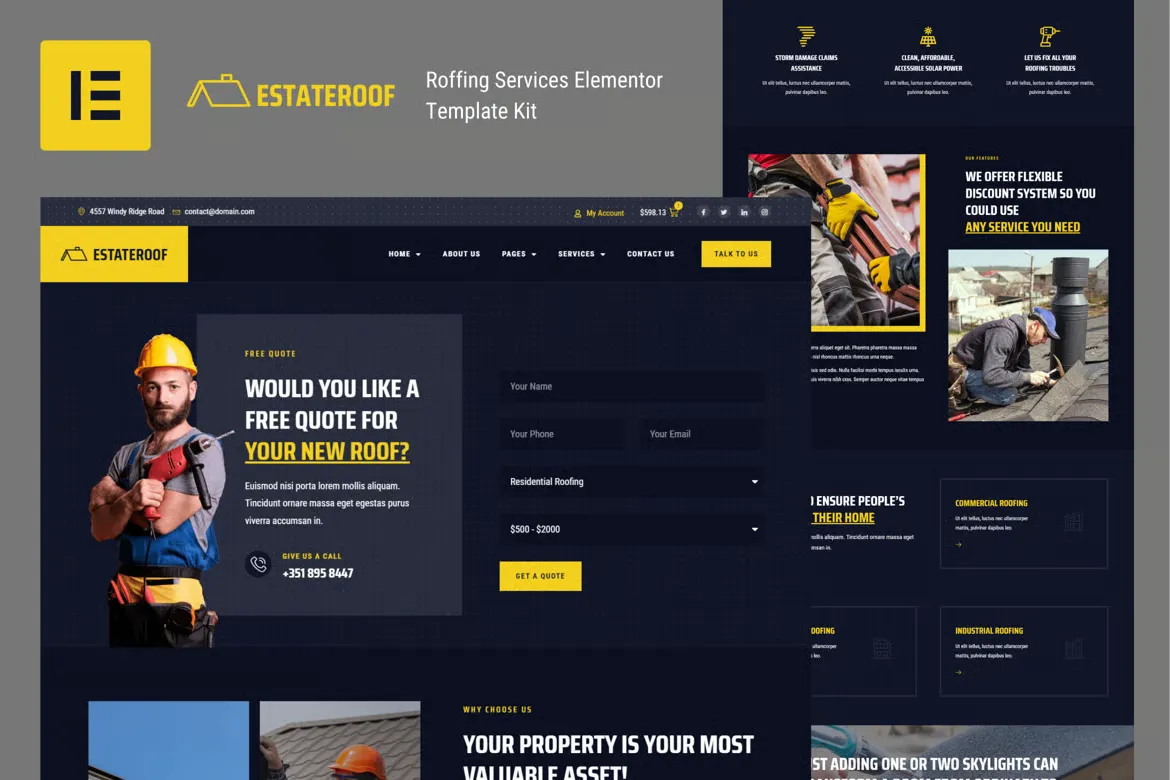
Renov is a professional and practical Elementor Template Kit designed for renovation companies, plumbing services, home improvement contractors, and maintenance experts. It’s built to showcase services, pricing, and client testimonials while making it easy for potential customers to get in touch or request a quote.
Ideal for both individual technicians and full-service construction teams, Renov includes all essential pages needed for a modern and trustworthy service-based website. Built entirely with Elementor Free and fully responsive.
Key Features:
- 20+ ready-to-use page templates
- Using Free Plugins (Elementor Pro is not required)
- Cross Browser Compatibility: Chrome, Firefox, Safari, Opera
- Built with Free Plugins – No premium add-ons required, making setup hassle-free.
- 100% Fully Responsive & mobile-friendly
- Customize fonts and colors in one place (Global Kit Style)
- One-Click Installation – Import demo content easily with the Envato Elements plugin.
- Fast-loading, clean code, and cross-browser compatible.
- Designed for renovation and plumbing companies
- Clear service presentation with quote requests
- Mobile-friendly and fast loading
- Built using Elementor Free, no coding required
- Trust-focused layout with testimonials and FAQs
- Includes 12+ conversion-ready service pages
Templates in Zip:
- Global Style
- Homepage
- Pricing Plans
- Book an Appointment
- Project Showcase
- Services
- About Us
- Single Post
- Error Page
- Coming Soon
- Contact Us
- Blog
- FAQS
- Testimonials
- Header
- Header 2
- Footer
Required Plugins:
- Elementor
- MetForm
- ElementsKit Lite
- Ultimate Addons for Elementor
- RomethemeKit For Elementor
How to Import MetForm Custom Form:
- While edititing a page where a form should appear, open the Elementor navigator to locate the Metform widget.
- Click Edit Form in the builder panel.
- Select New, leave blank selected then click Edit Form button.
- Click ‘Add Template’ grey folder button.
- Click ‘My Templates’ tab.
- Choose your imported MetForm template, then click ‘Insert’.
- Once the template is loaded, click ‘Update’.
Setup Header in ElementsKit Lite
If you have Elementor Pro, setup headers and footers in Theme Builder. Pages you create with Elementor must have the Page Layout set to Elementor Full width for the global header and footer to appear.
- Go to ElementsKit > Header Footer
- If prompted to go through the wizard, click Next all the way through and then return to step 1 (you are not required to enter your email address or share your information)
- Click Add New Template button at the top
- Name your template, then toggle “Activate/Deactivate:” to On
- Click the gray Edit Content button. Elementor will open.
- Click the gray folder icon to access My Templates tab and Insert the header or footer template.
- Customize and Publish











Reviews
There are no reviews yet.