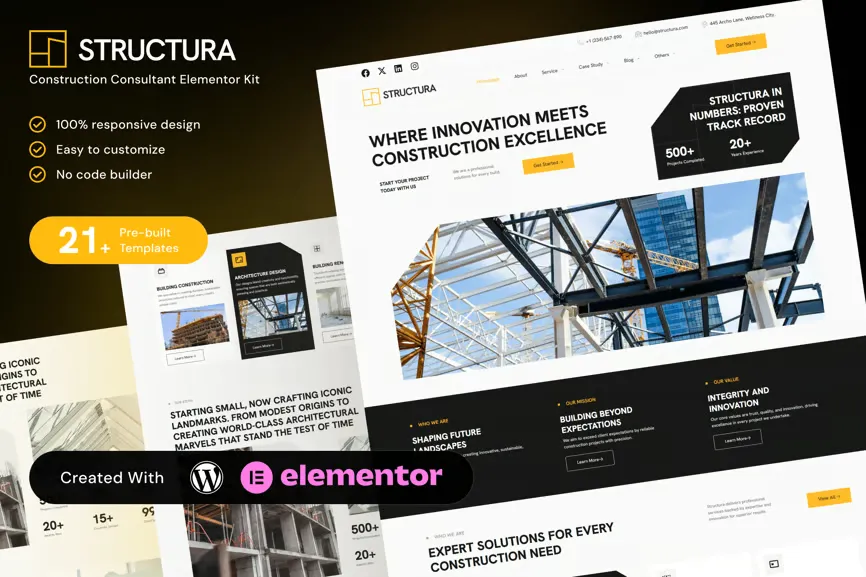
Structura is a modern and reliable Elementor Template Kit built for construction consultants, engineering firms, architecture studios, and building service providers. It features clean, professional layouts to highlight services, present past projects, and build trust with clients.
Ideal for firms involved in planning, structural engineering, project management, and development, Structura helps showcase expertise while offering user-friendly navigation and strong calls to action. Fully responsive and created using Elementor Free.
Key Features:
- 22 ready to use page templates
- Using Free Plugins (Elementor Pro is not required)
- Cross Browser Compatibility: Chrome, Firefox, Safari, Opera
- No premium plugin
- 100% Fully Responsive & mobile friendly
- Customize fonts and colors in one place (Global Kit Style)
- Tailored for construction and consulting firms
- Showcase services, expertise, and completed projects
- Clean and mobile-optimized design
- Built with Elementor Free – no coding required
- Includes contact forms, testimonials, and team profiles
Templates in Zip:
- Global Style
- Homepage
- About
- Services
- Services Detail
- Case Study
- Case Study Detail
- Blog
- Single Post
- Gallery
- Contact
- Careers
- Portfolio
- Pricing
- Team
- Sustainability
- Testimonial
- Consulting
- FAQ
- 404 Error
- Coming Soon
- Header
- Footer
Required Plugins:
- Elementor
- MetForm
- ElementsKit Lite
- Ultimate Addons for Elementor
- RomethemeKit For Elementor
How to Import Metforms
If you have Elementor Pro, skip install of Metform and form blocks.
- Import the metform block templates
- Import the page template where the form appears and right-click to enable the Navigator
- Locate and select the Metform widget and click Edit Form. Choose New, then Edit Form. The builder will appear
- Click ‘Add Template’ grey folder icon.
- Click ‘My Templates’ tab.
- Choose your imported metform template, then click ‘Insert’ (click No for page settings).
- Once the template is loaded, make any desired customizations and click ‘Update & Close’. The form will appear in the template
- Click Update
Setup Global Header and Footer in UAE
If you have Elementor Pro, headers and footers may be customized under Theme Builder.
- Go to UAE > Header Footer and click Add New button
- Give it a title and select Header, Display on Entire Website and click Publish
- Click Edit with Elementor
- Click the gray folder icon to access My Templates tab and select the header template to import and Update.
- Repeat for Footer











Reviews
There are no reviews yet.