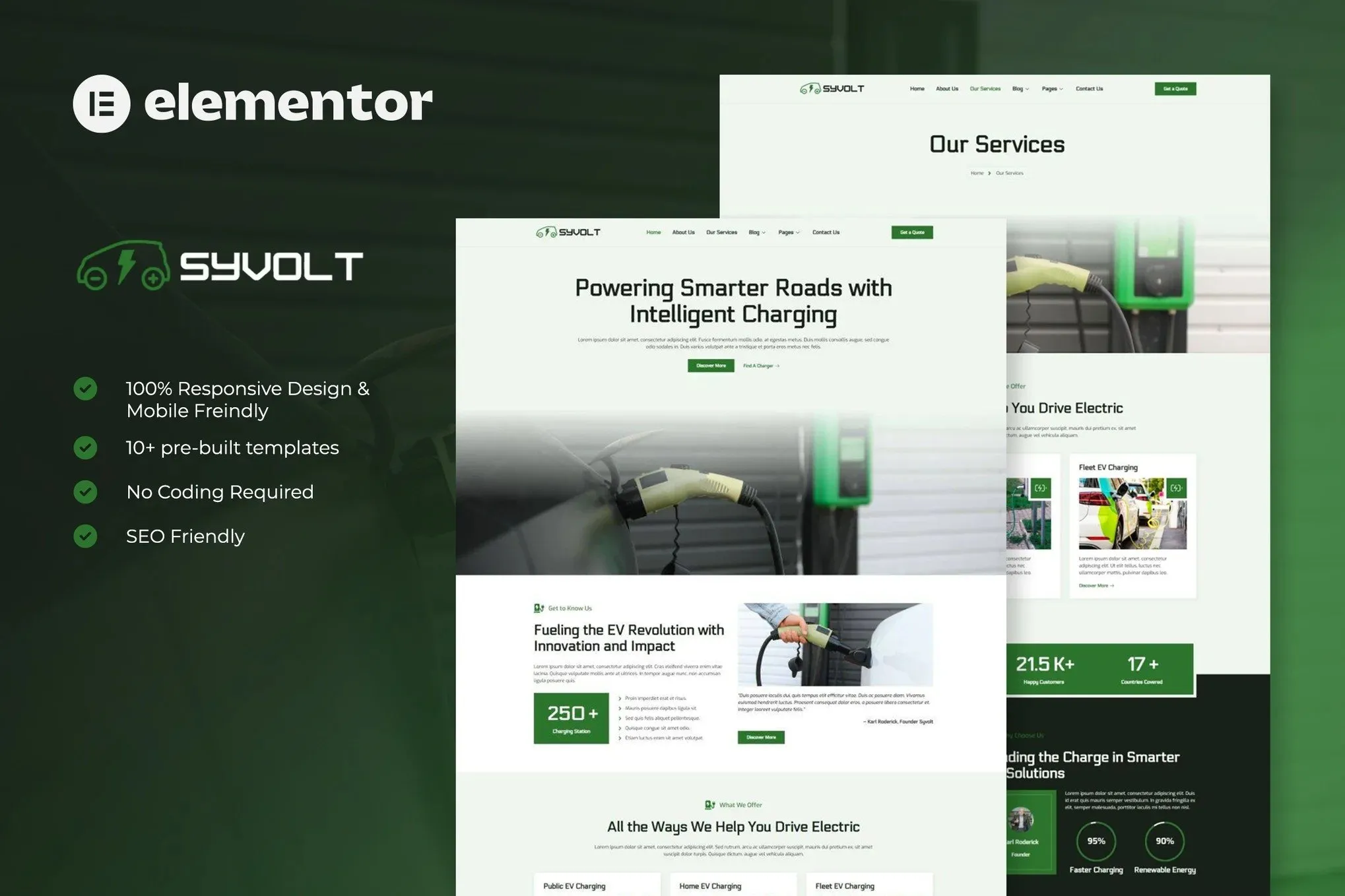
Syvolt is modern and elegant elementor template kits for electric vehicle & charging station services. You can also use this creative template kit for businesses offering green technology, clean energy, renewable energy, charging point, eco, electrical car, car servicing, ev, charging, ev servicing, electric bike, technology website, tech company, tech business and other business company related.
Elementor Template Kits contain page content for Elementor page builder. This kit has been optimized for use with the free Hello Elementor theme but may be used with most themes that support Elementor.
Layout Features:
- 100% Responsive & Mobile-friendly
- Modern clean design
- Easy to Edit & Customize
- 10+ pre-built templates ready to use
- Template kit built with Hello Elementor Theme
Template Include :
- Home
- About us
- Our Services
- Blog Archive
- Single Post
- Our Team
- Pricing
- 404 Page
- FAQs
- Contact Us
- Header
- Footer
- MetForm Contact
- MetForm Subscribe
Addons installed with kit :
- Elementor
- ElementsKit Lite
- MetForm
- Jeg Elementor Kit
- Skyboot Custom Icons for Elementor
How to setup header in Jeg Elementor Kit plugin
If you have Elementor Pro, setup headers and footers in Theme Builder. Pages you create with Elementor must have the Page Layout set to Elementor Full width for the global header and footer to appear.
- Go to Jeg Elementor Kit menu item > Header Template
- Click Add New Header
- Add condition > All Site and click Create
- Click the pencil icon to Edit and elementor will appear
- Click gray folder icon to access My Templates tab
- Insert the header template.
- Customize and Save.
How to Import MetForm Custom Form:
- While edititing a page where a form should appear, open the Elementor navigator to locate the Metform widget.
- Click Edit Form in the builder panel.
- Select New, leave blank selected then click Edit Form button.
- Click ‘Add Template’ grey folder button.
- Click ‘My Templates’ tab.
- Choose your imported MetForm template, then click ‘Insert’.
- Once the template is loaded, click ‘Update’.











Reviews
There are no reviews yet.