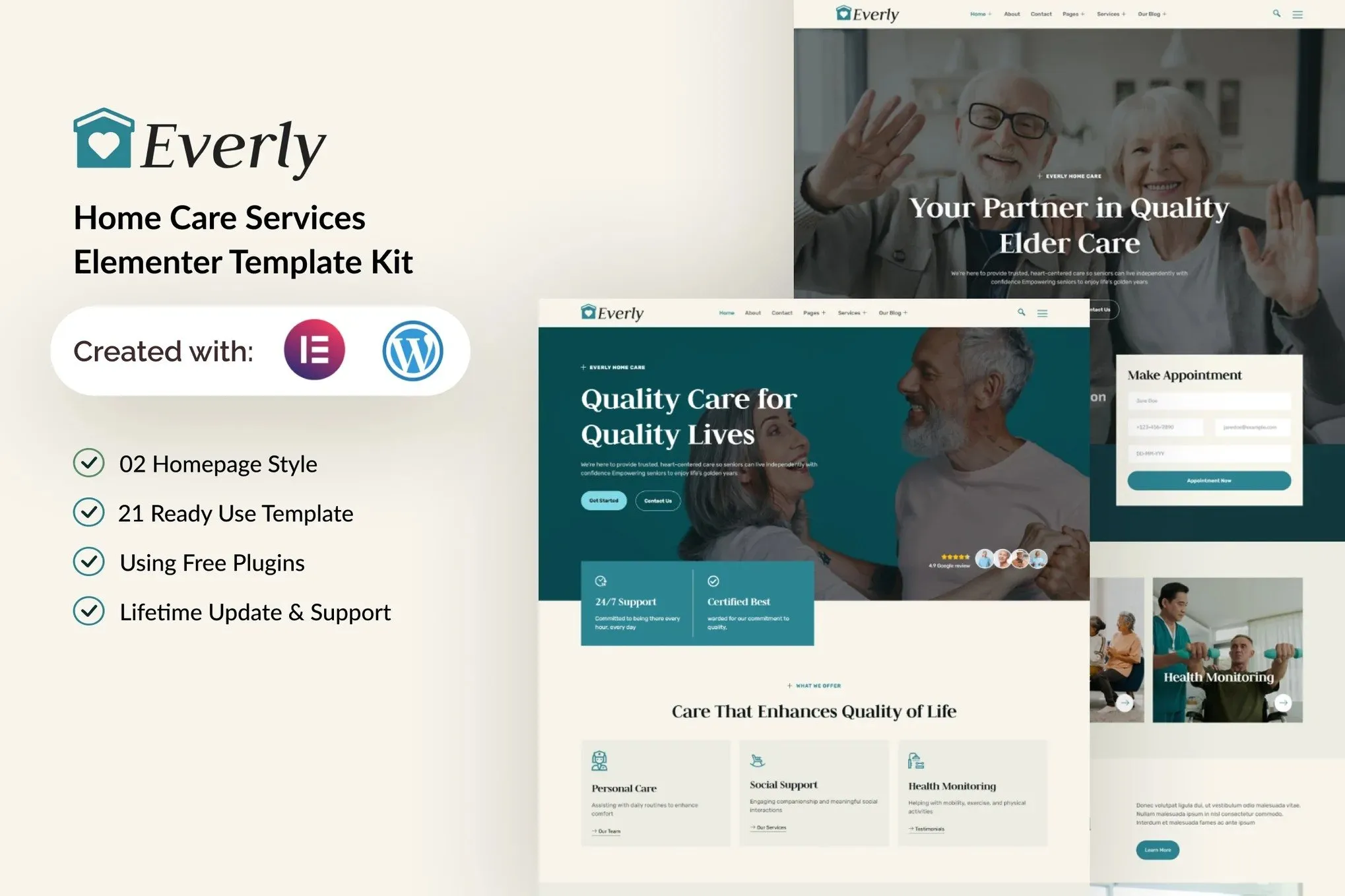
Everly is an Elementor template kit specifically designed for home care providers, nursing homes, and senior care services. It features a clean and minimalist design with a modern layout style, suitable for the Elementor Free version. This kit is easy to customize and can be used by anyone without coding knowledge.
Overview
This template kit includes 21+ Templates and 16 Pages, allowing you to quickly create a professional-looking website.
Features
- Using Free Plugins : Elementor Pro is not required
- Modern, Unique, and Clean Design
- 21+ Ready-to-Use Templates
- 16 Ready-to-Use Pages
- Fully Responsive Layout
- Fully Customizable
- Cross Browser Compatibility: Chrome, Firefox, Safari, Opera
- Lifetime Update & Support
Templates Include
- Global Theme Style
- Home 01
- Home 02
- About
- Services 01
- Services 02
- Service Detail
- Testimonials
- FAQs
- Pricing
- Team
- Blog Post
- Single Post
- Contact
- 404 Page
- Header
- Footer
- Header Off Canvas
- Form Contact
- Form Appointment
- Form Newsletter
- Form Comment
Required Plugins
- Elementor
- ElementsKit Lite
- MetForm
- Gum Elementor Addon
If you have Elementor Pro, skip the installation of Metform and form blocks.
- Import the metform block templates.
- Import the page template where the form appears and right-click to enable the Navigator.
- Locate and select the Metform widget and click Edit Form. Choose New, then Edit Form. The builder will appear.
- Click Add Template (gray folder icon).
- Click the My Templates tab.
- Choose your imported metform template, then click Insert (click No for page settings).
- Once the template is loaded, make any desired customizations and click Update & Close. The form will appear in the template.
- Click Update.
If you have Elementor Pro, headers and footers should be added under Templates > Theme Builder.
- Import the header and footer template.
- Go to ElementsKit > Header Footer, select Header, and click Add New.
- Give it a title, leave Entire Site selected, and toggle Activation to On.
- Click the template title and Edit Content.
- Click the gray folder icon and select the header template to import and Update.
- Repeat for Footer











Reviews
There are no reviews yet.