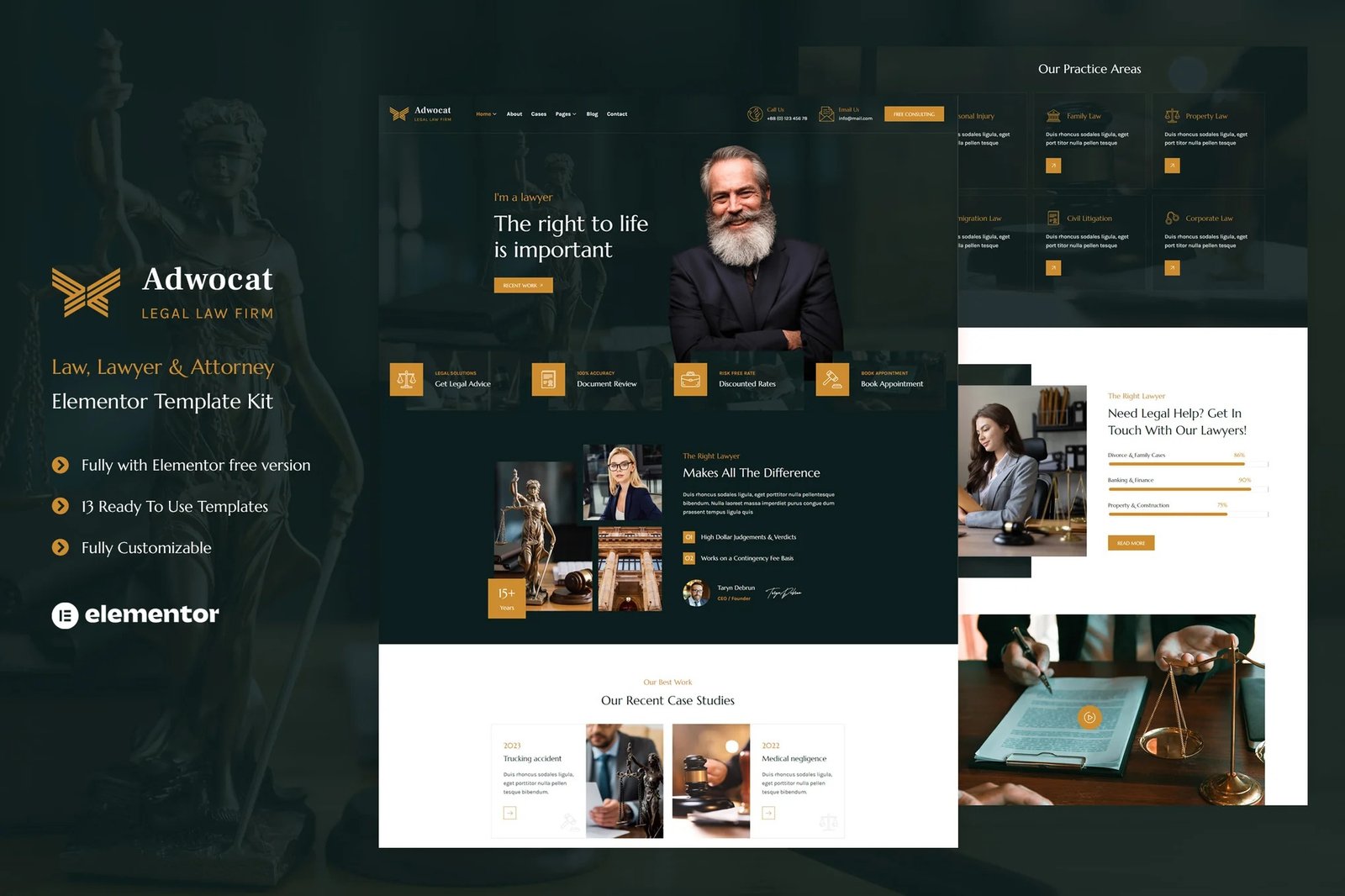
Adwocat template kit is a professionally designed and feature-rich theme specifically tailored for law firms, legal professionals, and attorneys. With its sleek and modern design, it provides a professional online presence for legal businesses, helping them showcase their expertise and attract potential clients.
With the help of this template kit (around 34 sections) you can create websites for various legal professionals, law firms, and related businesses. Adwocat is best for Attorneys and Lawyers, Legal Consultants, Legal Advocacy Organizations, Legal Blogs and Publications and etc.
Templates
- Home
- Home 2
- About
- Cases
- Attorneys
- Attorney Detail
- Practice Areas
- Services
- Gallery
- Pricing
- FAQ
- Blog
- Contact
- Header Section
- Footer Section
- Hero Image Section
- Hero Image Section 2
- Services Section
- Services Section 2
- About Section
- Case Studies Section
- Practice Areas Section
- Practice Areas Section 2
- Testimonials Section
- Top Verdcts Section
- Fun Facts Section
- Team Section
- Latest News Section
- Skills Content Section
- Video Section
- Contact Section
- Pricing Section
- Metform ? Newsletter Form
- Metform ? Contact Form
Features:
- Premium Quality
- Low Cost
- 13 Pre made demos
- Clean & Modern Design
- Fully customizable
Plugins installed with kit
- ElementsKit Lite
- Jeg Elementor Kit
- MetForm
How to Import Metforms
- Import the metform block templates
- Import the page template where the form appears and right-click to enable the Navigator
- Locate and select the Metform widget and click Edit Form. Choose New, then Edit Form. The builder will appear
- Click ?Add Template? grey folder icon.
- Click ?My Templates? tab.
- Choose your imported metform template, then click ?Insert? (click No for page settings).
- Once the template is loaded, make any desired customizations and click ?Update & Close? The form will appear in the template
- Click Update
How to setup header in Jeg Elementor Kit plugin
- Go to Jeg Elementor Kit menu item > Header Template
- Click Add New Header
- Add condition > All Site and click Create
- Click gray folder icon to access My Templates tab
- Insert the header template.
- Customize and Save.












Reviews
There are no reviews yet.