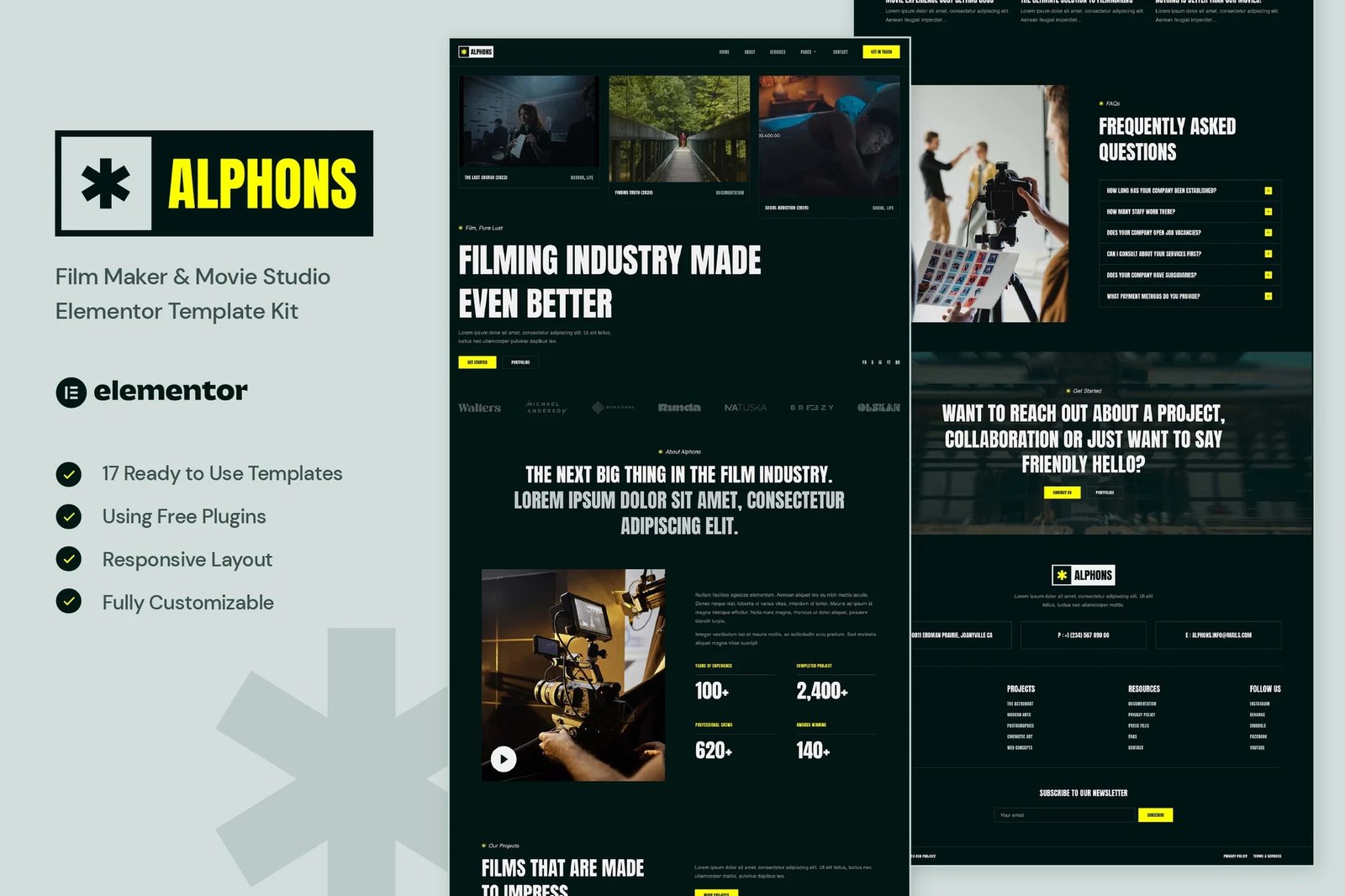
Alphons ? Film Maker & Movie Studio Elementor Template Kit (NOT a WordPress Theme) created especially for Film Maker, Movie Studio, Production House, Videography, Photography, Creative Agency or any type of business who wants to publish the services in a professional way. Alphons has a simple, modern and clean design with 100% responsive layout, and very easy to customize and can be used by anyone without having to understand coding.
This template kit includes stunning carefully crafted 13 Pages and 17 Stunning Templates, you can build your professional-looking website just a click away.
Features
- Using Free Elementor (Elementor Pro is not required)
- Unique & Clean Design
- 13 Ready to Use Pages
- 17 Ready to Use Templates
- Fully Responsive Layout
- Fully Customizable
- Cross Browser Compatibility: Chrome, Firefox, Safari, Opera
Templates Include
- Global Theme Style
- Home
- About
- Services
- Projects
- Project Detail
- Testimonial
- FAQs
- Team
- Pricing
- Blog
- Single Post
- Contact
- 404 Page
- Header
- Footer
- Form Contact
- Form Newsletter
Required Plugin
- Elementor
- ElementsKit Lite
- MetForm
- Gum Elementor Addon
Creating pages
- Go to Pages and create a new page and click Edit with Elementor
- Click the gear icon at lower-left of the builder to view page settings and choose Elementor Full Width and hide page title
- Click the gray folder icon to access My Templates tab and then Import the page you?d like to customize.
- The home page is set under Settings > Reading by selecting Static Front Page.
How to Import Metforms
If you have Elementor Pro, skip install of Metform and form blocks.
- Import the metform block templates
- Import the page template where the form appears and right-click to enable the Navigator
- Locate and select the Metform widget and click Edit Form. Choose New, then Edit Form. The builder will appear
- Click ?Add Template? grey folder icon.
- Click ?My Templates? tab.
- Choose your imported metform template, then click ?Insert? (click No for page settings).
- Once the template is loaded, make any desired customizations and click ?Update & Close? The form will appear in the template
- Click Update
Setup Global Header and Footer
- Import the header and footer template
- Go to ElementsKit > Header Footer select Header and click Add New
- Give it a title, leave Entire Site selected and toggle Activation to On
- Click the template title and Edit Content
- Click the gray folder icon and select the header template to import and Update
- Repeat for Footer
If you have Elementor Pro, headers and footers are customized under Templates > Theme Builder.
Make Sure You Have Enabled ?Flexbox Container??
- In the Dashboard go to Elementor > Settings > Features
- Go to ElementsKit > Header Footer select Header and click Add New
- Scroll down until you find ?Flexbox Container? > Active












Reviews
There are no reviews yet.