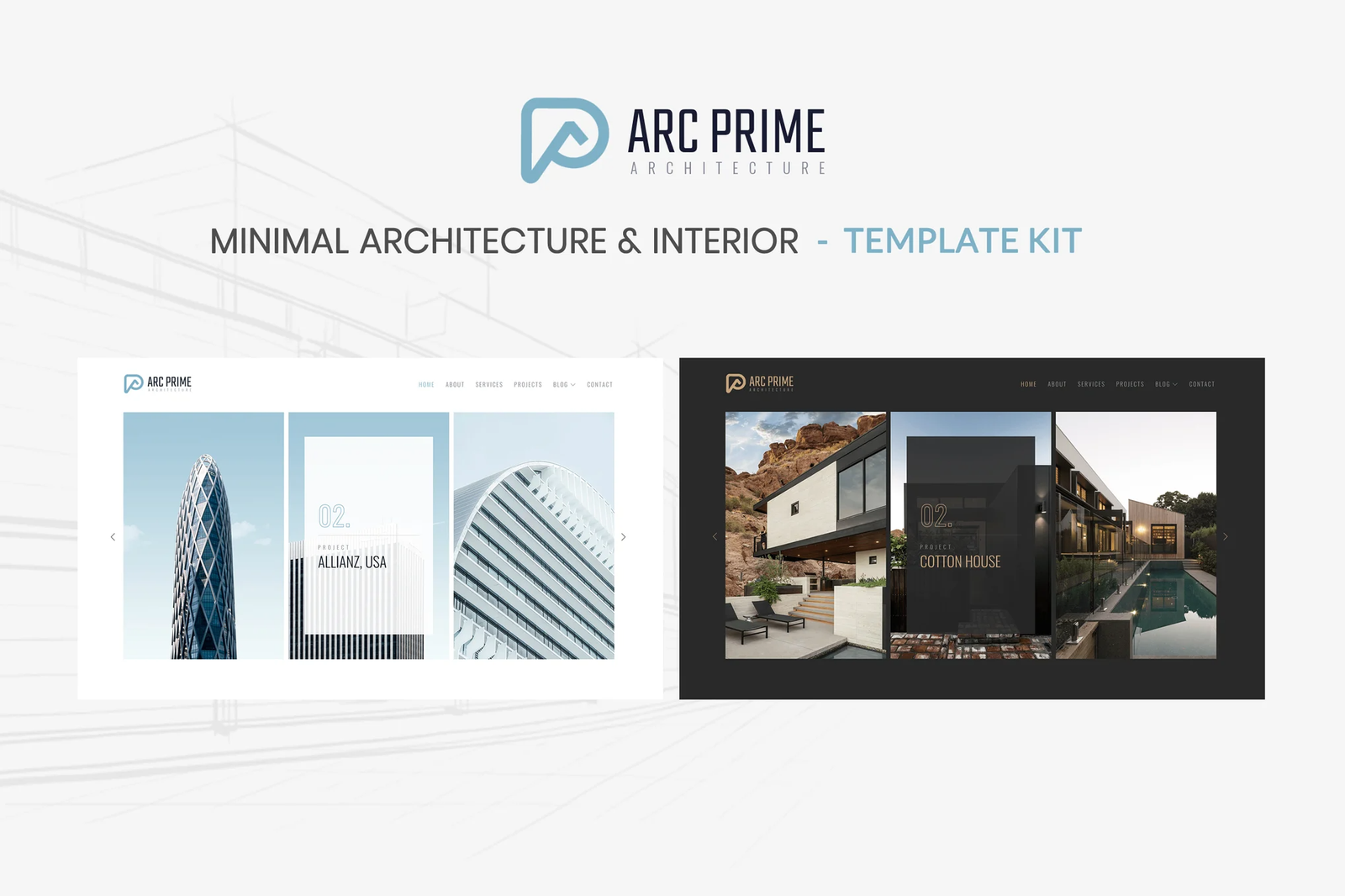
Arc Prime ? Architecture & Interior Template Kit is perfect if you like a minimal, clean and modern design. This Template Kit is ideal for architecture companies, interior studio, construction, furniture and those who need an easy, attractive and effective way to share their work with clients.
This is an Elementor Template Kit, not a WordPress Theme. We recommend installing Hello Elementor Theme from Appearance > Themes >Add New in WordPress before using this kit
Features
- True no-code customization with drag and drop visual builder
- Customize fonts and colors in one place or fine-tune on individual elements
- Modern, professional design
- Fast-loading
- Works with most Elementor themes.
Required Plugins (installed with kit)
- Elementor
- ElementsKit Lite
- MetForm
How to Import Metforms
- Import the metform block templates
- Import the page template where the form appears and right-click to enable the Navigator
- Locate and select the Metform widget and click Edit Form. Choose New, then Edit Form. The builder will appear
- Click ?Add Template? grey folder icon.
- Click ?My Templates? tab.
- Choose your imported metform template, then click ?Insert? (click No for page settings).
- Once the template is loaded, make any desired customizations and click ?Update & Close? The form will appear in the template
- Click Update
Setup Global Header and Footer in Header Footer & Blocks plugin
- Import the header and footer template
- Go to Appearance > Header Footer and click Add New button
- Give it a title and select Header, Display on Entire Site and click Publish
- Click Edit with Elementor
- Click the gray folder icon to access My Templates tab and select the header template to import and Update.
- Repeat for Footer
How to Setup Slides & Tabs
1.Import the slide/tab block.You may import more than once and find copies under Templates > Saved Templates to customize.
2.Import the template where the slides/tabs appear.
3.Right click the page to open the Navigator and locate the Carousel or Tabs widget
4.Select the slide or tab template from the dropdowns on the general tab of the element options.











Reviews
There are no reviews yet.