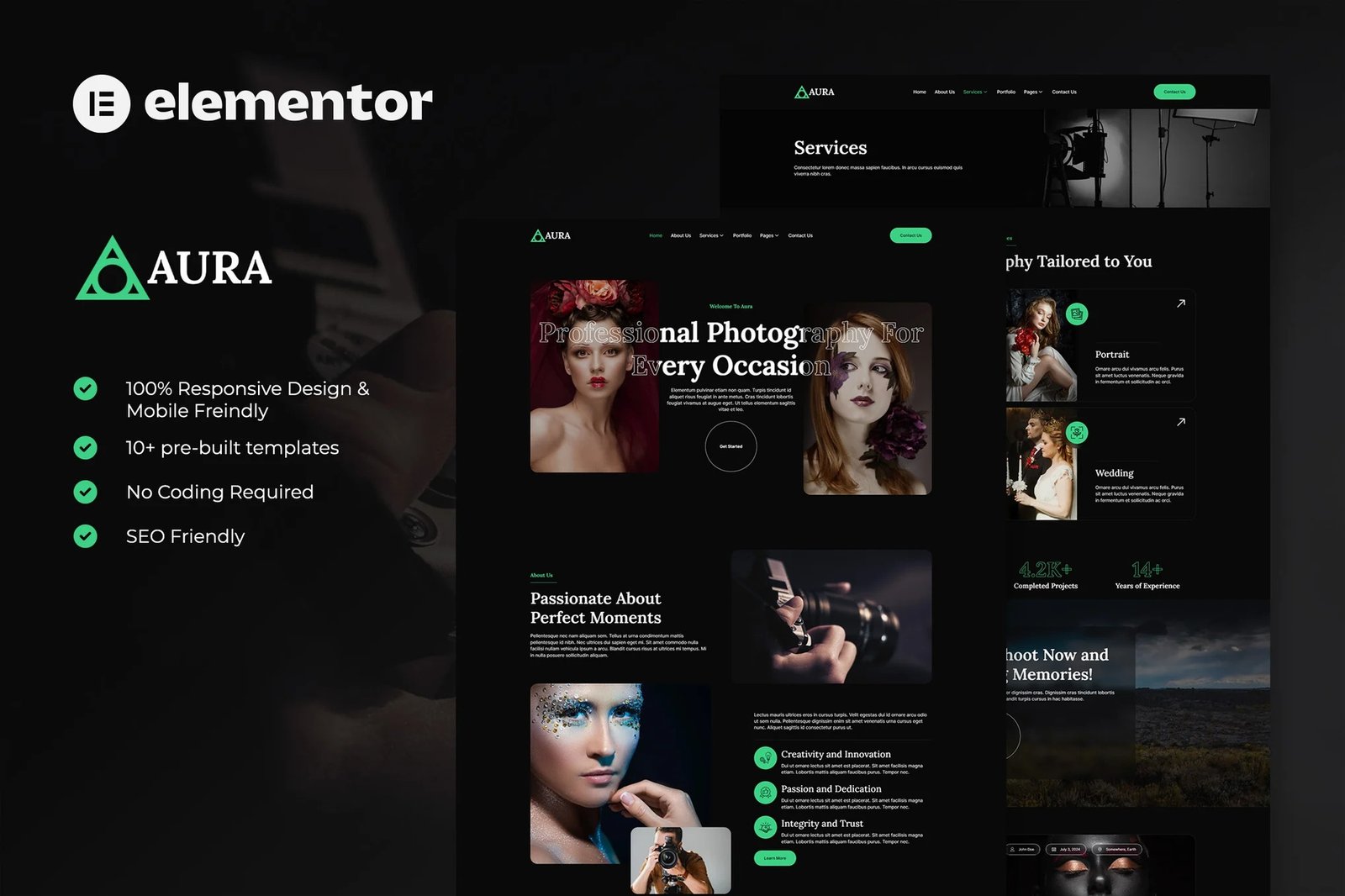
Aura is modern and elegant elementor template kits for creative & photography portfolio website. You can also use this creative template kit for photographer, agency, designer, videography, photo studios and any other related business. You can effortlessly showcase your portfolio in photography and its benefits.
Elementor Template Kits contain page content for Elementor page builder. This kit has been optimized for use with the free Hello Elementor theme but may be used with most themes that support Elementor.
Layout Features:
- 100% Responsive & Mobile-friendly
- Modern clean design
- Easy to Edit & Customize
- 12+ pre-built templates ready to use
- Template kit built with Hello Elementor Theme
Template Include :
- Home
- About
- Services
- Service Detail
- Portfolio
- Pricing Plan
- Our Team
- FAQs
- 404 Page
- Blog Archive
- Single Post
- Contact
- Header
- Footer
- MetForm Newsletter
- MetForm Comment
- MetForm Contact
Addons installed with kit :
- Elementor
- ElementsKit Lite
- MetForm
- Jeg Elementor Kit
- Skyboot Custom Icons for Elementor
Creating pages
- Go to Pages and create a new page and click Edit with Elementor
- Click the gear icon at lower-left of the builder to view page settings and choose Elementor Full Width and hide page title
- Click the gray folder icon to access My Templates tab and then Import the page you?d like to customize.
- The home page is set under Settings > Reading by selecting Static Front Page.
How to Import Metforms
If you have Elementor Pro, skip install of Metform and form blocks.
- Import the metform block templates
- Import the page template where the form appears and right-click to enable the Navigator
- Locate and select the Metform widget and click Edit Form. Choose New, then Edit Form. The builder will appear
- Click ?Add Template? grey folder icon.
- Click ?My Templates? tab.
- Choose your imported metform template, then click ?Insert? (click No for page settings).
- Once the template is loaded, make any desired customizations and click ?Update & Close? The form will appear in the template
- Click Update
How to setup header in Jeg Elementor Kit plugin
If you have Elementor Pro, headers and footers may be customized under Theme Builder.
- Go to Jeg Elementor Kit menu item > Header Template
- Click Add New Header
- Add condition > All Site and click Create
- Click the pencil icon to Edit and elementor will appear
- Click gray folder icon to access My Templates tab
- Insert the header template.
- Customize and Save.












Reviews
There are no reviews yet.