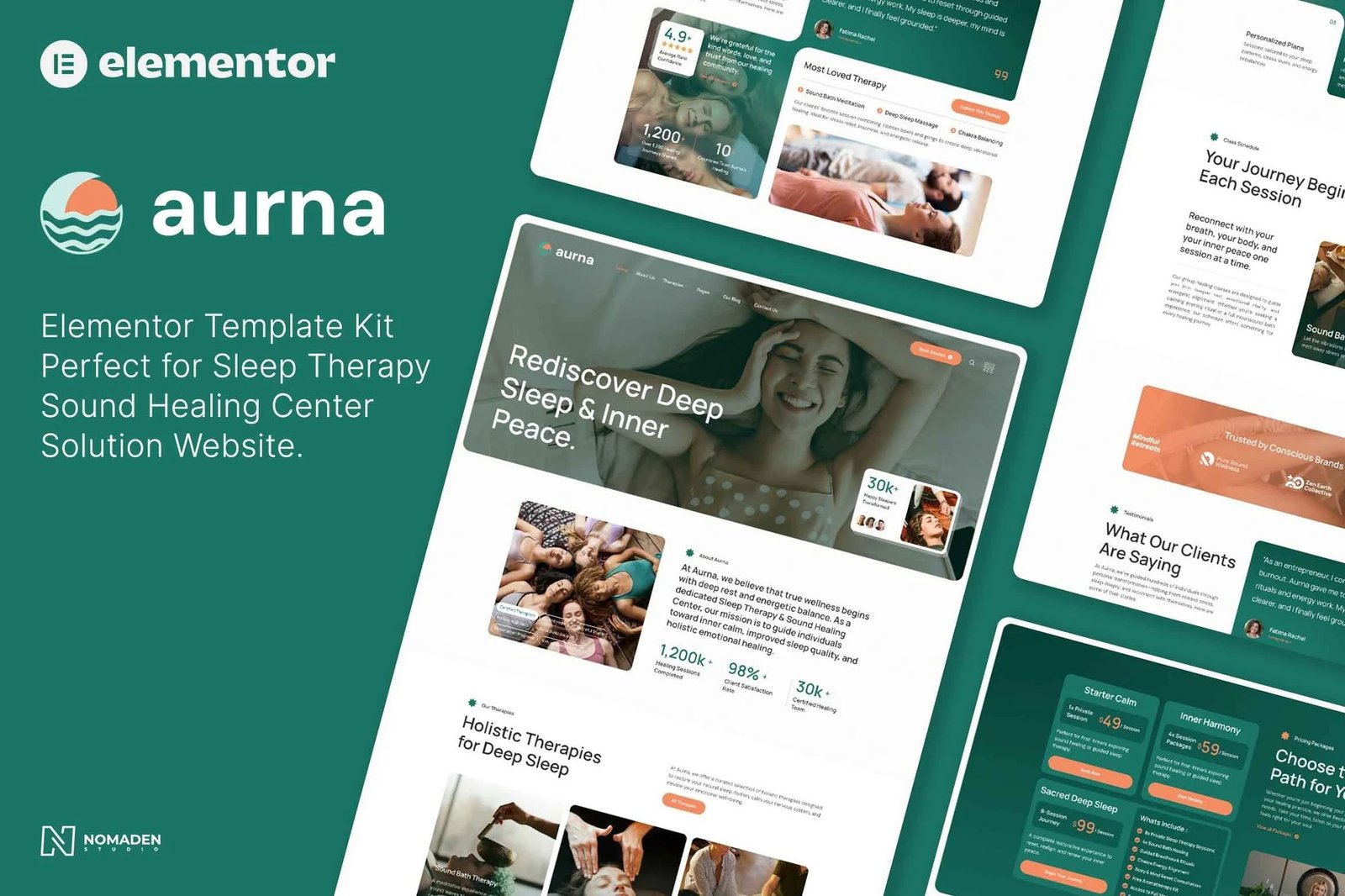
Aurna is a peaceful and professionally designed Elementor Template Kit crafted specifically for Sleep Therapy & Sound Healing Center websites. Whether you run a holistic studio, offer sound bath sessions, breathwork, or sleep coaching, Aurna helps you present your services beautifully and mindfully.
With a soothing design style, Aurna ensures a fully responsive layout, easy setup, and hassle-free customization—perfect for wellness practitioners of any experience level. No coding skills are required, thanks to seamless Elementor integration, making it easy to build an elegant, conversion-ready site in minutes.
The kit is optimized for use with the free Hello Elementor theme, guaranteeing fast performance and a smooth editing experience.
Our kit also supports wellness creators in showcasing therapists, appointment systems, pricing packages, and calming visual storytelling—all aligned to promote trust, rest, and transformation.
Layout Features:
- Calm and Modern Design
- Cross-Browser Compatibility
- Using Free Plugins (Elementor Pro is Not Required)
- 100% Responsive & Mobile-Friendly
- 19+ Page Templates Ready to Use
- Customize Fonts and Colors Easily with Global Kit Styles
What’s Included in the Zip:
- Homepage
- About Us
- Our Therapies
- Book Appointment
- Class Schedule
- Pricing Plans
- Our Therapist
- Testimonials
- Gallery
- Blog
- Single Post
- FAQ
- Contact Us
- 404 Error Page
- Header
- Footer
- Offcanvass
- MetForm – Newsletter
- MetForm – Contact
- MetForm – Booking Form
Plugins Installed with Kit:
- ElementsKit Lite
- Jeg Elementor Kit
- TablePress
- MetForm
How to Import MetForms:
If you have Elementor Pro, skip installing MetForm and its block templates.
- Import the MetForm block templates
- Import the page template where the form appears, then right-click to enable Navigator
- Locate and select the MetForm widget, click Edit Form
- Choose New, then click Edit Form
- Click the gray folder icon → go to My Templates
- Select your imported MetForm, click Insert
- Make custom edits, click Update & Close
- Click Update on the main template
Setup Global Header and Footer in ElementsKit:
- Import the header and footer templates
- Go to ElementsKit > Header Footer, click Add New
- Name the header, keep Entire Site selected, and toggle Activation ON
- Click Edit Content, open template folder, import your header
- Select navigation menu inside the header, then click Update
- Repeat the same for footer template












Reviews
There are no reviews yet.