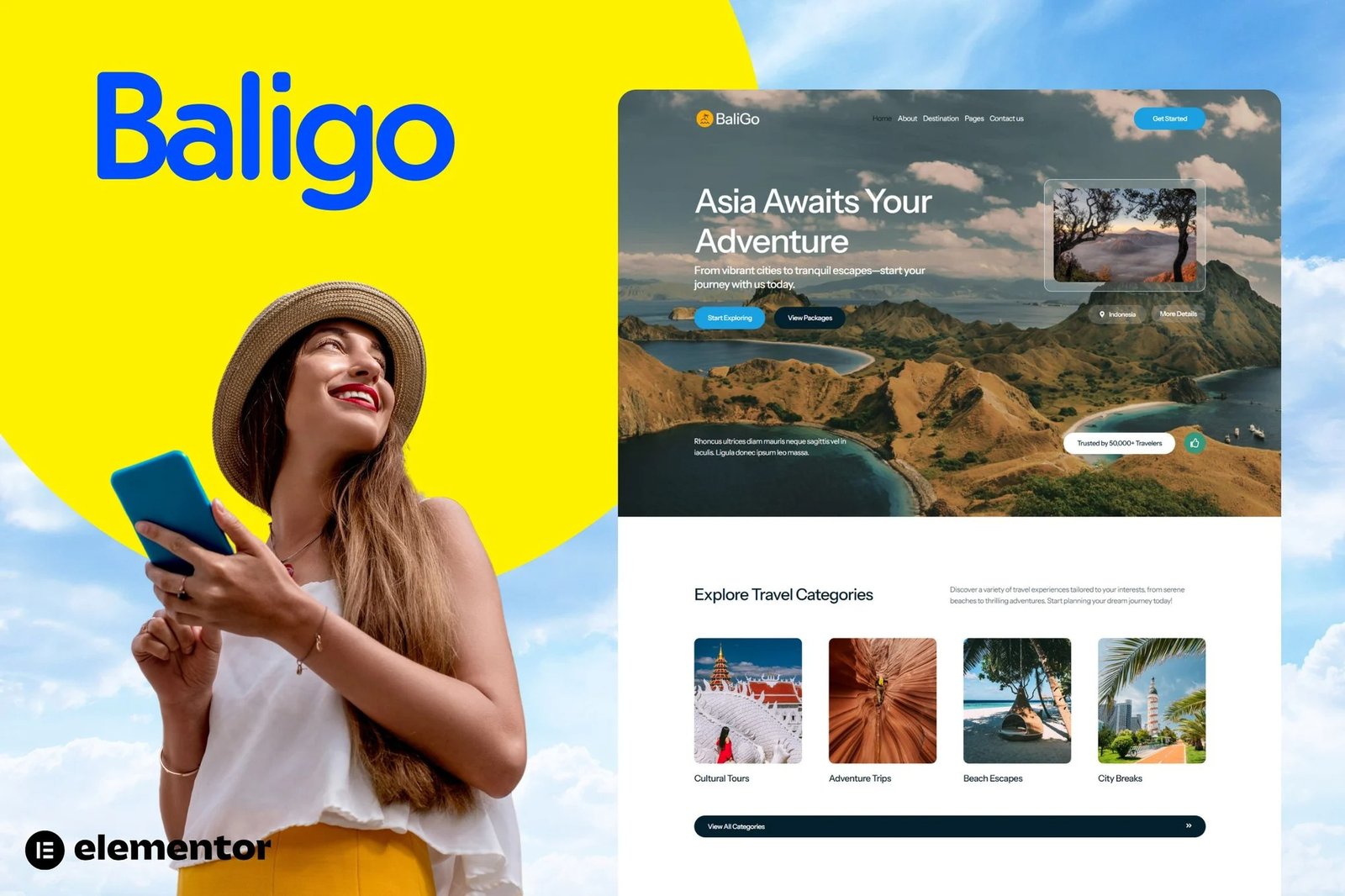
Baligo is a stunning Elementor Kit crafted specifically for Asian travel agencies and tour operators. With its vibrant and elegant design, Baligo captures the essence of adventure and exploration. This template is perfect for showcasing breathtaking destinations, exclusive tour packages, and captivating travel galleries. It?s fully responsive, ensuring seamless browsing on any device, and comes with user-friendly customization options to align perfectly with your brand identity.
Baligo is the ideal choice for travel agencies, tour operators, and travel bloggers looking to promote exotic Asian destinations and curated travel experiences. Its intuitive layout helps you engage visitors, provide detailed package information, and guide users effortlessly toward booking their dream trips.
Features
- True no-code customization with drag and drop visual builder
- Customize fonts and colors in one place or fine-tune on individual elements
- Modern, professional design
- Fast-loading
- Works with most Elementor themes.
Note: This is a headless eCommerce solution to be integrated with the cart plugin or platform of your choice.
Pages:
- Home
- About Us
- Destination
- Destination Details
- Tour Package
- Package Details
- Gallery
- Help Center
- Contact Us
- Error 404
Plugins installed with kit
- The Plus Addons for Elementor
- Jeg Elementor Kit
- Metform
How to Import Metforms
If you have Elementor Pro, skip install of Metform and form blocks.
- In a new page, Insert the page template where the form appears and right-click to enable the Navigator
- Locate and select the Metform widget and click Edit Form.
- Select a form, then Edit Form. The builder will appear
- Once the template is loaded, make any desired customizations and click ?Update & Close? The form will appear in the template
- Click Update
How to setup header in Jeg Elementor Kit plugin
If you have Elementor Pro, headers and footers may be customized under Theme Builder.
- Go to Jeg Elementor Kit menu item > Header Template
- Click Add New Header
- Add condition > All Site and click Create
- Click gray folder icon to access My Templates tab
- Insert the header template.
- Customize and Save.












Reviews
There are no reviews yet.