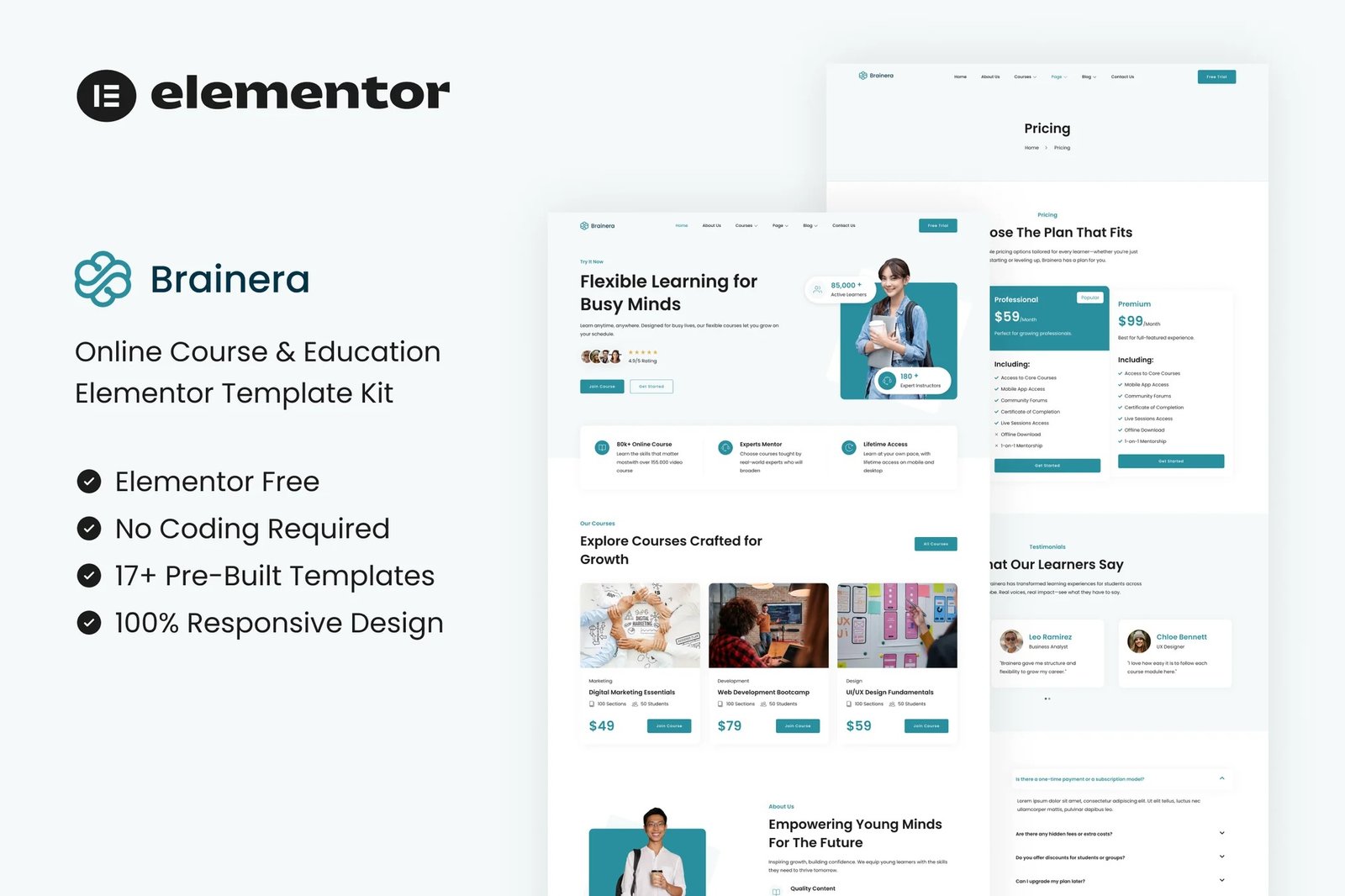
Brainera – Online Course & Education Elementor Template Kit is a modern and
clean template kit designed specifically for online learning platforms, course
providers, educational institutions, tutors, and coaching centers. Built with
Elementor, it offers a seamless editing experience without any coding
required. Brainera includes a full range of professionally designed pages such
as Home, Courses, About, Instructor, Pricing, Blog, Contact, and more—making
it easy to launch a fully functional educational website in minutes.
Optimized for performance, responsiveness, and SEO, Brainera ensures your
education platform looks great on all devices and ranks well in search
engines. Whether you’re promoting digital courses, webinars, or coaching
services, this template kit provides everything you need to engage students
and convert visitors. With global design settings, free fonts, and smooth
layouts, Brainera is the perfect solution to create a powerful online
education presence with ease.
Features:
- For Online Course & Education
- Fully With Elementor Free Version (Elementor Pro is not required)
- Simple, Modern and Clean Design
- No Coding Knowledge Required
- 17+ Ready To Use Templates
- Easy & Fully Customizable
Templates Include:
- Global Kit Style
- Home
- About Us
- Courses
- Course Detail
- Team
- Pricing
- Testimonials
- Blog
- Single Blog
- FAQ
- Contact Us
- Metform Contact
- 404 Page
- Coming Soon
- Header
- Footer
Plugins installed with kit:
How To Import Metform Costum Form
- Import metform template
- Import the template where the form appears, then edit in Elementor
- Click the Metform widget in the column where the form should be and click
Edit Form - Select New, leave blank selected then click Edit Form button
- Click ‘Add Template’ grey folder button
- Click ‘My Templates’ tab
- Choose your imported metform template, then click ‘Insert’
- Once the template is loaded, click ‘Update’
How to setup header in Jeg Elementor Kit plugin If you have
Elementor Pro, headers and footers may be customized under Theme Builder.
- Go to Jeg Elementor Kit menu item > Header Template
- Click Add New Header
- Add condition > All Site and click Create
- Click the pencil icon to Edit and elementor will appear
- Click gray folder icon to access My Templates tab
- Insert the header template.
- Customize and Save.











Reviews
There are no reviews yet.