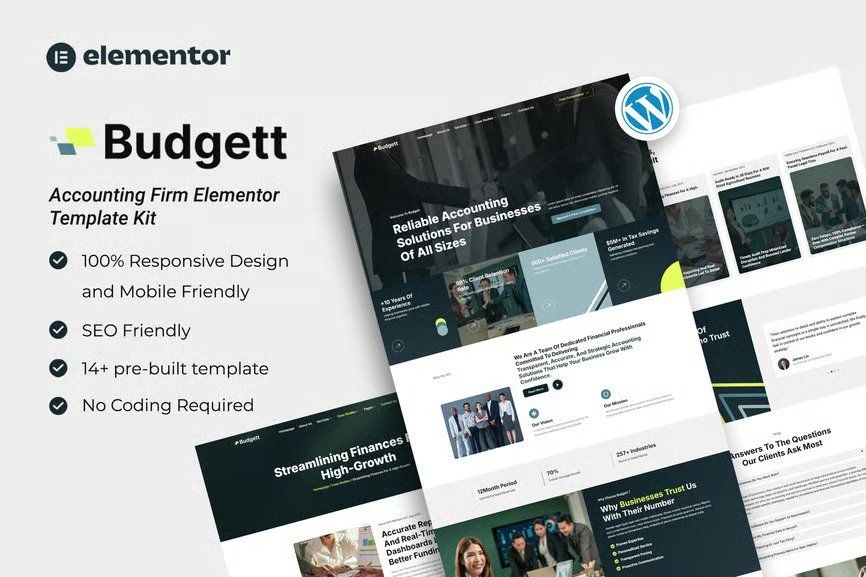
Budgett is a premium Elementor Template Kit crafted specifically for accounting firm website! Featuring a bold and modern design, this kit offers a fully responsive layout, hassle-free installation, and effortless customization — all without writing a single line of code. Built with Elementor, it’s the perfect solution to launch your site quickly and efficiently. Save time and make a strong impression online!
Packed with ready-to-use page layouts, this Template Kit is built for effortless page creation in Elementor — and it’s fully optimized for the blazing-fast ‘Hello Elementor’ theme, giving you a smooth and streamlined building experience.
Need help after your purchase? Our Support Center is just a click away. Count on our expert team to provide fast, reliable assistance whenever you need it.
Layout Features :
- Modern and Professional design
- Cross Browser Compatibility
- Using Free Plugins (Elementor Pro is not required)
- 100% Responsive & mobile-friendly
- 14+ Page templates ready to use
- Customize fonts and colors in one place (Global Kit Style)
What’s Included in the Zip :
- Homepage
- About Us
- Services
- Service Detail
- Case Studies
- Case Detail
- Team
- Pricing Plan
- FAQs
- Blog
- Contact Us
- Error 404
- Header
- Footer
Plugins installed with kit :
- Elementor
- ElementsKit
- MetForm
Creating pages
- Go to Pages and create a new page and click Edit with Elementor
- Click the gear icon at lower-left of the builder to view page settings and choose Elementor Full Width and hide page title
- Click the gray folder icon to access My Templates tab and then Import the page you’d like to customize.
- The homepage is set under Settings > Reading by selecting Static Front Page.
- If you have Elementor Pro, headers and footers are customized under Templates > Theme Builder.
If you have Elementor Pro, skip install of Metform and form blocks.
- Import the metform block templates
- Import the page template where the form appears and right-click to enable the Navigator
- Locate and select the Metform widget and click Edit Form. Choose New, then Edit Form. The builder will appear
- Click ‘Add Template’ grey folder icon.
- Click ‘My Templates’ tab.
- Choose your imported metform template, then click ‘Insert’ (click No for page settings).
- Once the template is loaded, make any desired customizations and click ‘Update & Close’ The form will appear in the template
- Click Update












Reviews
There are no reviews yet.