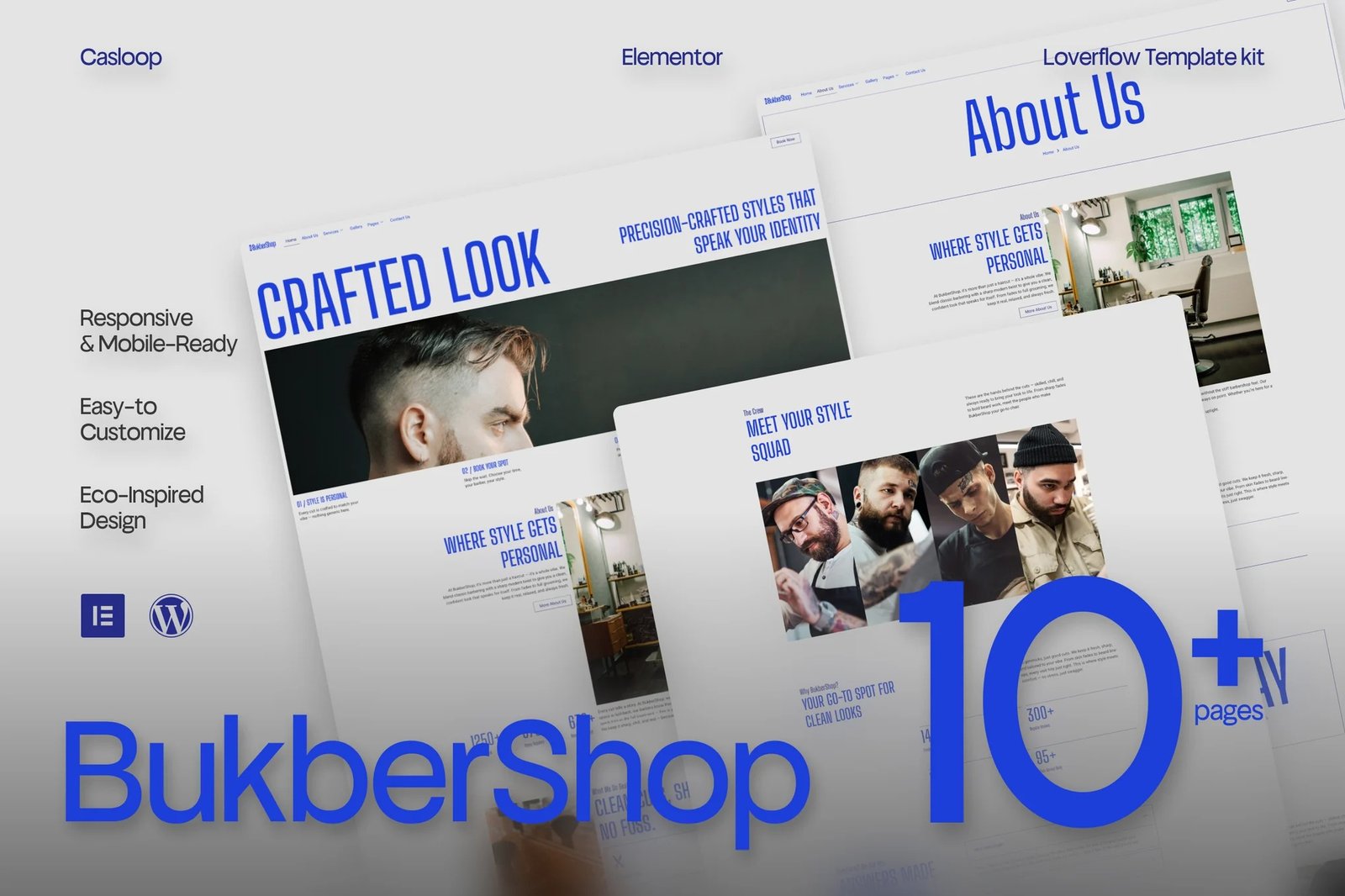
BukberShop is your fresh-cut digital presence — built for modern barbershops that care about both craft and culture.
This Elementor template kit blends sharp design with street-level charm, tailored for lifestyle-driven barbers who want their site to feel like a clean fade: smooth, bold, and effortless.
Urban, masculine, and confidently minimal — Barberflow makes your shop stand out without screaming. Just plug, style, and go. No coding. No stress. Just pure grooming energy, looped into a fully responsive, mobile-first design.
Designed with care. Built to perform.
Features Specification:
- 100% Elementor Free (No Pro Needed)
- Fully Responsive Layout (Desktop to Mobile Fade)
- Lightweight Performance (Built Fast, Loads Fast)
- Modern, Masculine Design Language
- Clean Section Structure & Easy Customization
- Smooth UX for Lifestyle Brands
- Designed for grooming services, bookings, and portfolios
- Typography tuned for bold readability
- SEO-friendly markup structure
- Casloop-crafted for charm & clarity
Pages Included:
- Home
- About Us
- Services
- Service Detail
- Gallery
- Pricing
- Team
- FAQs
- 404 Error
- Thank You
- Contact Us
Blocks Included:
- Header
- Footer
Included Plugins:
- Elementor
- Jeg Elementor Kit
- Met Form
How to setup header in Jeg Elementor Kit plugin If you have Elementor Pro, headers and footers may be customized under Theme Builder.
- Go to Jeg Elementor Kit menu item > Header Template
- Click Add New Header
- Add condition > All Site and click Create
- Click the pencil icon to Edit and elementor will appear
- Click gray folder icon to access My Templates tab
- Insert the header template.
- Customize and Save.
How to Import Metforms If you have Elementor Pro, skip install of Metform and form blocks.
- Import the metform block templates
- Import the page template where the form appears and right-click to enable the Navigator
- Locate and select the Metform widget and click Edit Form. Choose New, then Edit Form. The builder will appear
- Click ‘Add Template’ grey folder icon.
- Click ‘My Templates’ tab.
- Choose your imported metform template, then click ‘Insert’ (click No for page settings).
- Once the template is loaded, make any desired customizations and click ‘Update & Close’ The form will appear in the template
- Click Update












Reviews
There are no reviews yet.