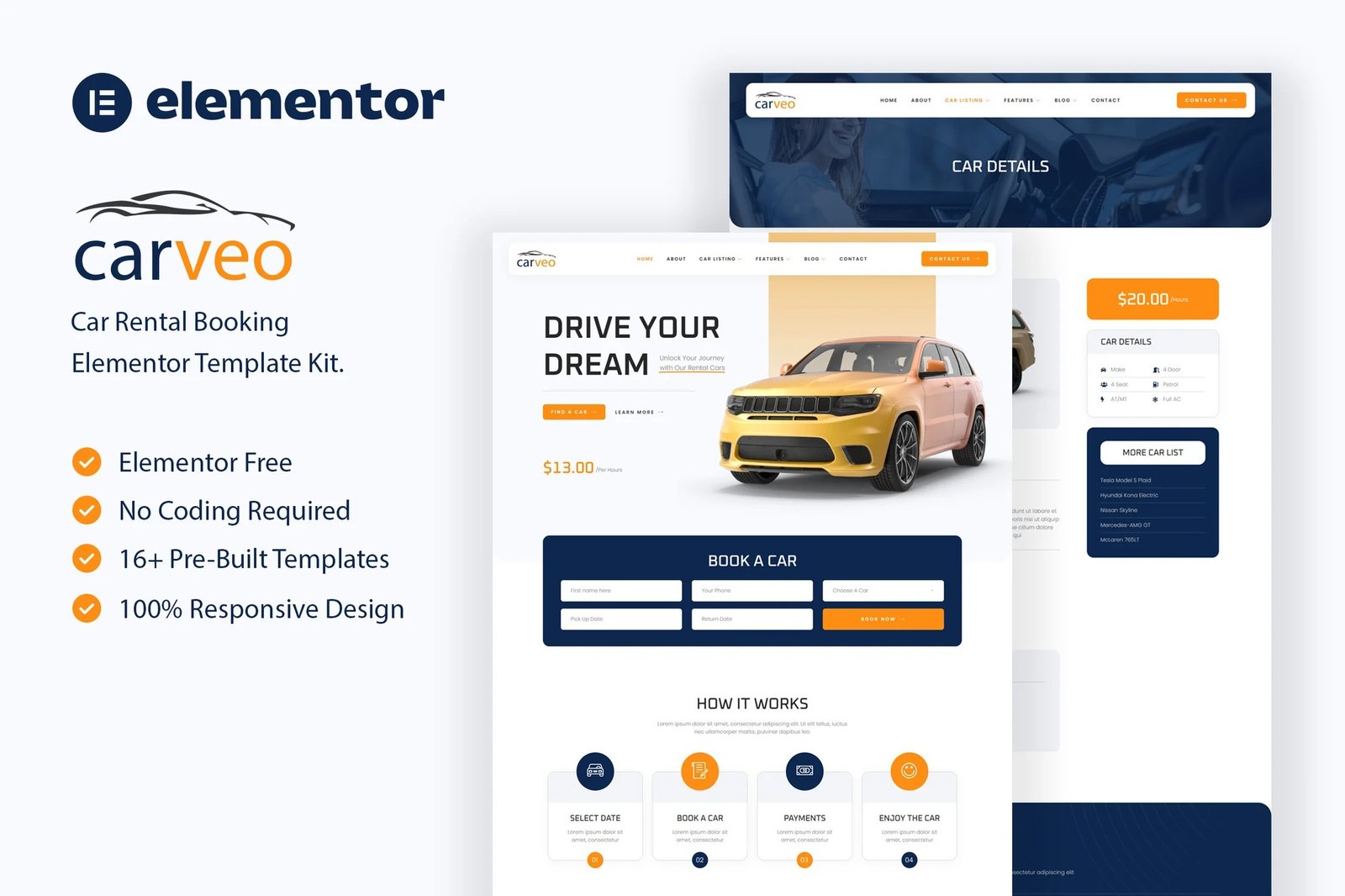
Carveo is an Elementor Template Kit for building websites in WordPress with the Elementor Page builder plugin. Elevate your car rental business with a seamless, user-centric experience for both rental providers and customers.
This comprehensive template kit includes a versatile collection of 16+ meticulously designed templates, covering essential pages such as the homepage, car listings, booking, and more. Each template is thoughtfully crafted to showcase your fleet, simplify the reservation process, and enhance the overall rental experience.
Empower your brand with Carveo?s fully responsive design, ensuring a flawless presentation on any device. Built on the versatile Elementor platform, customization is effortless, allowing you to infuse your unique brand identity seamlessly.
Features:
- Fully With Elementor Free Version (Elementor Pro is not required)
- Simple, Modern and Clean Design
- No Coding Knowledge Required
- 16+ Ready To Use Templates
- Responsive & Retina Ready
- Easy & Fully Customizable
Templates Include:
- Global Kit Styles
- Home
- About
- Car Listing
- Car Details
- Our Team
- FAQ
- 404 Page
- Coming Soon
- Blog
- Single Blog
- Contact
- Header
- Footer
- Metform Booking
- Metform Contact
Required Plugin:
- Elementor
- Jeg Elementor Kit
- MetForm
How To Import Metform Costum Form
- Import metform template
- Import the template where the form appears, then edit in Elementor
- Click the Metform widget in the column where the form should be and click Edit Form
- Select New, leave blank selected then click Edit Form button
- Click ?Add Template? grey folder button
- Click ?My Templates? tab
- Choose your imported metform template, then click ?Insert?
- Once the template is loaded, click ?Update?











Reviews
There are no reviews yet.