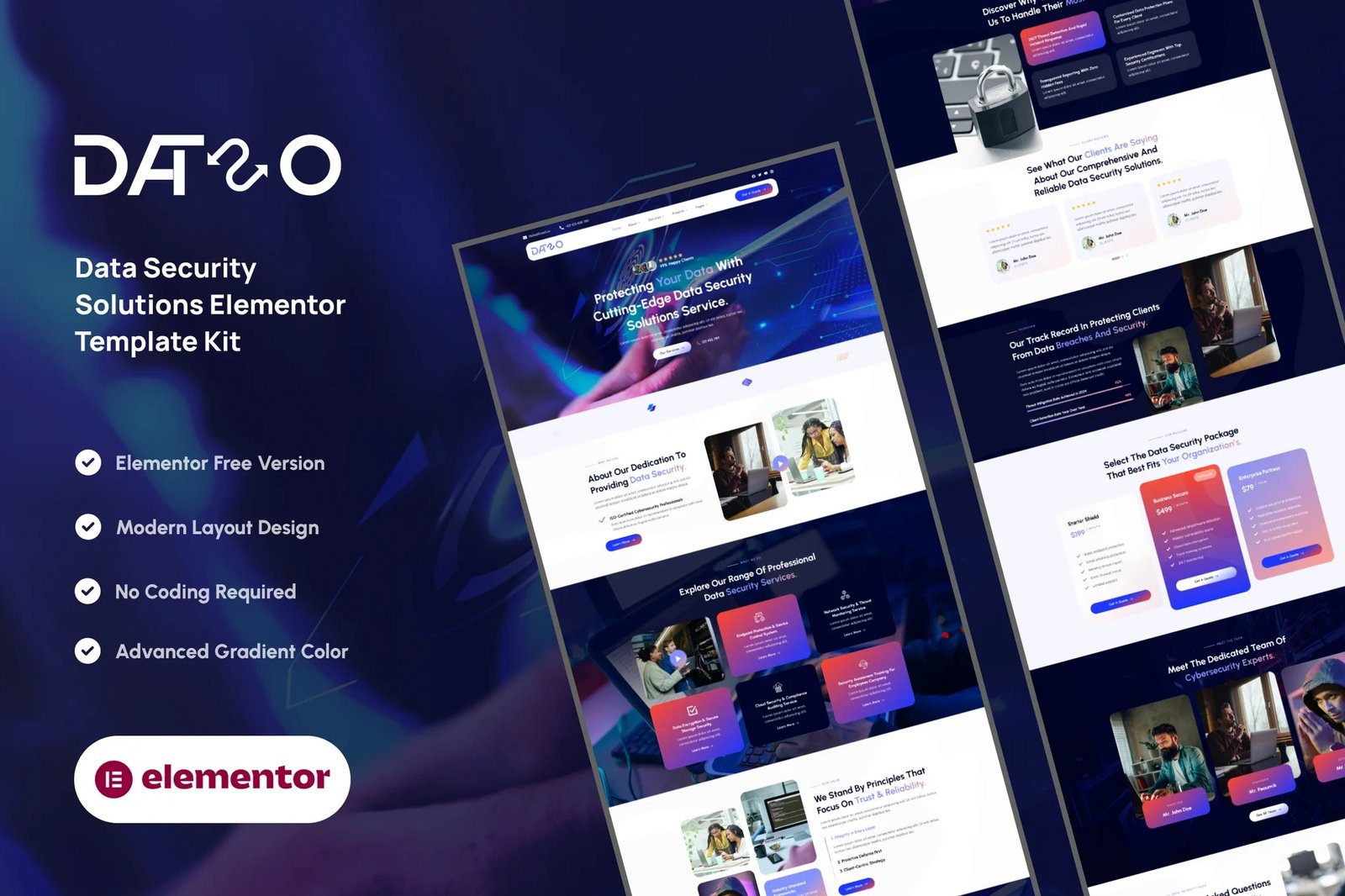
Dataso – Data Security Solutions Elementor Template Kit is a professional and modern layout pack for the Elementor page builder WordPress plugin, designed for use with the free version of Elementor. Perfect for cybersecurity companies, data protection services, IT consulting firms, and technology startups, this kit helps you create a trustworthy and high-impact website without using Elementor Pro.
Build a strong digital presence by showcasing your services, expertise, and client trust with Dataso. Fully responsive and easy to customize, this SEO-friendly kit ensures your site is fast, secure, and visually compelling across all devices.
Key Features:
Clean and High-Tech Design:
Dataso features a sleek, tech-oriented design that builds trust and conveys data protection expertise to your visitors.
Fully Responsive:
Your website will look perfect on desktops, tablets, and smartphones. Dataso adapts seamlessly to every screen size.
Easy Customization with Elementor:
Built using the free version of Elementor – no coding or Pro upgrade required. Drag and drop to adjust content, colors, and layouts.
Optimized for Performance:
Dataso is built lightweight and fast, with SEO-friendly structure and smooth loading on all devices and networks.
Cross-Browser Compatible:
Works flawlessly on all modern browsers: Chrome, Firefox, Safari, Edge, and more.
No Pro upgrade required
Template Pages Included:
- Home
- About Us
- Our Team
- Our Services
- Detail Service
- Our Pricing
- Our Projects
- Detail Project
- Contact Us
- FAQs
- Testimonials
- 404
- Blog
- Single Blog
- Global Style
- Block – Header
- Block – Footer
- MetForm – Contact Form
- MetForm – Submit Question
- MetForm – Subscribe Form
Template Features:
- No Pro Plugin Needed
- True No Coding Required
- Global Theme Style
Required Plugins installed with kit
Creating pages
- Go to Pages and create a new page and click Edit with Elementor
- Click the gear icon at lower-left of the builder to view page settings and choose Elementor Full Width and hide page title
- Click the gray folder icon to access My Templates tab and then Import the page you’d like to customize.
- The home page is set under Settings > Reading by selecting Static Front Page.
Setup Global Header and Footer in ElementsKit
- Import the header and footer template
- Go to ElementsKit > Header Footer select Header and click Add New
- Give it a title, leave Entire Site selected and toggle Activation to On
- Click the template title and Edit Content
- Click the gray folder icon and select the header template to import and Update.











Reviews
There are no reviews yet.