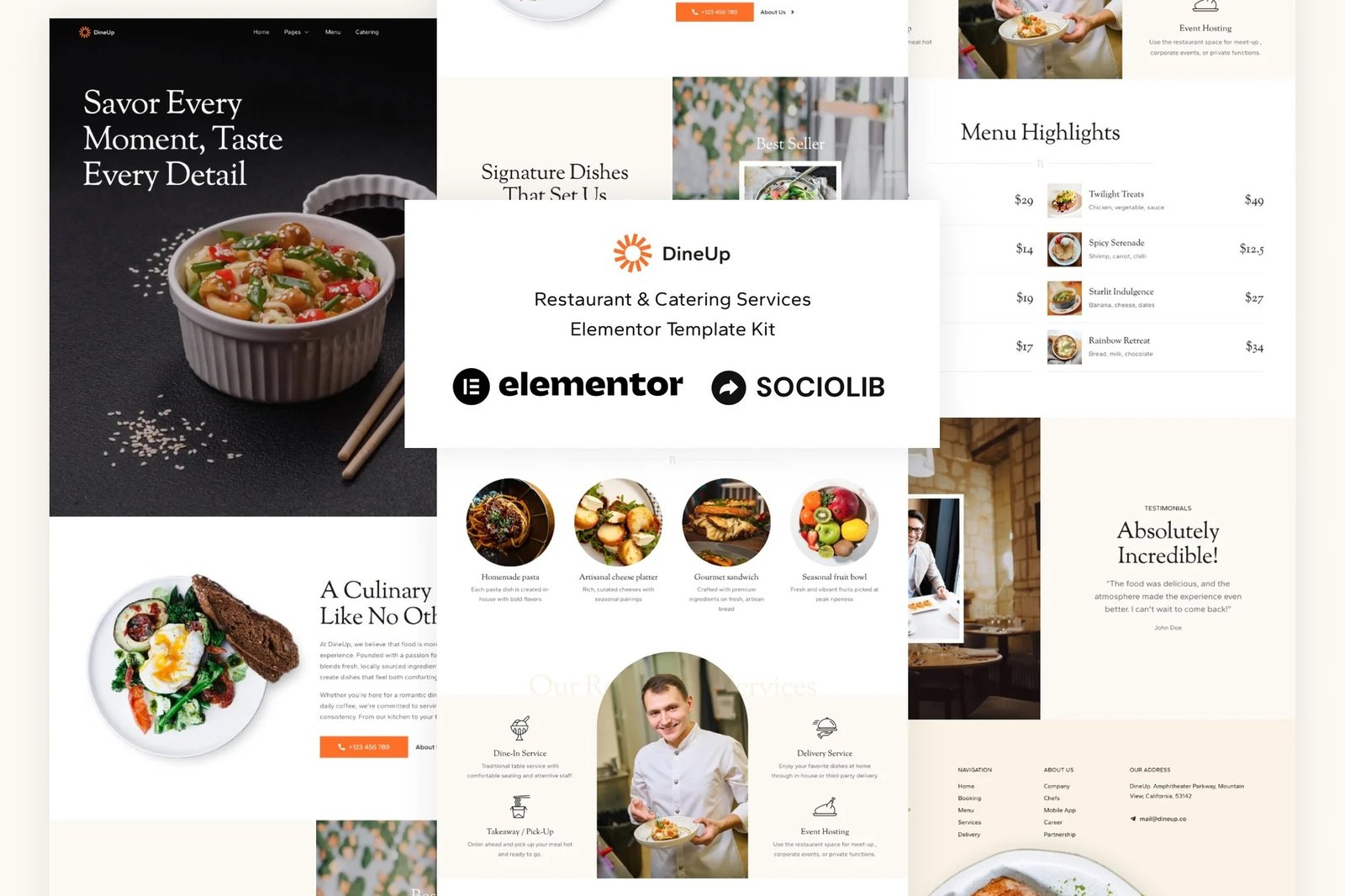
DineUp is an Elementor Template Kit for quickly and easily creating Restaurant & Catering Service website using the Elementor Page Builder plugin for WordPress. Suitable for Fine Dining Restaurants, Cafés and Bistros, Catering & Private Chefs, Food Trucks & Pop-Ups, Event & Wedding Catering etc. Style your WordPress website with this creative and modern web design style template kit to bring a modern feel to your blog.
This is not a WordPress theme. Template Kits contain page content for Elementor page builder. This kit has been optimized for use with the free Hello Elementor theme but may be used with most themes that support Elementor.
Features:
- 12+ Templates
- True no-code customization with drag and drop visual builder
- Customize fonts and colors in one place or fine-tune on individual elements
- Clean and Minimal Design
- Fast-loading
- Works with most Elementor themes
- Responsive Design
Templates:
- Home
- Menu
- Catering
- About
- Services
- Reservation
- Single Menu
- Contact
- Header
- Footer
- Contact Form
- Reservation Form
- Global Style
Plugins (installed with kit)
Setup Global Header and Footer in ElementsKit Lite Header Footer Builder Plugin
If you have Elementor Pro, headers and footers may be customized under Theme Builder.
- Import the header and footer template
- Go to ElementsKit Lite > Header Footer and click Add New button
- Give it a title and select Header, Display on Entire Site and click Publish
- Click Edit with Elementor
- Click the gray folder icon to access My Templates tab and select the header template to import and Update.
- Repeat for Footer
How to Import MetForm Custom Form:
- While edititing a page where a form should appear, open the Elementor navigator to locate the Metform widget.
- Click Edit Form in the builder panel.
- Select New, leave blank selected then click Edit Form button.
- Click ‘Add Template’ grey folder button.
- Click ‘My Templates’ tab.
- Choose your imported MetForm template, then click ‘Insert’.
- Once the template is loaded, click ‘Update’.












Reviews
There are no reviews yet.