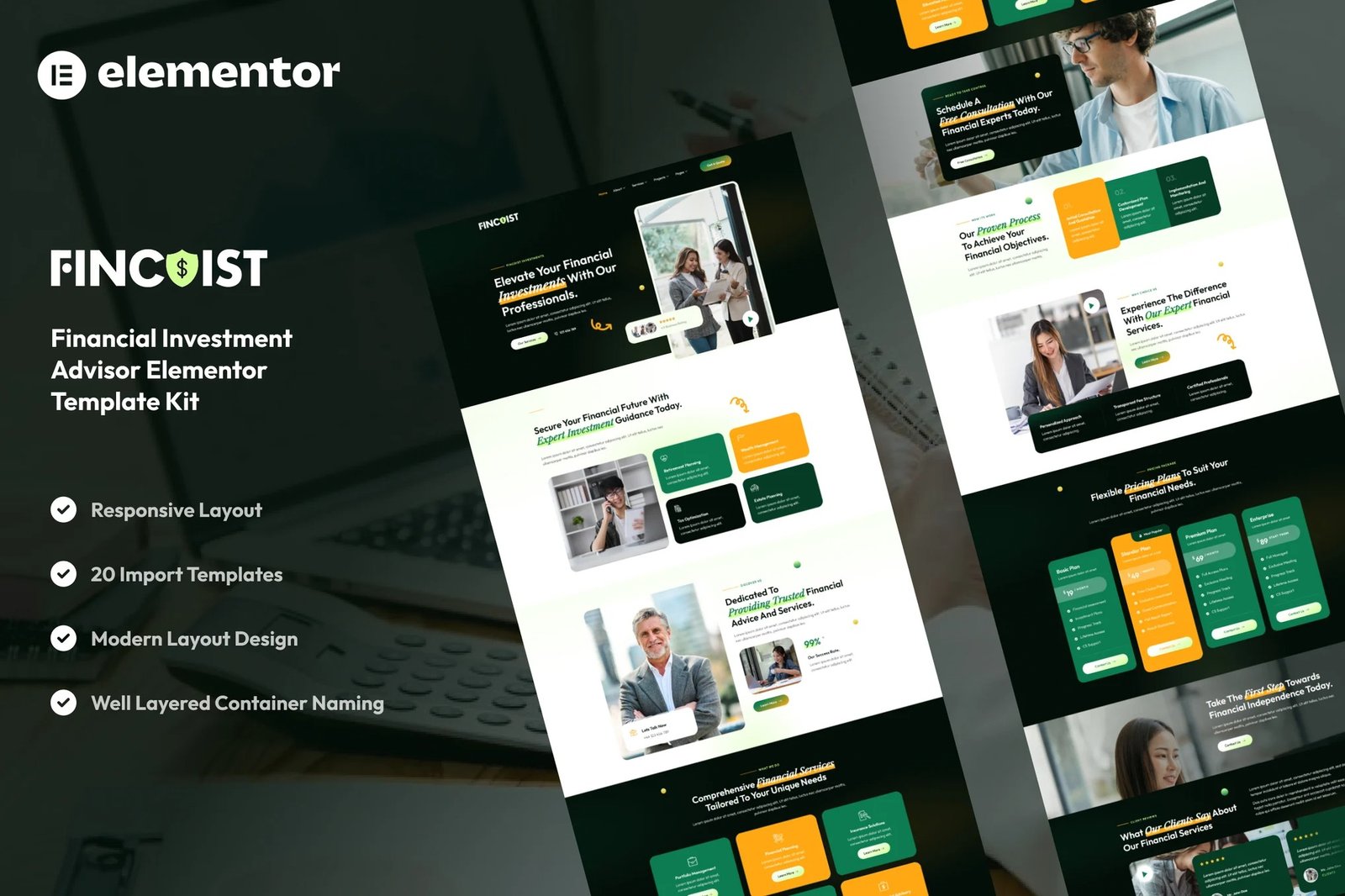
Fincoist ? Financial Investment Advisor Elementor Template Kit is a comprehensive collection of layouts for the Elementor page builder WordPress plugin, designed specifically for financial advisors, investment firms, and consultancy services. Built with Elementor Free, this template kit offers a sleek, modern design that is fully responsive and customizable, ensuring a professional online presence for your financial services.
Establish credibility and showcase your expertise with Fincoist. This template kit includes a variety of pages and features tailored to the needs of financial professionals, allowing you to present your services, team, case studies, and more with clarity and style.
Key Features:
Professional and Trustworthy Design:
Fincoist offers a clean and modern layout that conveys professionalism and reliability, essential qualities for financial service providers.
Fully Responsive:
Designed to look great on all devices, ensuring your website is accessible and user-friendly on desktops, tablets, and smartphones.
Easy Customization with Elementor Free:
Utilize Elementor intuitive drag-and-drop interface to customize every aspect of your website without any coding knowledge.
Optimized for Performance:
Fast-loading pages and SEO-friendly structure help improve your website?s visibility and user experience.
Cross-Browser Compatibility:
Ensures consistent performance across all major browsers, including Chrome, Firefox, Safari, and Edge.
Template Pages Included:
- Home
- About Us
- Our Team
- Our Services
- Detail Service
- Our Pricing
- Our Projects
- Detail Project
- Contact Us
- FAQs
- Testimonials
- 404
- Blog
- Single Blog
- Global Style
- Block ? Header
- Block ? Footer
- MetForm ? Contact Form
- MetForm ? Quotation Form
- MetForm ? Submit Question
- MetForm ? Subscribe Form
Template Features:
- No Pro Plugin Needed
- True No Coding Required
- Global Theme Style
Required Plugins installed with kit
Creating pages
- Go to Pages and create a new page and click Edit with Elementor
- Click the gear icon at lower-left of the builder to view page settings and choose Elementor Full Width and hide page title
- Click the gray folder icon to access My Templates tab and then Import the page you?d like to customize.
- The home page is set under Settings > Reading by selecting Static Front Page.
If you have Elementor Pro, headers and footers are customized under Templates > Theme Builder.
For further support, go to Elementor > Get Help in WordPress menu.
Setup Global Header and Footer in ElementsKit
- Import the header and footer template
- Go to ElementsKit > Header Footer select Header and click Add New
- Give it a title, leave Entire Site selected and toggle Activation to On
- Click the template title and Edit Content
- Click the gray folder icon and select the header template to import and Update.












Reviews
There are no reviews yet.