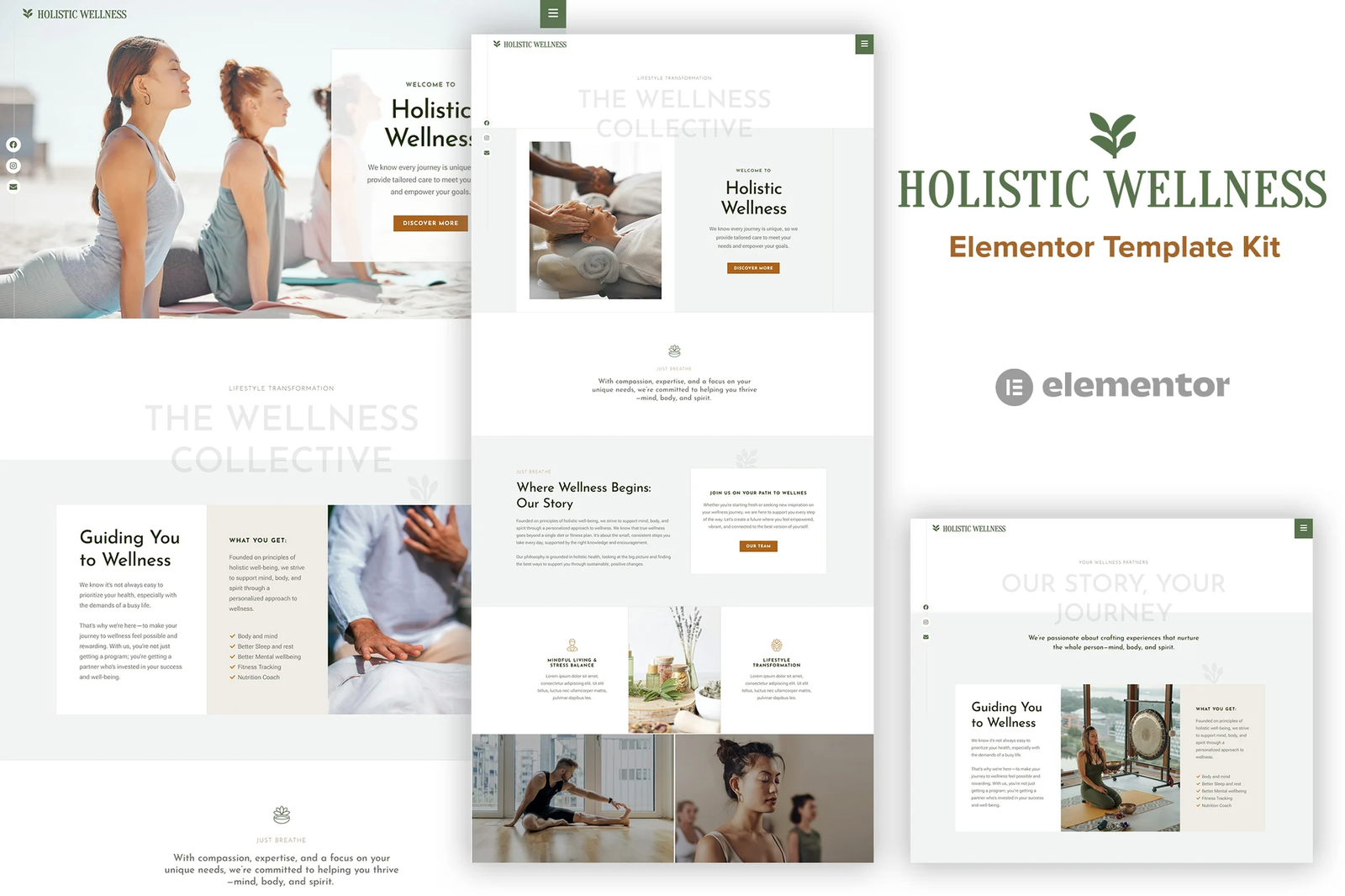
Holistic Wellness is an Elementor Template Kit designed to effortlessly create stunning websites for your wellness business using the Elementor Page Builder plugin for WordPress. Tailored specifically for holistic health practitioners, yoga studios, wellness coaches, and related services,this Template Kit makes building your online presence a breeze.
This Template Kit is 100% responsive and includes 13 beautifully crafted, ready-made templates that are incredibly easy to customize to fit your unique brand. Optimized for use with the free Hello Elementor theme, Holistic Wellness seamlessly integrates with most themes that support Elementor, ensuring flexibility and ease of use.
Template Features
- Uses Elementor Free version and free plugins
- 100% Responsive
- True no-code customization with drag and drop visual builder
- Customize fonts and colors in one place or fine-tune on individual elements
- Modern, professional design
- Fast-loading
- Works with most Elementor themes.
Addons installed with kit
- Jeg Elementor Kit
- Met Form
- Powerpack
- Elementor Header & Footer Builder
Setup Global Header and Footer in Header Footer & Blocks plugin
- Import the header and footer template
- Go to Appearance > Header Footer and click Add New button
- Give it a title and select Header, Display on Entire Site and click Publish
- Click Edit with Elementor
- Click the gray folder icon to access My Templates tab and select the header template to import and Update.
- Repeat for Footer
How to Import Metforms (Contact Form)
- Import the metform block templates
- Import the page template where the form appears and right-click to enable the Navigator
- Locate and select the Metform widget and click Edit Form. Choose New, then Edit Form. The builder will appear
- Click ?Add Template? grey folder icon.
- Click ?My Templates? tab.
- Choose your imported metform template, then click ?Insert? (click No for page settings).
- Once the template is loaded, make any desired customizations and click ?Update & Close? The form will appear in the template
- Click Update











Reviews
There are no reviews yet.