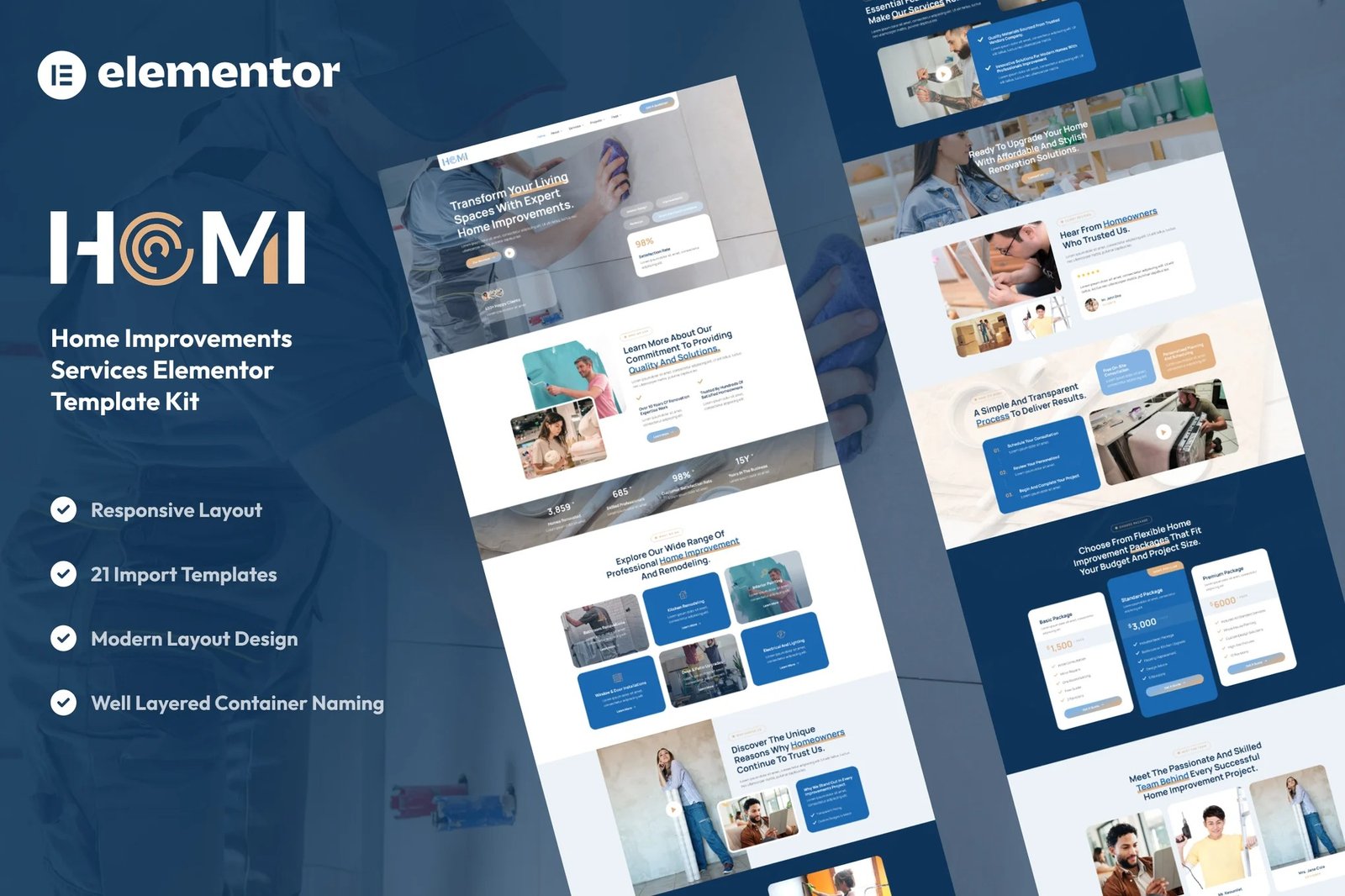
Homi – Home Improvement & Repair Services Elementor Template Kit is a professional and clean layout collection for the Elementor page builder WordPress plugin. Designed specifically for use with the free version of Elementor, it’s perfect for home renovation companies, handyman services, interior remodeling, and home repair professionals.
This kit helps you create an online presence that is reliable, easy to navigate, and visually appealing. With modern layouts, responsive design, and no need for Elementor Pro, Homi allows you to showcase your services, team, and past projects effortlessly.
Key Features:
Modern and Friendly Design:
Homi features a clean, inviting, and well-organized layout that’s perfect for service-based businesses in the home improvement industry.
Fully Responsive:
Optimized for every device — from smartphones to tablets and large desktop screens.
Built with Free Elementor:
No Elementor Pro needed. Everything in this kit is created using the free version of Elementor and essential add-ons.
Performance Optimized:
Designed with speed and SEO in mind for fast loading and better visibility in search engines.
Cross-Browser Compatibility:
Seamless experience across all major browsers: Chrome, Firefox, Safari, Edge, and more.
No Pro upgrade required
Template Pages Included:
- Home
- About Us
- Our Team
- Our Services
- Detail Service
- Our Pricing
- Our Projects
- Detail Project
- Contact Us
- FAQs
- Testimonials
- 404
- Blog
- Single Blog
- Global Style
- Block – Header
- Block – Footer
- MetForm – Contact Form
- MetForm – Project Quotation
- MetForm – Submit Question
- MetForm – Subscribe Form
Template Features:
- No Pro Plugin Needed
- True No Coding Required
- Global Theme Style
Required Plugins installed with kit
Creating pages
- Go to Pages and create a new page and click Edit with Elementor
- Click the gear icon at lower-left of the builder to view page settings and choose Elementor Full Width and hide page title
- Click the gray folder icon to access My Templates tab and then Import the page you’d like to customize.
- The home page is set under Settings > Reading by selecting Static Front Page.
Setup Global Header and Footer in ElementsKit
- Import the header and footer template
- Go to ElementsKit > Header Footer select Header and click Add New
- Give it a title, leave Entire Site selected and toggle Activation to On
- Click the template title and Edit Content
- Click the gray folder icon and select the header template to import and Update.











Reviews
There are no reviews yet.