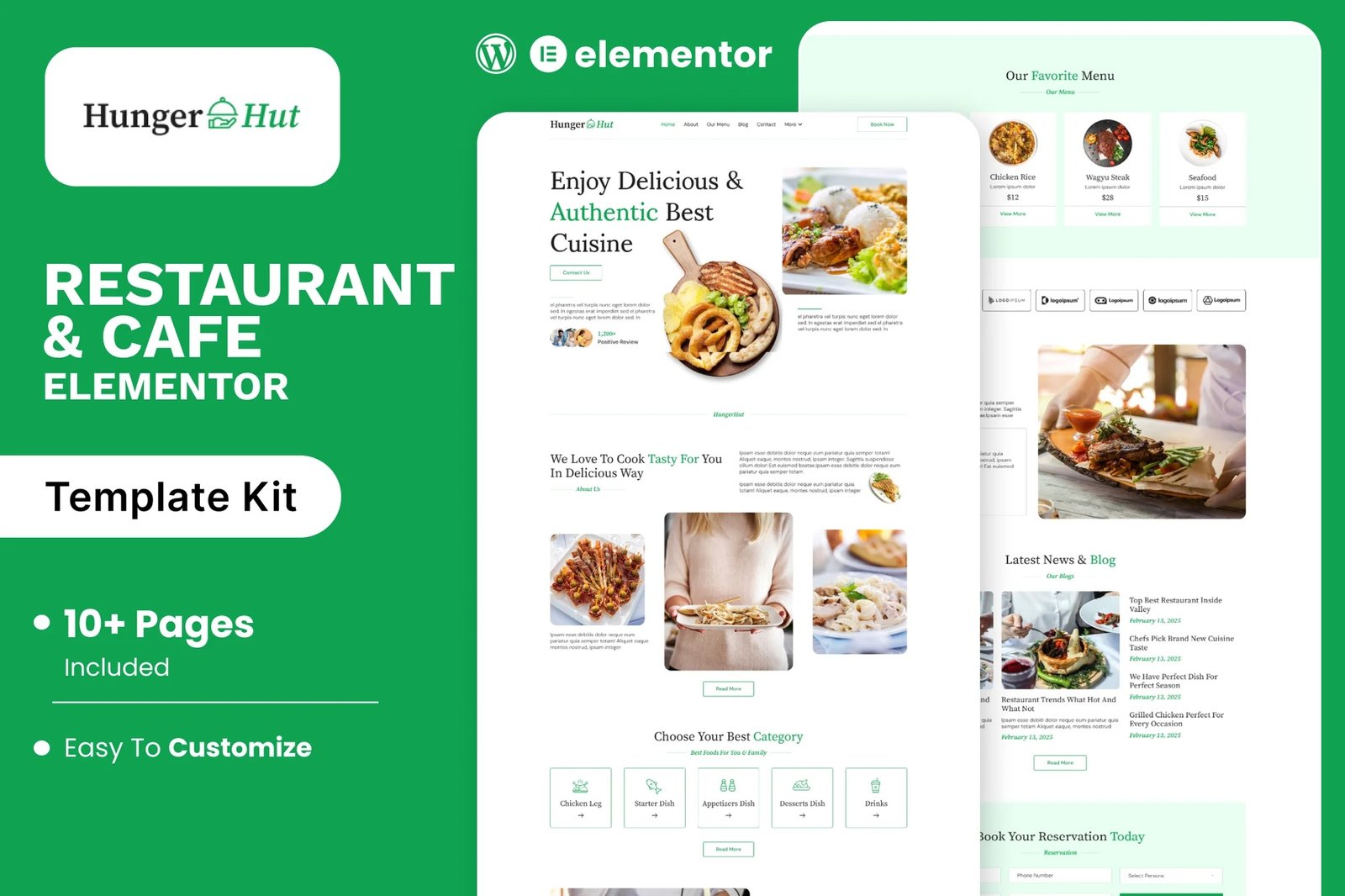
HungerHut is a stylish and appetizing Elementor template kit crafted for restaurants, cafes, bistros, and food delivery services. With its warm design, mouth-watering visuals, and easy navigation, HungerHut is perfect for showcasing your menu, chef specials, customer reviews, and online reservations. Whether you run a cozy coffee shop, a fine-dining restaurant, or a fast-food joint, this kit provides all the essential pages to present your culinary brand with flavor and flair. Fully responsive and effortlessly customizable, HungerHut serves up a seamless experience for food lovers and business owners alike ? helping you turn visitors into loyal diners.
Feature
- Individual elements can be fine-tuned or fonts and colors can be changed all in one spot.
- Drag-and-drop visual builder for true no-code customization.
- Design that is both contemporary and professional.
- Fast-loading.
- Most Elementor themes are compatible with this templatekit.
Templates Include:
- Home
- About
- Our Menu
- Blog
- Blog Details
- Contact
- Gallery
- Reservation
- Team
- Testimonials
- Coming Soon
- 404
Sections and Blocks:
- Header
- Footer
- Contact Form
- Newsletter Form
- Reservation Form
Required Plugins Pre-Installed With the Kit
- Elementor
- Jeg Elementor Kit
- Happy Elementor Addons
- MetForm
Importing Metforms: What You Need to Know
- The metform block templates should be imported.
- Import the page template with the form on it and enable the Navigator by right-clicking.
- Click Edit Form after locating and selecting the Metform widget. Then select New and Edit Form from the drop-down menu. The function Object() { [native code] } will show up.
- Select the grey folder icon that says ?Add Template?.
- Select the ?My Templates? option from the drop-down menu.
- Then click ?Insert? after selecting your imported metform template (click No for page settings).
- After you?ve finished customizing the template, click ?Update & Close.? In the template, the form will appear.
- Update the information by clicking the button.
How to Setup Header & Footer in Jeg Elementor Kit Plugin:
- If you have Elementor Pro, headers and footers may be customized under Theme Builder.
- Go to Jeg Elementor Kit menu item > Header Template.
- Click Add New Header.
- Add condition > All Site and click Create.
- Click the pencil icon to Edit and Elementor will appear.
- Click gray folder icon to access My Templates tab.
- Insert the header template.
- Repeat for footer.
- Customize and Save.












Reviews
There are no reviews yet.