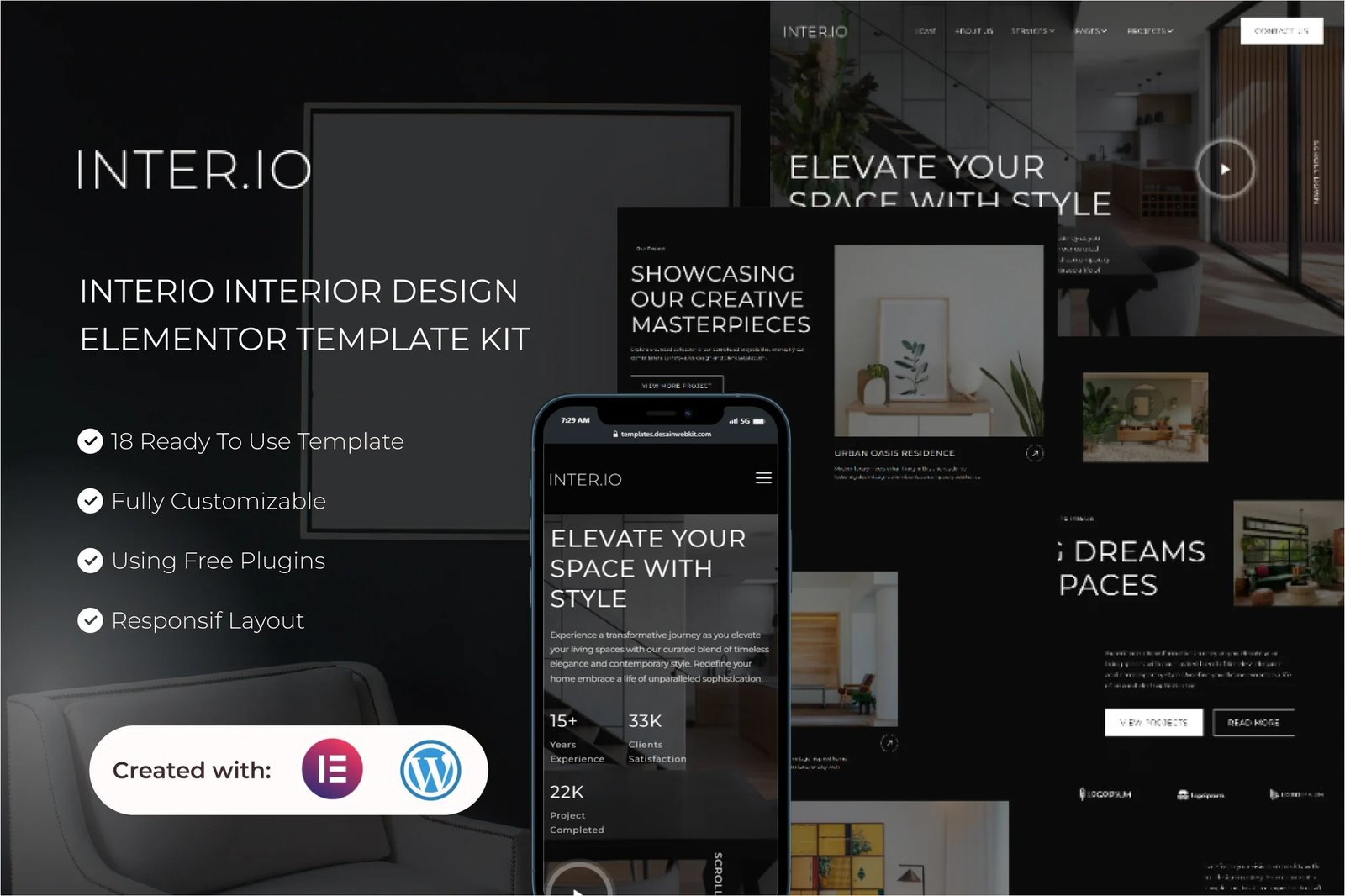
Interio is an Elementor Template Kit designed for creating sophisticated websites for real estate (THIS IS A NOT WORDPRESS THEME), architecture or interior design businesses. Elevate your interior design business with a website that seamlessly combines the creative power of Elementor Free and the reliability of WordPress.
With Interio, crafting a visually stunning online showcase for your interior design services has never been easier. The template kit is thoughtfully curated with features specifically designed for the interior design category, providing a dynamic platform to highlight your portfolio, showcase your design philosophy, and detail your comprehensive range of services.
Features:
- Compatible with Free Plugins (Elementor Pro not required)
- Unique & Clean Design
- Modern design based on design system
- 18 Ready to use templates
- Fully Responsive Layout
- Fully Customizable
- Cross Browser Compatibility: Chrome, Firefox, Safari, Opera
Templates Include:
- Global Theme Style
- Home
- About Us
- Services
- Services Detail
- Our Team
- Pricing
- Testimonial
- FAQs
- Contact Us
- Blog
- Single Post
- 404 Pages
- Projects
- Project Detail
- Form Contact (MetForm)
- Form Newsletter(MetForm)
- Header
- Footer
Plugins installed with kit:
- Elementor
- Elementskit Lite
- MetForm
- Gum Elementor Addon
- Sticky Header Effects for Elementor
Creating pages
- Go to Pages and create a new page and click Edit with Elementor
- Click the gear icon at lower-left of the builder to view page settings and choose Elementor Full Width and hide page title
- Click the gray folder icon to access My Templates tab and then Import the page you’d like to customize.
- The home page is set under Settings > Reading by selecting Static Front Page.
How to Import Metforms
If you have Elementor Pro, skip install of Metform and form blocks.
- Import the metform block templates
- Import the page template where the form appears and right-click to enable the Navigator
- Locate and select the Metform widget and click Edit Form. Choose New, then Edit Form. The builder will appear
- Click ‘Add Template’ grey folder icon.
- Click ‘My Templates’ tab.
- Choose your imported metform template, then click ‘Insert’ (click No for page settings).
- Once the template is loaded, make any desired customizations and click ‘Update & Close’ The form will appear in the template
- Click Update
Setup Global Header and Footer in ElementsKit
If you have Elementor Pro, headers and footers may be customized under Theme Builder.
- Import the header and footer template
- Go to ElementsKit > Header Footer and click Add New (if prompted with a wizard, you may click Next through it without taking any action)
- Title the header, leave Entire Site selected and toggle Activation to On
- Click the gray Edit Content button to load the builder
- Click the gray folder icon and select the header template to import, select your menu in the nav element and click Update.
- Repeat for Footer











Reviews
There are no reviews yet.