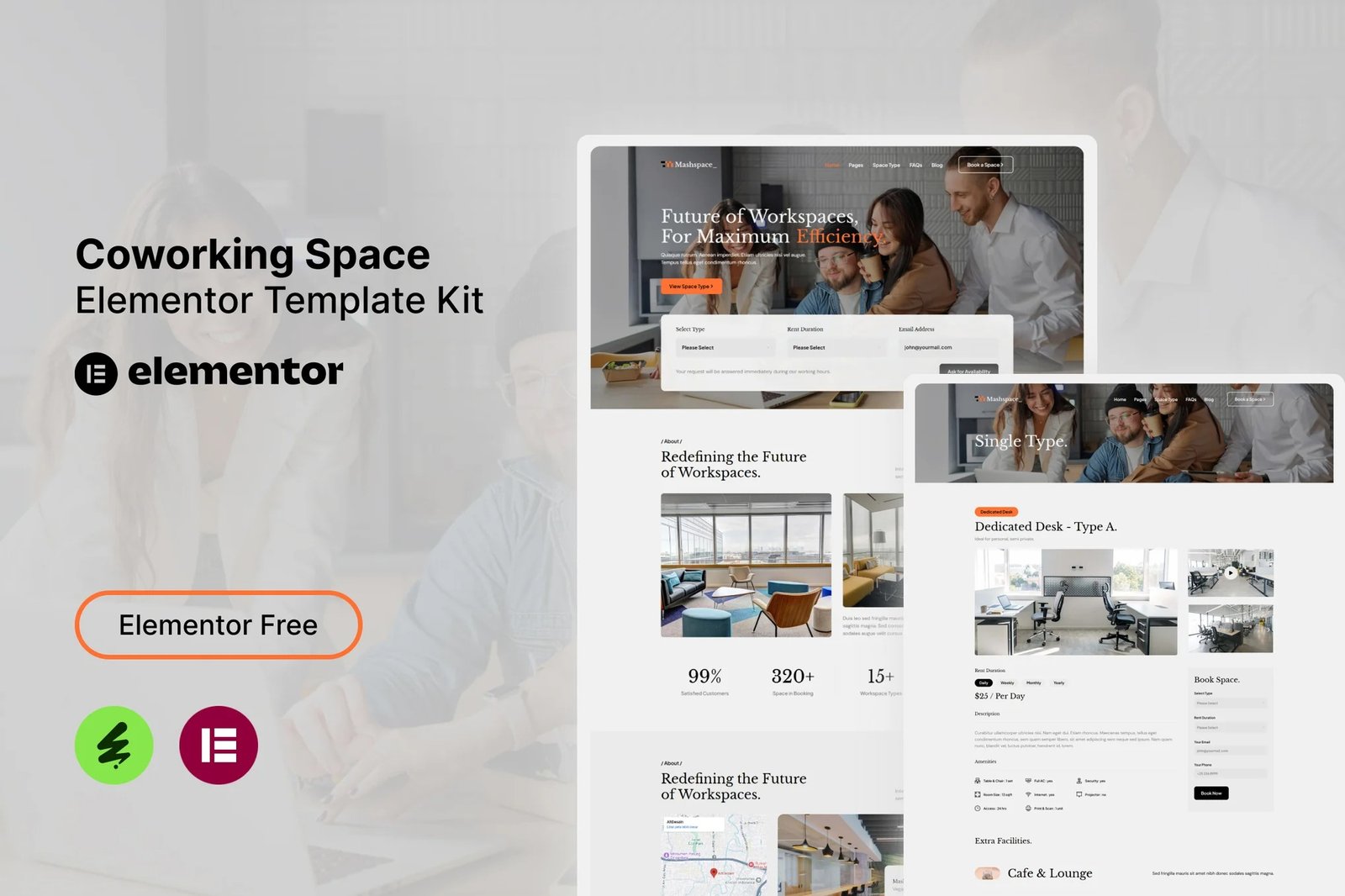
Mashspace – Coworking Space Elementor Template Kit. This template kit is a fully responsive, clean and customizable. This template is suitable for use in businesses, such as: Coworking Space, Workplace, Office Rent and others.
This is not a WordPress theme. Elementor Kit contains page content for Elementor page builder. This kit has been optimized for use with the free Hello Elementor theme but may be used with most themes that support Elementor.
Kit Features:
- Using Free Plugins (Elementor Pro is not required)
- Modern & Clean Design
- Responsive Layout
- Customizable
- No Coding Required
Ready Templates:
- Header
- Footer
- Contact Form
- Newsletter Form
- Book Space Form
- Ask for Availability Form
- Home
- About
- Services
- Facilities
- FAQ
- Space Type
- Single Type
- Blog
- Single Blog
- Contact
Required Plugins:
- Elementor
- The Plus Addons for Elementor
- Nexter Extension
- MetForm
- Sticky Header Effects for Elementor
How to use Metform:
- Import metform template.
- Import the template where the form appears, then edit in Elementor.
- Click the Metform widget in the column where the form should be and click Edit Form.
- Select New, leave blank selected then click Edit Form button.
- Click ‘Add Template’ grey folder button.
- Click ‘My Templates’ tab.
- Choose your imported metform template, then click ‘Insert’.
- Once the template is loaded, click ‘Update’.
Setup Header and Footer in Nexter Extension
If you have Elementor Pro, setup headers and footers in Theme Builder. Pages you create with Elementor must have the Page Layout set to Elementor Full width for the global header and footer to appear.
- Go to Nexter Extension > Theme Builder.
- Click Add New Template button at the top.
- Select the template type “header or footer” and give the template a name, for example “Main Header”.
- Click Next, then set the display conditions, for example “Entire Website” for the Include In option, then clear the Exlude From option to display the header or footer by default on all website pages.
- Click the “Create” button, then click the “Edit with Elementor” button so that the Template Kit can be imported and positioned in the required header or footer.
- Customize and Publish.












Reviews
There are no reviews yet.