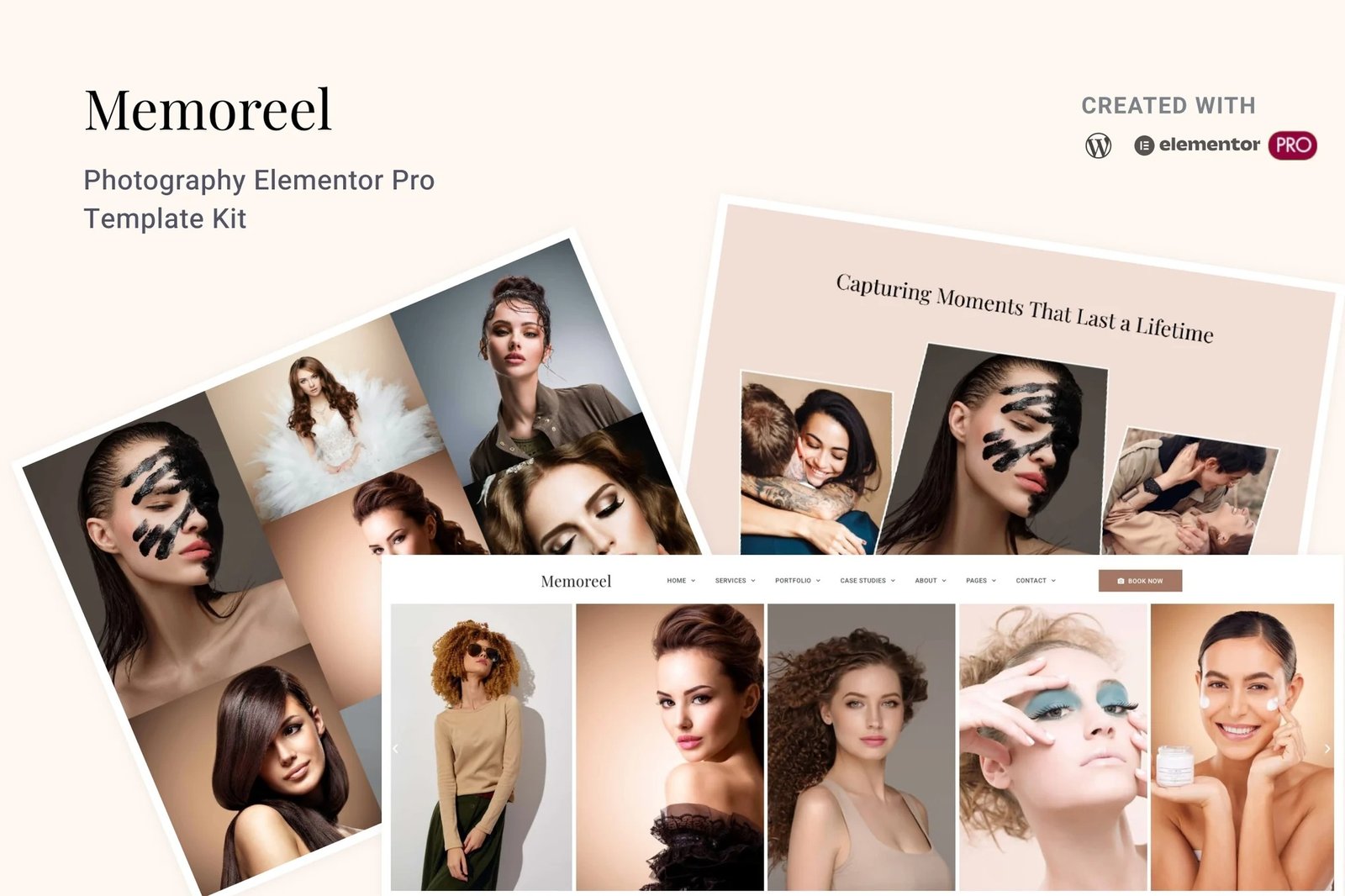
Memoreel is a dedicated photography Elementor template kit designed for photographers, studios, and creatives to showcase their work with style and ease.
This template kit includes 25+ professionally designed templates, ideal for photographers, studios, and creatives seeking a stylish and modern, website. Whether you focus on portrait, wedding, fashion, or product photography, Memoreel offers a perfect foundation to showcase your work. With a clean and artistic design, it ensures an engaging user experience. It allows effortless customization to match your unique style and branding.
Each template is fully responsive, ensuring seamless display across various devices, from desktops to smartphones. With Elementor?s intuitive drag-and-drop interface, customization of layouts, typography, and color schemes is straightforward, requiring no coding knowledge.
Template Kit Features:
- Designed with Elementor Flexbox container.
- 25+ ready-to-use templates.
- Built with Elementor Pro.
- True no-code customization with drag and drop visual builder.
- 100% Fully Responsive & mobile-friendly.
- Customize fonts and colors in one place or fine-tune on individual elements.
- SEO-friendly design and fast-loading.
- Lifetime free updates.
Templates Included:
- Global Style Kit
- Home 1
- Home 2
- Home 3
- Services
- Single Service Details
- Videography Services
- Portfolio
- Single Portfolio 1
- Single Portfolio 2
- Case Studies
- Single Case Study
- About Us
- Awards & Recognitions
- Testimonials
- Our Team
- Team Member Profile
- Pricing
- FAQs
- Blog
- Single Blog Post
- Coming Soon
- Schedule Booking
- Contact Us
- 404 Page
- Global CTA Banner Block
- Header
- Footer
- Elementor Pro upgrade (purchase separately) is required for most templates and features (not included).
How to Setup Main CTA Block:
- Import the Main CTA blocks and customize it from Templates > Saved Templates.
- Create / Open the page where the CTA block should appear in Elementor.
- Locate the Template element in the navigator and select the block from the dropdown.
- Alternatively, you may set the CTA Block template to Global and insert the block directly into your pages from the My Templates library. For more information on Globals, see Elementor > Get Help in your admin menu.
Theme Builder parts such as Blog Posts, Blog Archive, Header, Footer, Single Post Layout, Popup and Post Loop are managed through Templates > Theme Builder.
Blog Posts:
Blog content is not included ? you will need to add a few posts to WordPress before post content will appear in templates.












Reviews
There are no reviews yet.