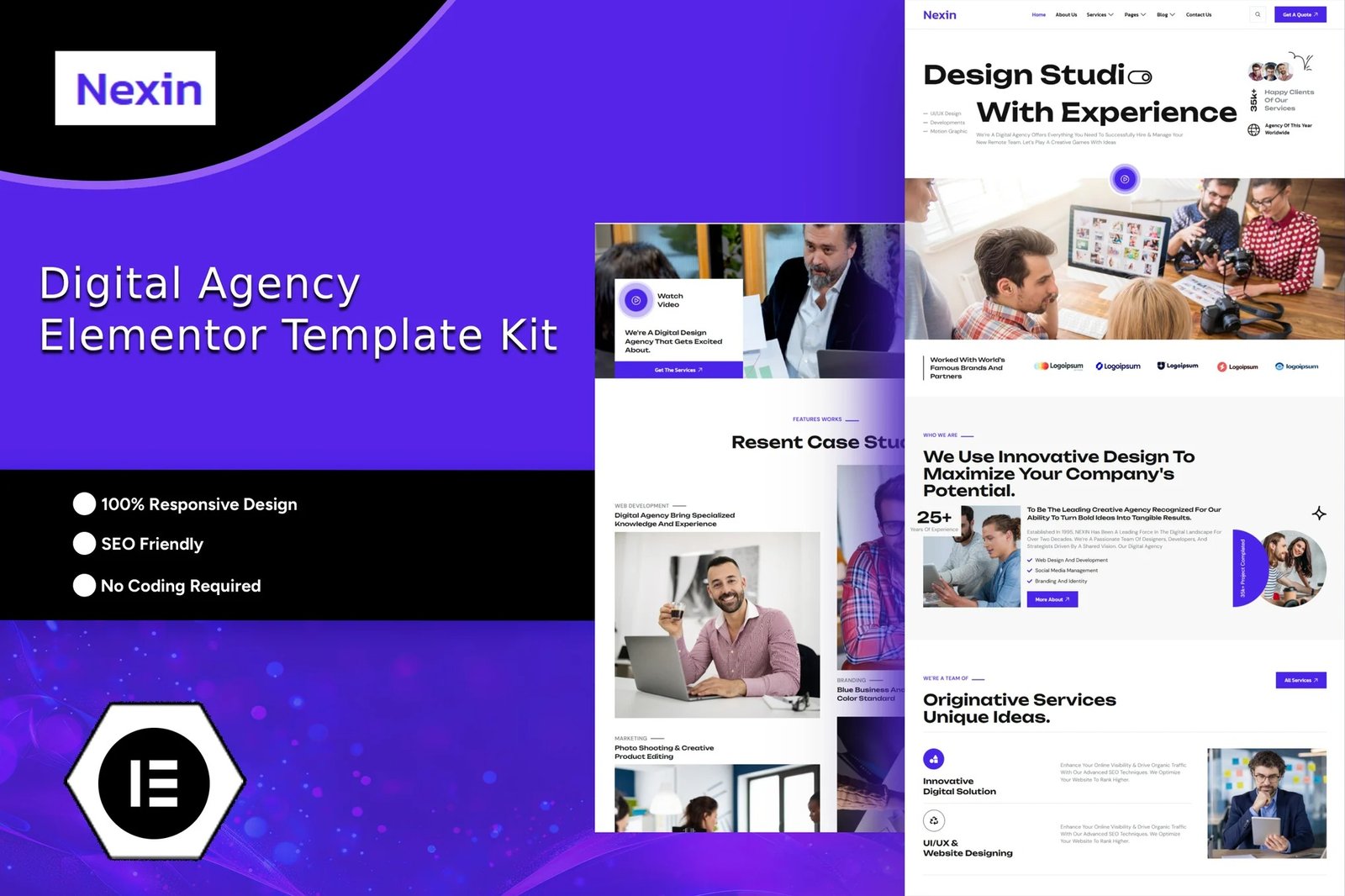
Nexin is an Elementor Template Kit built for digital agency, creative agency, web design agency, showcase, portfolio and other who want to build or improve their agency website or their resume. companies It provides the contemporary design reflecting the nature of their business. Nexin is a clean and professional design with a 100% responsive layout, retina-ready. Save your time to making a Lawyer Attorney and Law Firm website with this Elementor template kit. With Elementor Page Builder, you can easily edit or customize it, no coding is required, just drag and drop.
Layout Features :
- Modern and Professional design
- Cross Browser Compatibility
- 100% Responsive & mobile-friendly
- 12+ Page templates ready to use
- Customize fonts and colors in one place (Global Kit Style)
What’s Included in the Zip :
- Home
- About
- Services
- Service Details
- Team
- Testimonials
- Portfolio
- Pricing
- Our Faq
- 404 Error
- Blog
- Blog Details
- Contact
- Header
- Footer
Plugins installed with kit:
- Elementor
- ElementsKit Lite
- MetForm
- RTMKit Addons for Elementor
How to Import Metforms
- Import the metform block templates
- Import the page template where the form appears and right-click to enable the Navigator
- Locate and select the Metform widget and click Edit Form. Choose New, then Edit Form. The builder will appear
- Click ‘Add Template’ grey folder icon.
- Click ‘My Templates’ tab.
- Choose your imported metform template, then click ‘Insert’ (click No for page settings).
- Once the template is loaded, make any desired customizations and click ‘Update & Close’ The form will appear in the template
- Click Update
Setup Global Header and Footer in ElementsKit
If you have Elementor Pro, setup headers and footers in Theme Builder. Pages you create with Elementor must have the Page Layout set to Elementor Full width for the global header and footer to appear.
- Go to ElementsKit > Theme builder > Header and click Add New
- Give it a title and select Header, click Condition tab and add Entire Site and click Save
- Click Edit with Elementor
- Click the gray folder icon to access My Templates tab and select the header template to import and Update.
- Repeat for Footer












Reviews
There are no reviews yet.