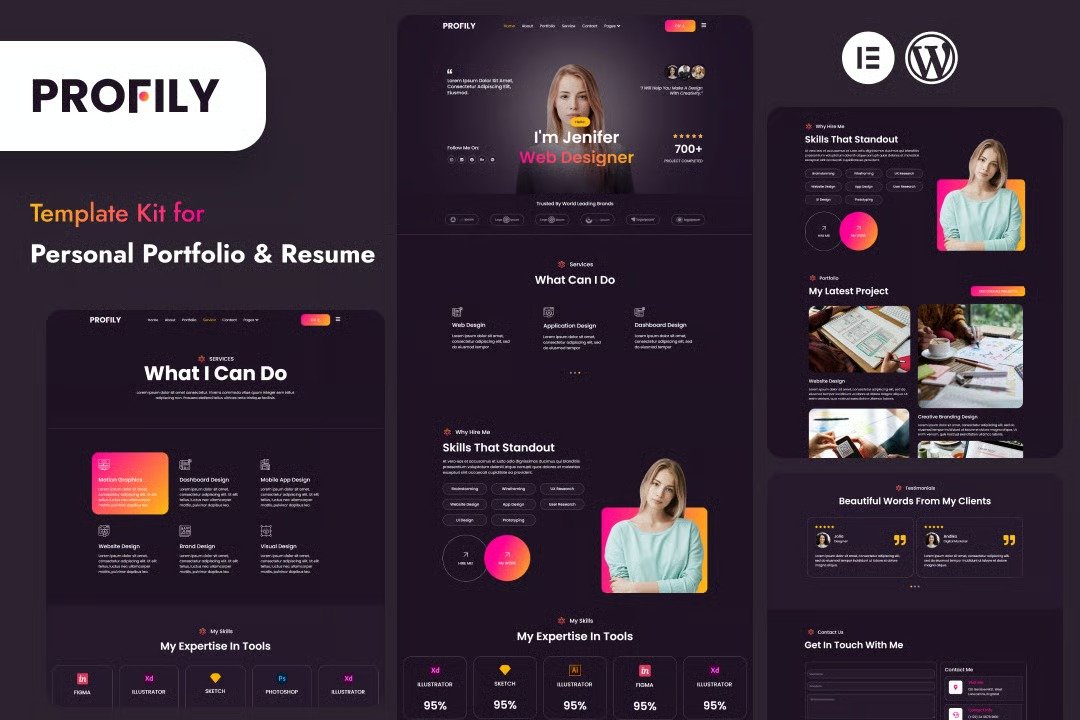
Profily is a sleek and modern Elementor template kit designed to create stunning personal profile websites effortlessly. Whether you?re a freelancer, creative professional, or job seeker, Profily helps you showcase your skills, portfolio, and achievements in a polished and engaging way. With its clean layout, smooth animations, and easy customization, building a unique online presence has never been simpler. Perfect for portfolios, resumes, or personal branding, Profily ensures your story stands out.
Feature
- Individual elements can be fine-tuned or fonts and colors can be changed all in one spot.
- Drag-and-drop visual builder for true no-code customization.
- Design that is both contemporary and professional.
- Fast-loading.
- Most Elementor themes are compatible with this templatekit.
Templates Include:
- Home
- About
- Portfolio
- Single Portfolio
- services
- Contact
- Blogs
- Blogs Detail
- testimonials
- Coming Soon
- 404
Sections and Blocks:
Required Plugins Pre-Installed With the Kit
- Elementor
- Jeg Elementor Kit
- MetForm
How to Import Metforms
If you have Elementor Pro, skip install of Metform and form blocks.
- Import the metform block templates
- Import the page template where the form appears and right-click to enable the Navigator
- Locate and select the Metform widget and click Edit Form. Choose New, then Edit Form. The builder will appear
- Click ?Add Template? grey folder icon.
- Click ?My Templates? tab.
- Choose your imported metform template, then click ?Insert? (click No for page settings).
- Once the template is loaded, make any desired customizations and click ?Update & Close? The form will appear in the template
- Click Update
How to setup header in Jeg Elementor Kit plugin
If you have Elementor Pro, headers and footers may be customized under Theme Builder.
- Go to Jeg Elementor Kit menu item > Header Template
- Click Add New Header
- Add condition > All Site and click Create
- Click the pencil icon to Edit and elementor will appear
- Click gray folder icon to access My Templates tab
- Insert the header template.
- Customize and Save.












Reviews
There are no reviews yet.