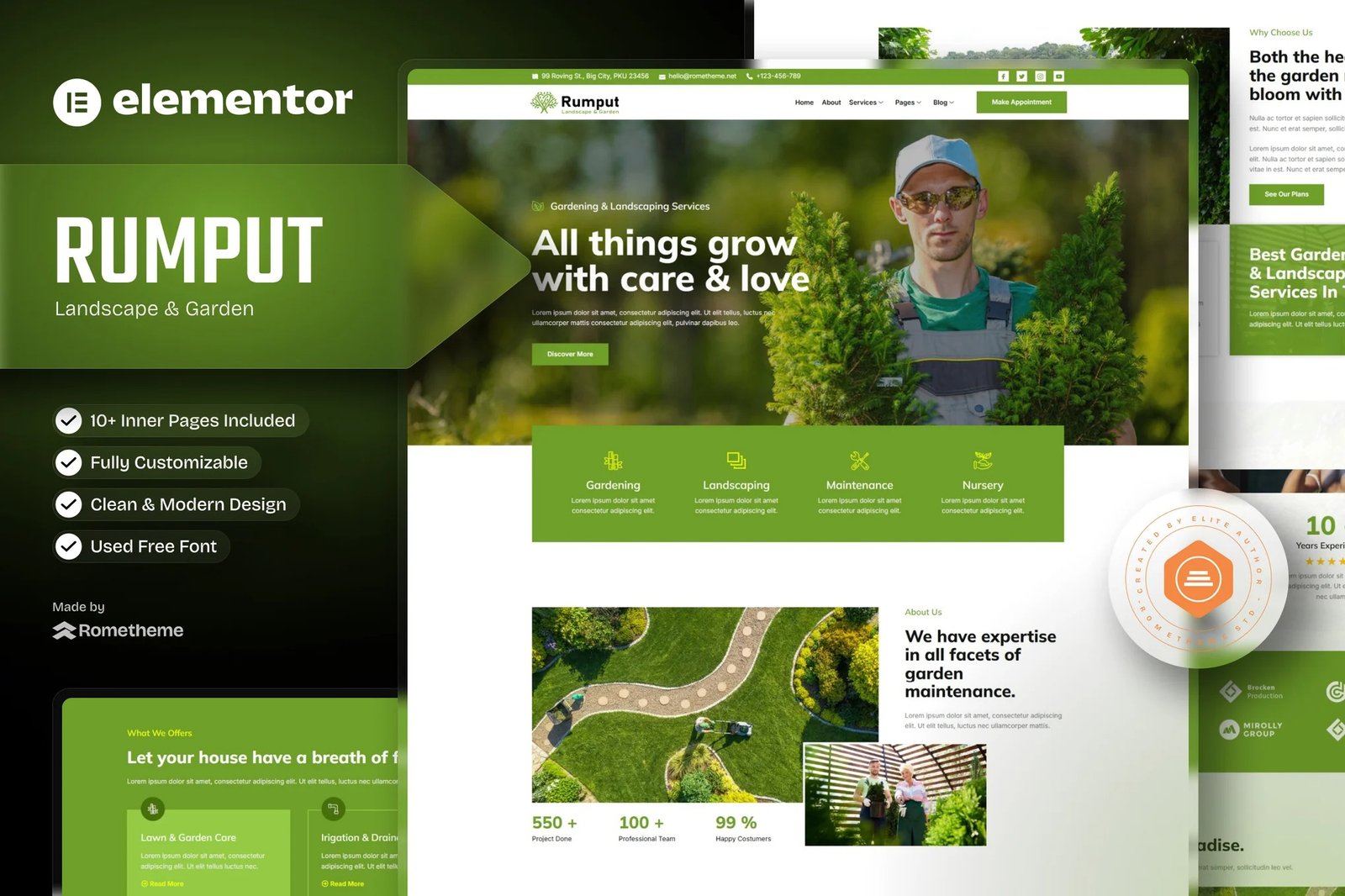
Rumput ? Landscape & Gardening Services Elementor Template Kit. Rumput is has 12+ creative and unique design pre-built templates with fully responsive, dark design and customizable theme.
With Rumput, you can create modern no-code layouts for gardening, landscape, decoration, even for lawn service website. If you?re looking for high-quality designed theme with more extra features for your website, so rumput is the best option for you to release your website within very quick time.
Elementor Kit contains page content for Elementor page builder. This kit has been optimized for use with the free Hello Elementor theme but may be used with most themes that support Elementor.
Features:
- Cross-Browser Compatibility: FireFox, Safari, Chrome, IE9, IE10, IE11
- Using Free Plugins (Elementor Pro is not required)
- Fully Responsive Layout, Retina Ready, Ultra-High Resolution Graphics
- True no-code customization with drag and drop visual builder (Easy Customization)
- Customize fonts and colors in one place or fine-tune on individual elements
- 12+ pre-built templates ready to use
- A clean, modern designs which can be adapted and used for any website design and layout
Templates In Zip :
- Homepage
- About Us
- Services
- Single Service
- Pricing
- Project
- Article & Blog
- Single Post
- Contact Us
- Testimonials
- Header
- Footer
Required Plugins :
- Elementor
- MetForm
- ElementsKit Lite.
How to Import Metforms
- Import the metform block templates
- Import the page template where the form appears and right-click to enable the Navigator
- Locate and select the Metform widget and click Edit Form. Choose New, then Edit Form. The builder will appear
- Click ?Add Template? grey folder icon.
- Click ?My Templates? tab.
- Choose your imported metform template, then click ?Insert? (click No for page settings).
- Once the template is loaded, make any desired customizations and click ?Update & Close? The form will appear in the template
- Click Update
Setup Global Header and Footer in ElementsKit
- Import the header and footer template
- Go to ElementsKit > Header Footer and click Add New (if prompted with a wizard, you may click Next through it without taking any action)
- Title the header, leave Entire Site selected and toggle Activation to On
- Click the gray Edit Content button to load the builder
- Click the gray folder icon and select the header template to import, select your menu in the nav element and click Update.
- Repeat for Footer











Reviews
There are no reviews yet.