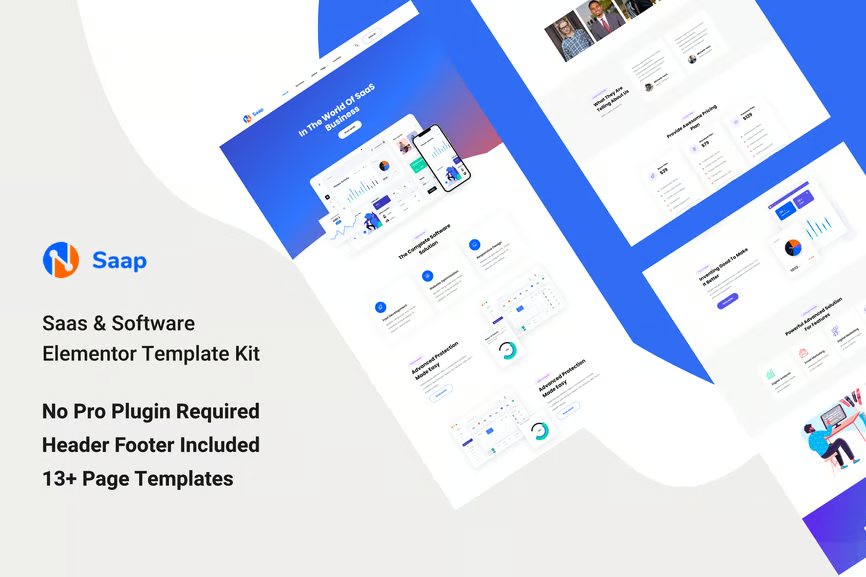
SAAP is a Modern Elementor Template Kit perfectly suitable for the Agency, Apps, SaaS & Software, start-up, and Services Companies related to any business website. This design is very creative and unique, and also very easy to customize and use furthermore, SAAP is 100% responsive.
Features:
- Clean, Professional design
- Responsive to different devices
- Build with Elementor page builder
- Google fonts
- Social links
Templates:
- Global Styles
- Page – Home 01
- Page – Home 02
- Page – About
- Page – Services
- Page – Service Details
- Page – Faq
- Page – Team
- Page – Pricing
- Page – Portfolio
- Page – Portfolio Details
- Page – Contact
- Section – Header
- Section – Footer
Required Addons
- Elementor
- ElementsKit Lite
- Elementor Header & Footer Builder
- MetForm
How to Import MetForm Custom Form:
- While edititing a page where a form should appear, open the Elementor navigator to locate the Metform widget.
- Click Edit Form in the builder panel.
- Select New, leave blank selected then click Edit Form button.
- Click ‘Add Template’ grey folder button.
- Click ‘My Templates’ tab.
- Choose your imported MetForm template, then click ‘Insert’.
- Once the template is loaded, click ‘Update’.
Setup Header in ElementsKit Lite
If you have Elementor Pro, setup headers and footers in Theme Builder. Pages you create with Elementor must have the Page Layout set to Elementor Full width for the global header and footer to appear.
- Go to ElementsKit > Header Footer
- If prompted to go through the wizard, click Next all the way through and then return to step 1 (you are not required to enter your email address or share your information)
- Click Add New Template button at the top
- Name your template, then toggle “Activate/Deactivate:” to On
- Click the gray Edit Content button. Elementor will open.
- Click the gray folder icon to access My Templates tab and Insert the header or footer template.
- Customize and Publish











Reviews
There are no reviews yet.