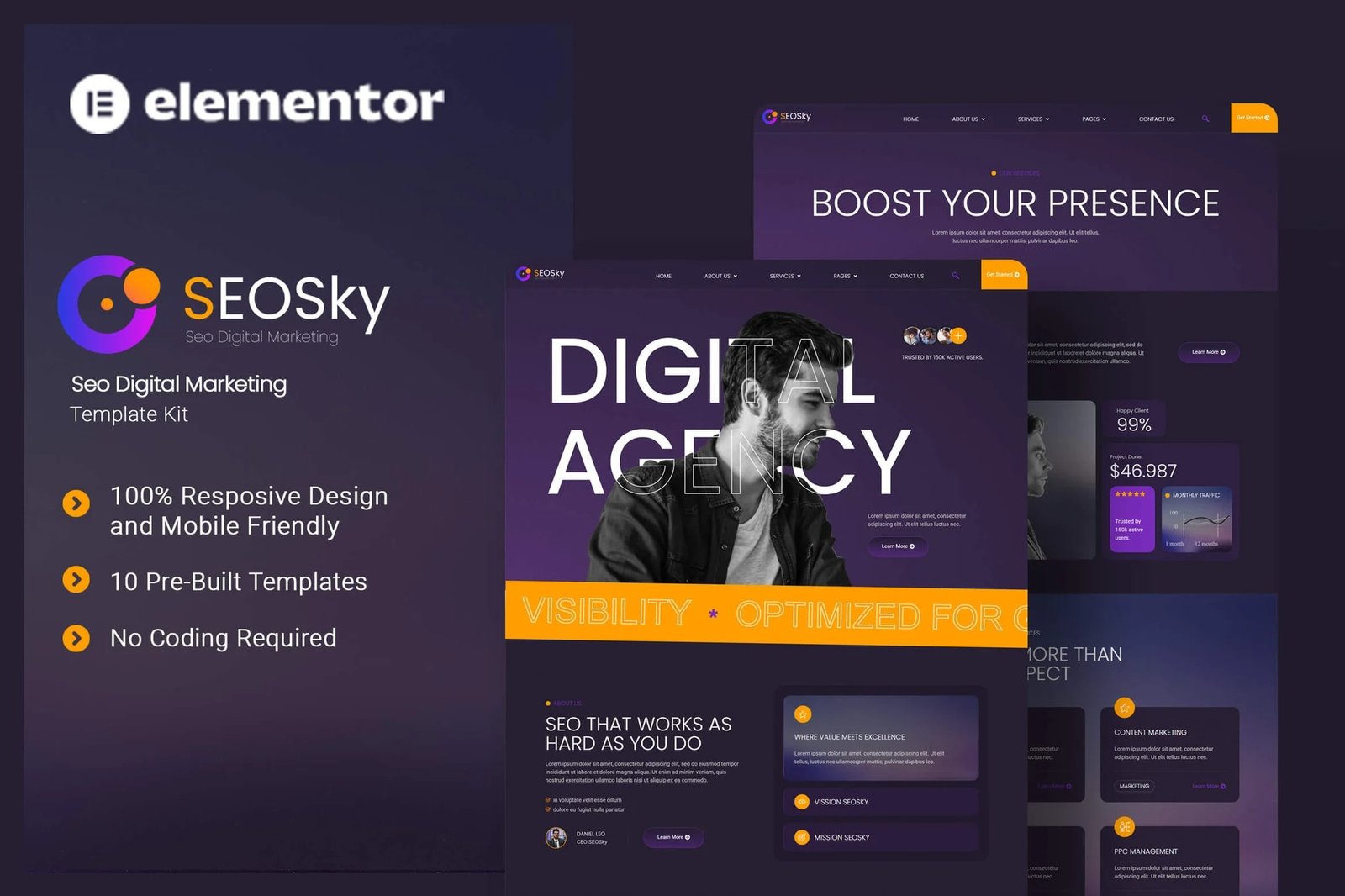
Seosky is an Elementor Template Kit designed for businesses aiming to build a powerful online presence in the SEO and digital marketing industry. Ideal for companies specializing in search engine optimization, content marketing, and online advertising, this kit empowers you to showcase your expertise in boosting visibility. Seosky uses free elements, so don?t worry about trying this one. Seosky provides various pages including Home, About Us, Team, Services, Single Services, Pricing Plan, FAQs, Blog, 404, Contact Us.
Features
- True no-code customization with drag and drop visual builder
- Customize fonts and colors in one place or fine-tune on individual elements
- Modern, professional design
- Fast-loading
- Works with most Elementor themes.
Templates
- Home
- About Us
- Team
- Services
- Single Services
- Pricing Plan
- FAQs
- Blog
- 404
- Contact Us
Font Used
Plugin Dependencies :
- Elementor
- ElementsKit Lite
- Qi Addons
- Metform
- Elementor Header & Footer Builder
How to Import Metforms
If you have Elementor Pro, skip install of Metform and form blocks.
- Import the metform block templates
- Import the page template where the form appears and right-click to enable the Navigator
- Locate and select the Metform widget and click Edit Form. Choose New, then Edit Form. The builder will appear
- Click ?Add Template? grey folder icon.
- Click ?My Templates? tab.
- Choose your imported metform template, then click ?Insert? (click No for page settings).
- Once the template is loaded, make any desired customizations and click ?Update & Close? The form will appear in the template
- Click Update
If you have Elementor Pro, headers and footers may be customized under Theme Builder.
How to setup Header and Footer
- Go to UAE > Header Footer and click Add New button
- Give it a title and select Header, Display on Entire Website and click Publish
- Click Edit with Elementor
- Click the gray folder icon to access My Templates tab and select the header template to import and Update.
- Repeat for Footer











Reviews
There are no reviews yet.