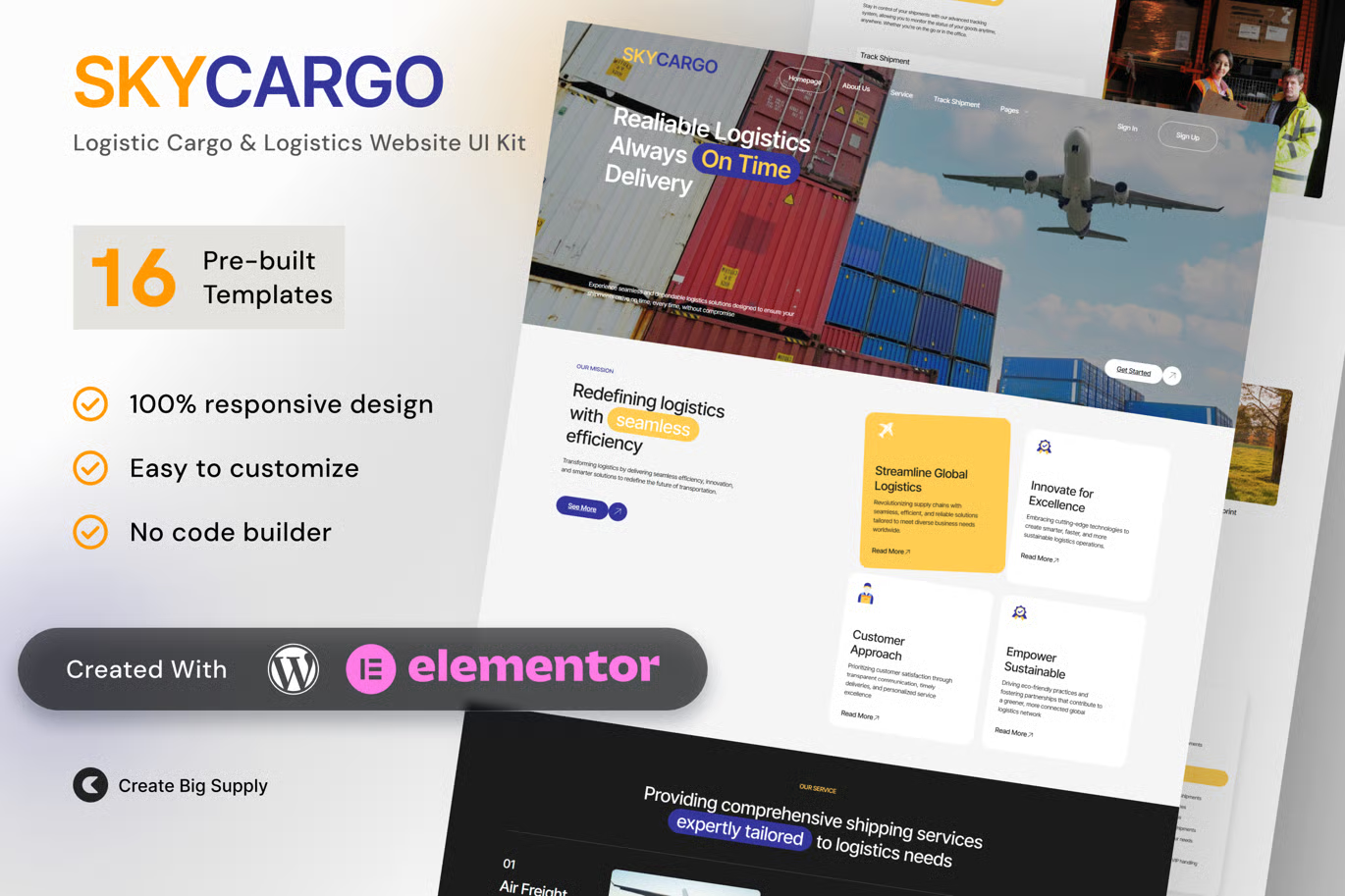
Skycargo is a sleek and functional Elementor Template Kit built for logistics providers, cargo companies, freight agencies, and transportation businesses. It offers a clean, professional layout to present your delivery services, tracking features, and operational expertise.
Whether you run a global freight service or a regional cargo operation, Skycargo helps build credibility and simplifies communication with clients. It includes all essential pages and is fully editable with Elementor Free, no coding required.
Key Features:
- 16 ready to use page templates
- Using Free Plugins (Elementor Pro is not required)
- Cross Browser Compatibility: Chrome, Firefox, Safari, Opera
- No premium plugin
- 100% Fully Responsive & mobile friendly
- Customize fonts and colors in one place (Global Kit Style)
- Designed for logistics, freight, and cargo companies
- Focused layout for delivery services and client trust
- Mobile friendly and SEO optimized
- Built using Elementor Free
- Includes shipment tracking, pricing, and contact
Templates in Zip:
- Global Style
- Homepage
- About Us
- Service
- Track Shipment
- Pricing
- Industries We Serve
- Why Choose Us
- Contact Us
- Blog
- FAQ
- 404 Error Page
- Coming Soon
- Select Single Post
- Single Post
- Header
- Header 2
- Footer
Required Plugins:
- Elementor
- MetForm
- ElementsKit Lite
- Ultimate Addons for Elementor
- RomethemeKit For Elementor
Setup Global Header and Footer in UAE
If you have Elementor Pro, headers and footers may be customized under Theme Builder.
- Go to UAE > Header Footer and click Add New button
- Give it a title and select Header, Display on Entire Website and click Publish
- Click Edit with Elementor
- Click the gray folder icon to access My Templates tab and select the header template to import and Update.
- Repeat for Footer
How to Import Metforms
If you have Elementor Pro, skip install of Metform and form blocks.
- Import the metform block templates
- Import the page template where the form appears and right-click to enable the Navigator
- Locate and select the Metform widget and click Edit Form. Choose New, then Edit Form. The builder will appear
- Click ‘Add Template’ grey folder icon.
- Click ‘My Templates’ tab.
- Choose your imported metform template, then click ‘Insert’ (click No for page settings).
- Once the template is loaded, make any desired customizations and click ‘Update & Close’ The form will appear in the template
- Click Update












Reviews
There are no reviews yet.