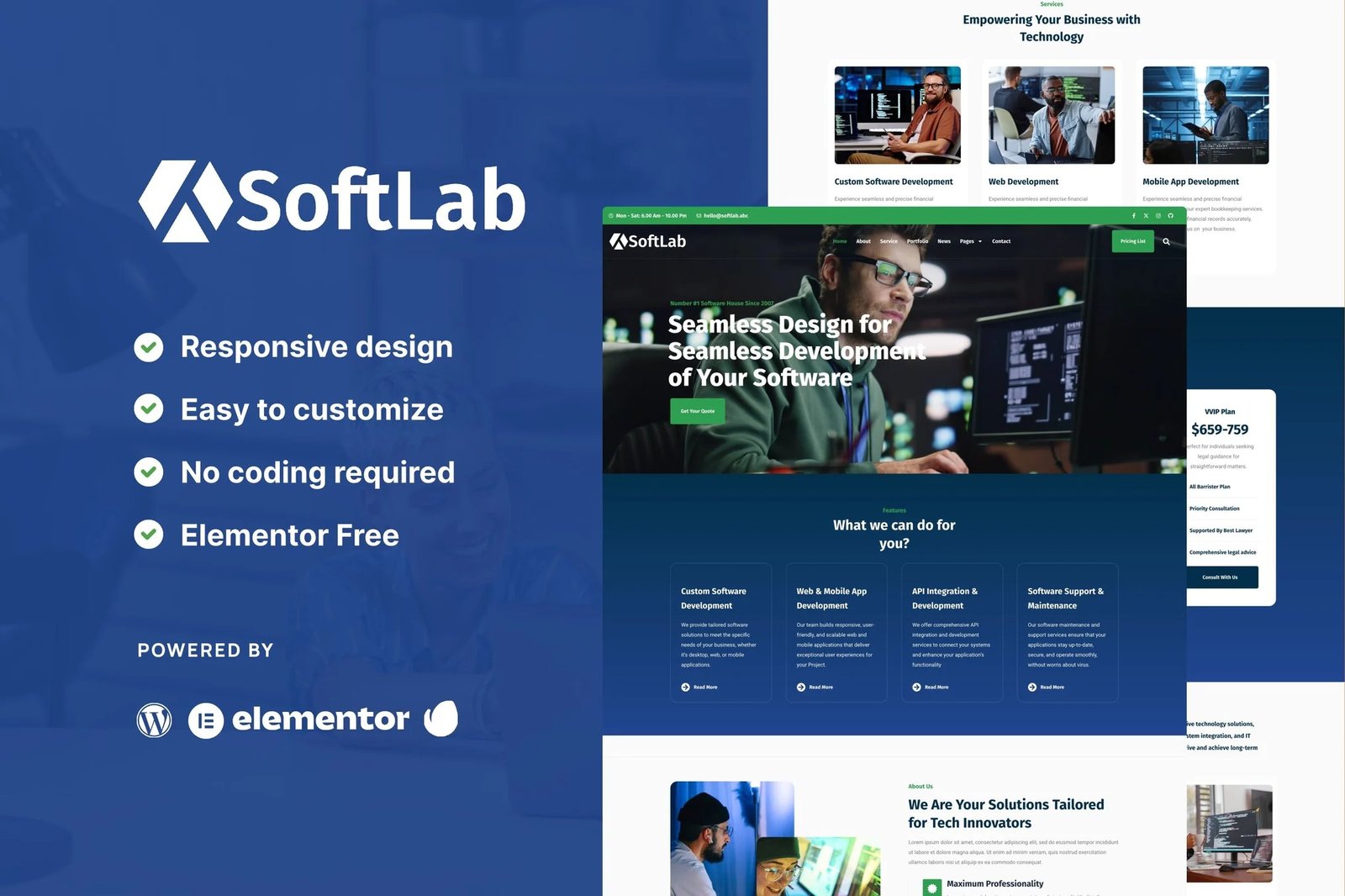
Introducing SoftLab ? Your Technology and Software Website Solution. Our Elementor kit provides ready-made templates for building your website using simple drag-and-drop tools. Perfect for technology companies and software developers!
SoftLab offers customizable options to showcase your tech solutions and software services. Whether you?re launching a new product or expanding your portfolio, SoftLab helps you create a professional website to captivate and engage your audience.
Page Templates:
- Homepage
- About
- Service Page
- Pricing Page
- News
- Single News
- Single 404
- Contact
Sections and Blocks:
- Header
- Footer
- Hero
- Team
- Testimonial
- Pricing List
- Off-Canvas Menu
Required Plugins (will be installed automatically):
- Elementor
- ElementsKit Elementor Addons
- Metform
How to Import Metforms
If you have Elementor Pro, skip install of Metform and form blocks.
- Import the metform block templates
- Import the page template where the form appears and right-click to enable the Navigator
- Locate and select the Metform widget and click Edit Form. Choose New, then Edit Form. The builder will appear
- Click ?Add Template? grey folder icon.
- Click ?My Templates? tab.
- Choose your imported metform template, then click ?Insert? (click No for page settings).
- Once the template is loaded, make any desired customizations and click ?Update & Close? The form will appear in the template
- Click Update
Setup Global Header and Footer in ElementsKit
If you have Elementor Pro, headers and footers may be customized under Theme Builder.
- Import the header and footer template
- Go to ElementsKit > Header Footer and click Add New (if prompted with a wizard, you may click Next through it without taking any action)
- Title the header, leave Entire Site selected and toggle Activation to On
- Click the gray Edit Content button to load the builder
- Click the gray folder icon and select the header template to import, select your menu in the nav element and click Update.
- Repeat for Footer











Reviews
There are no reviews yet.