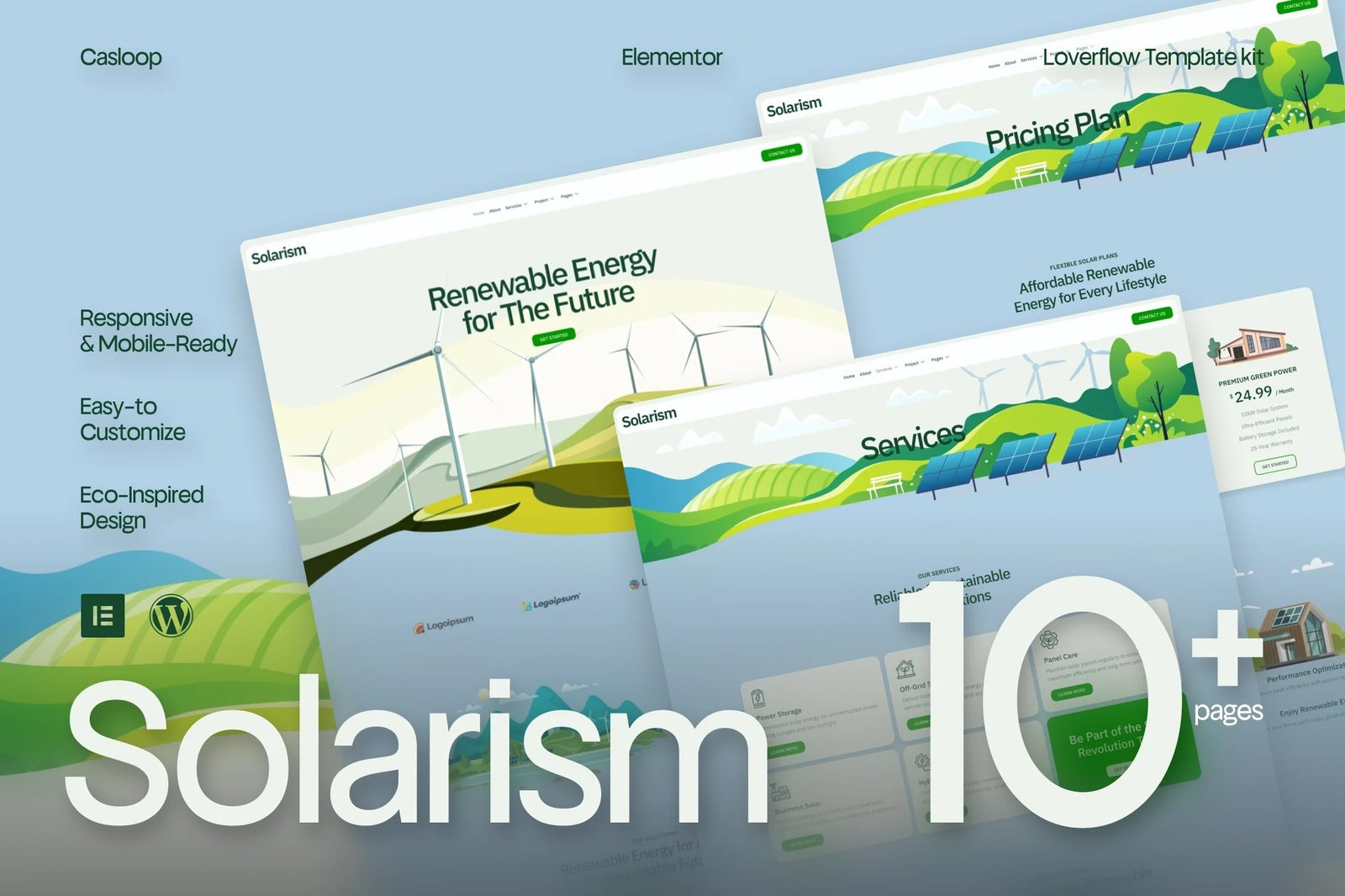
Solarism Green Energy?is an exceptionally crafted collection of pre-designed layouts, created with the utmost attention to detail to meet the discerning standards of professionals who demand excellence. Each design within this Kit is meticulously tailored to ensure flawless integration and optimal functionality, offering a refined aesthetic that speaks to the sophistication of modern design practices. By incorporating this product into your workflow, you equip yourself with a powerful toolset that elevates the quality and impact of your projects, ensuring a polished, immersive user experience that resonates with the high standards of contemporary Business & Services.
Pages Included:
- Home
- About
- Contact
- Services
- single Service
- Project
- Single Project
- Pricing
- Teams
- Thank You
- Error 404
- Coming Soon
Blocks Included:
- Header
- Footer
Included Plugins:
- Elementor
- Elements Kit Lite
- Jeg Elementor Kit
- MetForm
Creating pages
- Go to Pages and create a new page and click Edit with Elementor
- Click the gear icon at lower-left of the builder to view page settings and choose Elementor Full Width and hide page title
- Click the gray folder icon to access My Templates tab and then Import the page you?d like to customize.
- The home page is set under Settings > Reading by selecting Static Front Page.
If you have Elementor Pro, headers and footers are customized under Templates > Theme Builder. Detailed Guide:?Here?For further support, go to Elementor > Get Help in WordPress menu.
How to Import Metforms?If you have Elementor Pro, skip install of Metform and form blocks.
- Import the metform block templates
- Import the page template where the form appears and right-click to enable the Navigator
- Locate and select the Metform widget and click Edit Form. Choose New, then Edit Form. The builder will appear
- Click ?Add Template? grey folder icon.
- Click ?My Templates? tab.
- Choose your imported metform template, then click ?Insert? (click No for page settings).
- Once the template is loaded, make any desired customizations and click ?Update & Close? The form will appear in the template
- Click Update
Setup Global Header and Footer in ElementsKit?If you have Elementor Pro, headers and footers may be customized under Theme Builder.
- Import the header and footer template
- Go to ElementsKit > Header Footer and click Add New (if prompted with a wizard, you may click Next through it without taking any action)
- Title the header, leave Entire Site selected and toggle Activation to On
- Click the gray Edit Content button to load the builder
- Click the gray folder icon and select the header template to import, select your menu in the nav element and click Update.
- Repeat for Footer












Reviews
There are no reviews yet.