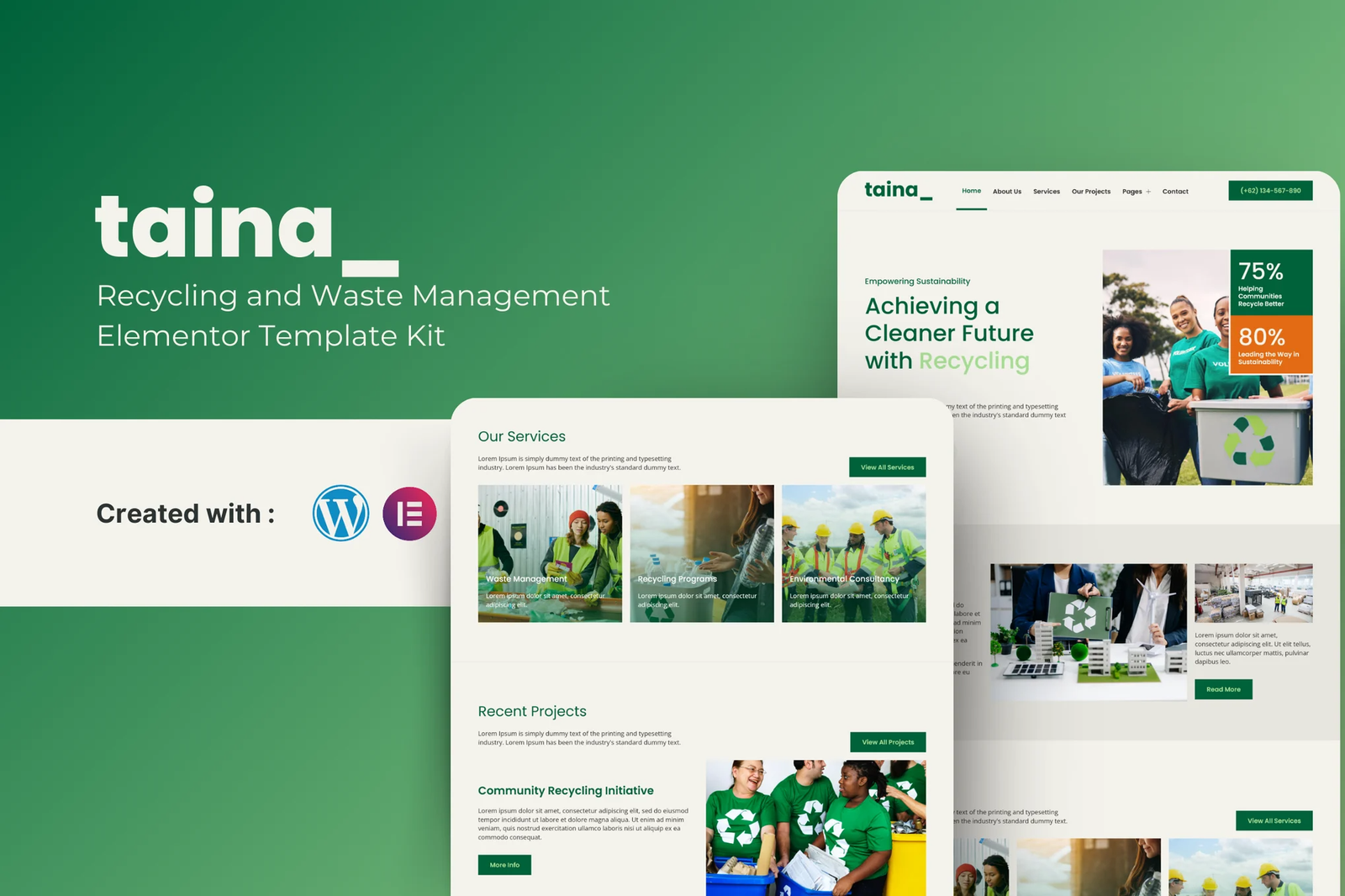
Taina ? Recycling and Waste Management Elementor Template Kit, your ultimate solution for creating a modern, eco-friendly website dedicated to promoting sustainable waste practices. This template kit is designed to help you build a comprehensive and visually appealing website that highlights your commitment to recycling and waste management.
Features
- 16 page design
- Drag and Drop page builder
- Build with Elemntor Free (Elementor Pro is not required)
- Using Free Plugin
- Easy & Fully Customizable
Templates include
- Home
- About Us
- Blog
- Single Blog Post
- Services
- Our Projects
- Gallery
- Careers
- Events and Workshops
- Contact Us
- Testimonials
- FAQs
- Metform Contact Us
- Header
- Footer
- Global Theme Style
Required Plugin
- Elementor
- MetForm
- Jeg Elementor Kit
- Envato Elements
How to Import Metforms
If you have Elementor Pro, skip install of Metform and form blocks.
- Import the metform block templates
- Import the page template where the form appears and right-click to enable the Navigator
- Locate and select the Metform widget and click Edit Form. Choose New, then Edit Form. The builder will appear
- Click ?Add Template? grey folder icon.
- Click ?My Templates? tab.
- Choose your imported metform template, then click ?Insert? (click No for page settings).
- Once the template is loaded, make any desired customizations and click ?Update & Close? The form will appear in the template
- Click Update
How to setup header in Jeg Elementor Kit plugin
If you have Elementor Pro, headers and footers may be customized under Theme Builder.
- Go to Jeg Elementor Kit menu item > Header Template
- Click Add New Header
- Add condition > All Site and click Create
- Click gray folder icon to access My Templates tab
- Insert the header template.
- Customize and Save.











Reviews
There are no reviews yet.