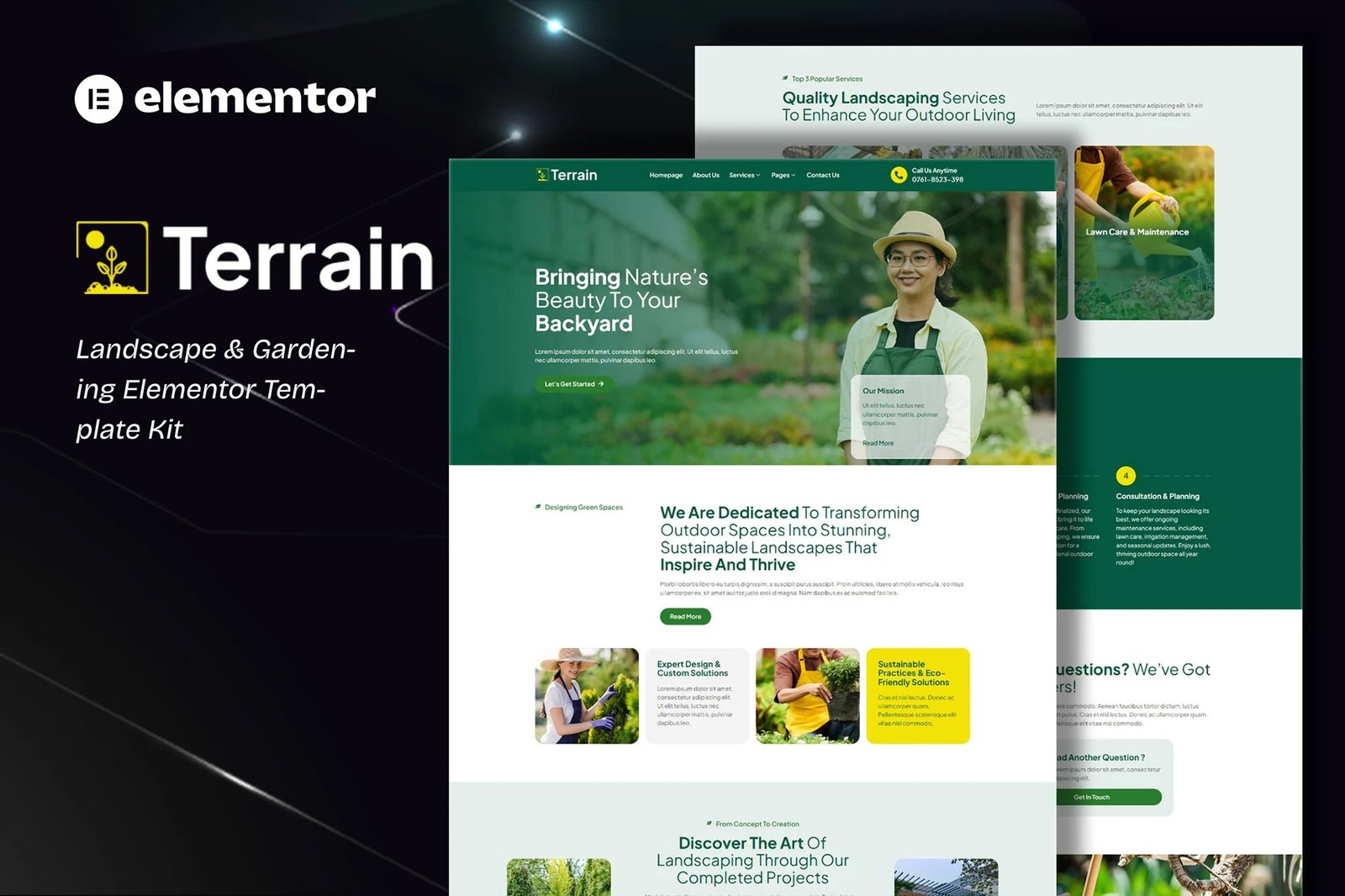
Terrain is an Elementor Template Kit for quickly and easily creating a full website in WordPress for your business featuring a modern and professional design. The kit features a fully compatible design system and professionally hand-picked images for a premium, branded head-start on your next project. Optimized for use with the free Hello Elementor theme, this kit is fine-tuned, fast-loading and fully responsive.
Features :
- Compatible with WordPress ? Elementor
- Using Free Plugins (Elementor Pro is not required)
- True no-code customization with drag and drop
- 100% Fully Responsive & mobile-friendly
- Modern and Professional design
- 13+ pre-built templates ready to use
- Customize fonts and colors in one place (Global Theme Kit Style)
Templates in Zip :
- Homepage
- About Us
- Services
- Service Detail
- Pricing Plan
- Portfolio
- Gallery
- Blog
- FAQs
- Error 404
- Contact Us
- Header
- Footer
- Contact Form ? Block
Required Plugins :
- Elementor
- ElementsKit Lite
- RTMKit Addons for Elementor
- RTMForm Builder for Elementor
Setup Global Header and Footer in RTMKit
If you have Elementor Pro, headers and footers may be customized under Theme Builder.
- Go to RTMKit > Theme Builder > Header in the WordPress admin, then click Add New.
- Enter a title, select ?Header? as the type, then go to the Conditions tab, set it to ?Entire Site?, and click Save.
- Click Edit with Elementor to open the builder.
- In the editor, click the gray folder icon, go to the My Templates tab, select your Header Template, and click Insert.
- Make any adjustments, then click Update to save.
- Repeat the same steps for the Footer under RTMKit > Theme Builder > Footer.
How to Setup Forms with RTMForm
If you have Elementor Pro, skip install of form plugin and form blocks.
- Import the form blocks.
- Go to RTMKit Plugin > Theme Builder > Forms in the WordPress admin.
- Click ?Add New?, enter a form name, then click ?Save and Edit?.
- In the builder, click the gray folder icon, go to the My Templates tab, and click Insert on your form block.
- Click Publish (or Update).
- When customizing pages with forms, use the RForm widget and select the form you created.











Reviews
There are no reviews yet.