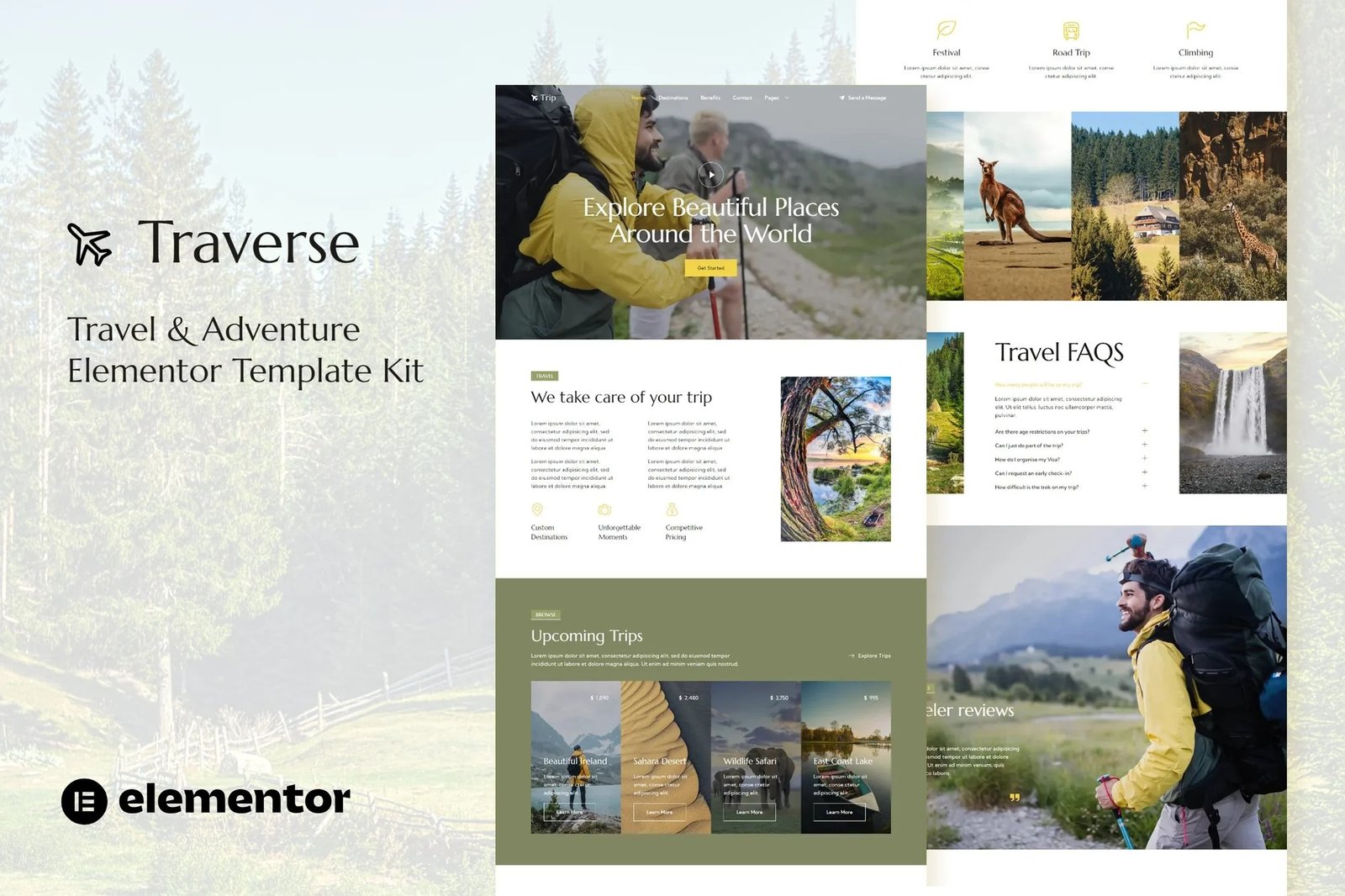
Traverse is professional Elementor Template Kit for tour & travel website. It has simple and clean design with modern layout style. Designed to use with Elementor Free version, ready to import & reusable for travel agency business and any related websites that offer travel service. It works with most themes and is optimized for use with the free Hello Elementor theme
Features:
- Elementor Free, No upgrades required
- Modern Typographic Design
- 12+ Ready to use templates
- Fully Responsive Layout
- Fully Customizable
Templates Included :
- Home
- About
- Benefits
- Blog
- Contact
- Destinations
- FAQ
- Metform Contact
- Metform Subscriber
- Post
- Reviews
- Trip
- Header
- Footer
- Global Styles
Included plugins
Setup Global Header and Footer in ElementsKit
- Import the header and footer template
- Go to ElementsKit > Header Footer and click Add New (if prompted with a wizard, you may click Next through it without taking any action)
- Title the header, leave Entire Site selected and toggle Activation to On
- Click the gray Edit Content button to load the builder
- Click the gray folder icon and select the header template to import, select your menu in the nav element and click Update.
- Repeat for Footer
How to Import Metforms
- Import the metform block templates
- Import the page template where the form appears and right-click to enable the Navigator
- Locate and select the Metform widget and click Edit Form. Choose New, then Edit Form. The builder will appear
- Click ‘Add Template’ grey folder icon.
- Click ‘My Templates’ tab.
- Choose your imported metform template, then click ‘Insert’ (click No for page settings).
- Once the template is loaded, make any desired customizations and click ‘Update & Close’ The form will appear in the template
- Click Update











Reviews
There are no reviews yet.