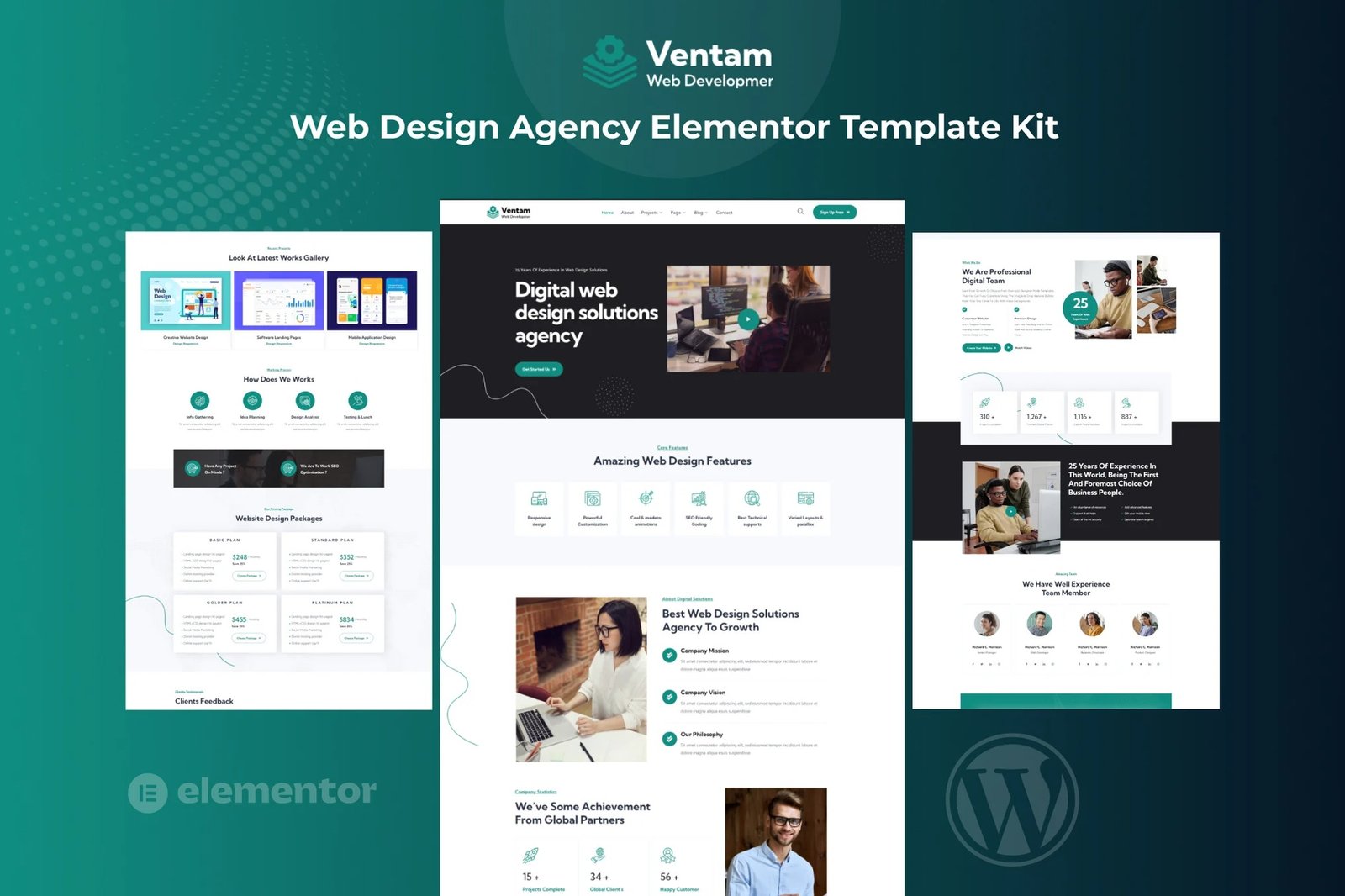
Ventam is a Web Design Company & Services Elementor Template Kit designed specifically for Web Design Agencies, digital studios, SEO agencies, consulting, start-ups, and related business websites. This template includes a homepage demo with 12+ Page, which are easy to edit and customize to fit your needs. We believe ? we have covered everything you need to set up a Web Design Agency or other Company-related businesses, Agency but if there is something that you would like to know then we are happy to help you out.
This Template will be 100% fluid and responsive on any device.
Features:
- Clean, Professional design
- Responsive to different devices
- Build with Elementor page builder
- Google fonts
- Social links
Templates:
- Global Styles
- Page ? Home
- Page ? About
- Page ? Services
- Page ? Team
- Page ? Pricing
- Page ? Faq
- Page ? 404 Page
- Page ? Projects
- Page ? Project Details
- Page ? Blog
- Page ? Blog Details
- Page ? Contact
- Section ? Header
- Section ? Footer
Plugins installed with kit
- ElementsKit Lite
- Elementor Header & Footer Builder
- MetForm ? metform
How to Import Metforms
- Import the metform block templates
- Import the page template where the form appears and right-click to enable the Navigator
- Locate and select the Metform widget and click Edit Form. Choose New, then Edit Form. The builder will appear
- Click ?Add Template? grey folder icon.
- Click ?My Templates? tab.
- Choose your imported metform template, then click ?Insert? (click No for page settings).
- Once the template is loaded, make any desired customizations and click ?Update & Close? The form will appear in the template
- Click Update
Setup Global Header and Footer in Header Footer & Blocks plugin
- Import the header and footer template
- Go to Appearance > Header Footer and click Add New button
- Give it a title and select Header, Display on Entire Site and click Publish
- Click Edit with Elementor
- Click the gray folder icon to access My Templates tab and select the header template to import and Update.
- Repeat for Footer












Reviews
There are no reviews yet.