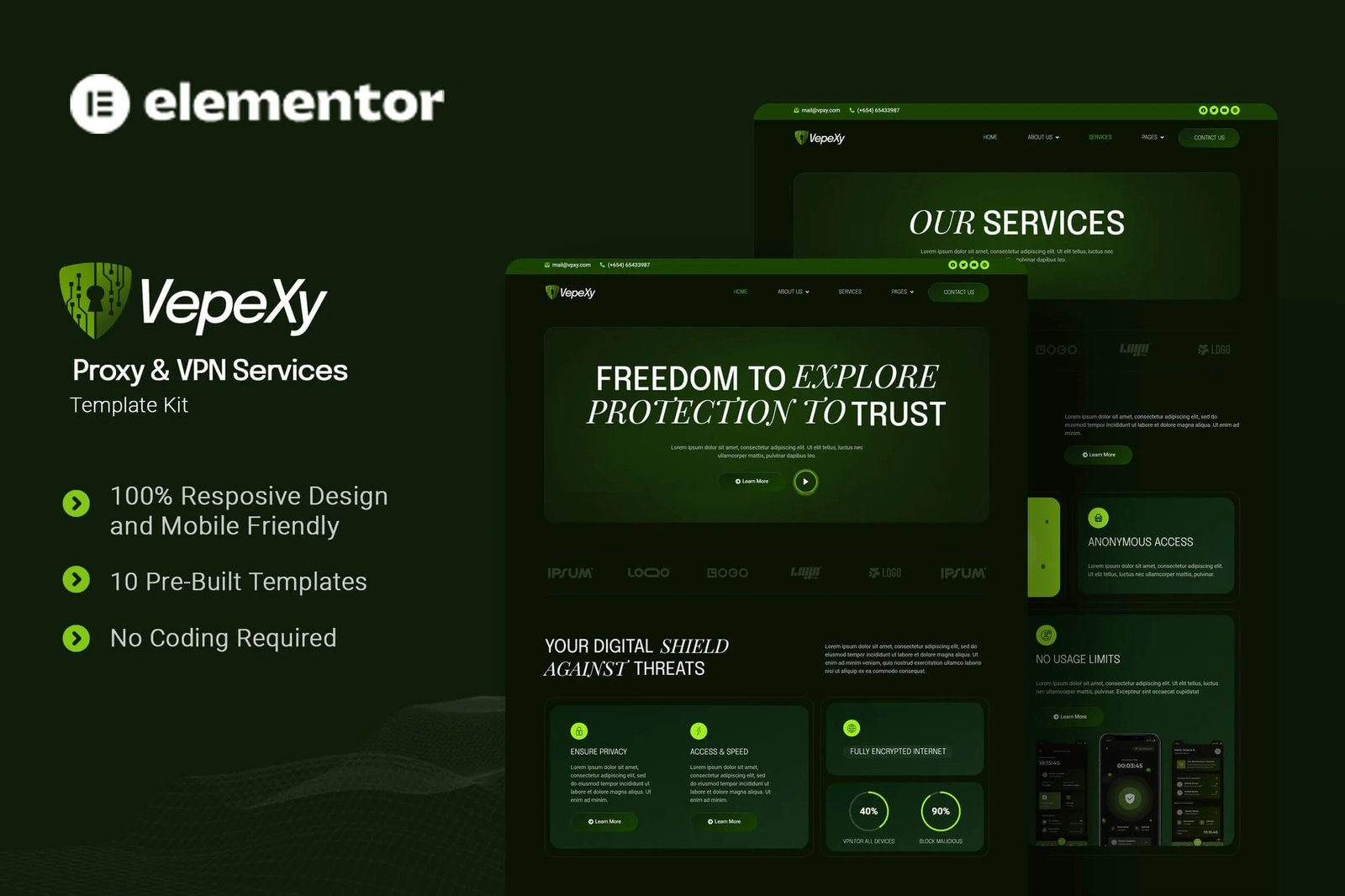
Vepexy is an Elementor Template Kit crafted for businesses striving to establish a strong online presence in the Proxy and VPN services industry. Perfect for companies specializing in online privacy, data encryption, and unrestricted internet access, this kit enables you to highlight your expertise in safeguarding digital freedom, ensuring security, and delivering seamless connectivity. Vepexy uses free elements, so don?t worry about trying this one. Vepexy provides various pages including Home, About Us, Team, Services, Pricing, Testimonials, FAQs, Blog, 404, Contact Us.
Templates
- Home
- About Us
- Team
- Services
- Pricing
- Testimonials
- FAQs
- Blog
- 404
- Contact Us
Font Used
- Epilogue
- Playfair Display
- Roboto
Plugin Dependencies :
- Elementor
- ElementsKit Lite
- Jeg Elementor Kit
- Metform
- Header & Footer Builder
How to Import Metforms
If you have Elementor Pro, skip install of Metform and form blocks.
- Import the metform block templates
- Import the page template where the form appears and right-click to enable the Navigator
- Locate and select the Metform widget and click Edit Form. Choose New, then Edit Form. The builder will appear
- Click ?Add Template? grey folder icon.
- Click ?My Templates? tab.
- Choose your imported metform template, then click ?Insert? (click No for page settings).
- Once the template is loaded, make any desired customizations and click ?Update & Close? The form will appear in the template
- Click Update
How to setup header in Jeg Elementor Kit plugin
If you have Elementor Pro, headers and footers may be customized under Theme Builder.
- Go to Jeg Elementor Kit menu item > Header Template
- Click Add New Header
- Add condition > All Site and click Create
- Click the pencil icon to Edit and elementor will appear
- Click gray folder icon to access My Templates tab
- Insert the header template.
- Customize and Save.












Reviews
There are no reviews yet.