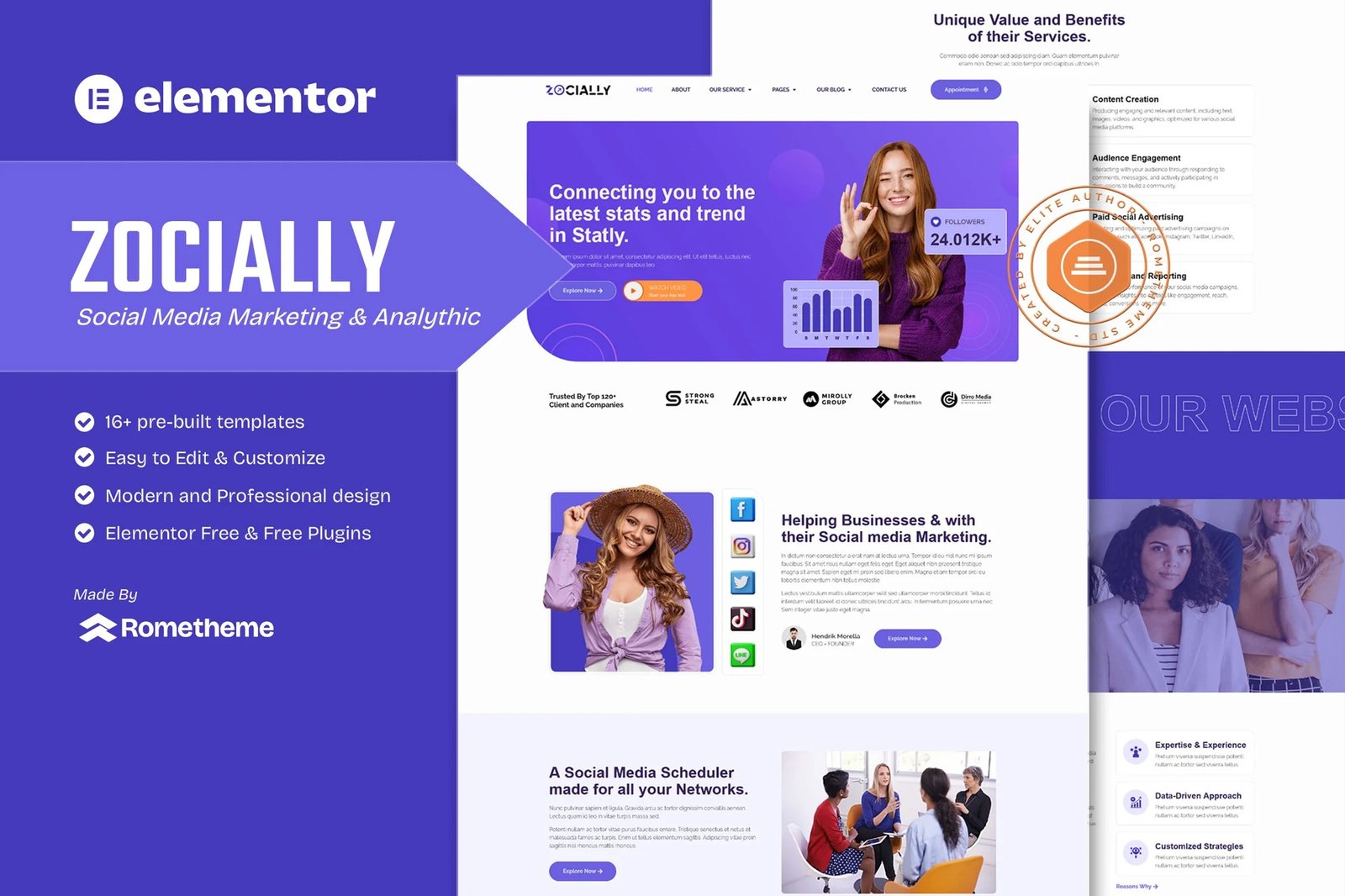
Zocially is a modern and dynamic Elementor Template Kit, specifically designed for social media, marketing, digital marketing, influence website service. It?s fully compatible with Elementor Page Builder, offering advanced features that are intuitive, customizable, and perfectly suited to meet the unique needs of your business.
Whether you?re a designer, developer, or entrepreneur, Zocially empowers you to create a professional and visually appealing website with ease and speed.
Why Choose Zocially?:
This template is built with Elementor, the leading WordPress website builder that is free, open-source, and user-friendly. With Elementor, you can:
- Create Stunning Websites Intuitively: Use drag-and-drop tools to design pages without coding.
- Customize Like a Pro: Access a wide range of widgets, layouts, and styling options.
- Work Efficiently: Real-time editing makes it simple to achieve professional results in minutes.
What?s Inside?:
- 16+ Pre-Designed Templates for every page your business needs.
- Global Kit Style: Effortless Customization of colors, and fonts in one place.
- Comprehensive Documentation: Get step-by-step guidance for setup and customization.
Templates included:
- Homepage
- About Us
- Service
- Service Details
- Pricing
- Our Project
- Testimonial
- FAQs
- Our Blog
- Contact Us
- Block ? Single Post (Required Plugin PRO for Theme Builder)
- Block ? Error 404 (Required Plugin PRO for Theme Builder)
- Block ? Header
- Block ? Footer
- Block ? Subscribe Form
Required Plugins:
- Elementor
- RomethemeKit For Elementor
- RomethemeForm
- ElementsKit Lite
Setup Global Header and Footer in RomethemeKit
If you have Elementor Pro, headers and footers may be customized under Theme Builder.
- Go to Romethemekit > Theme builder > Header and click Add New
- Give it a title and select Header, click Condition tab and add Entire Site and click Save
- Click Edit with Elementor
- Click the gray folder icon to access My Templates tab and select the header template to import and Update.
- Repeat for Footer
How to Setup Forms
If you have Elementor Pro, skip install of form plugin and form blocks.
- Import the form blocks.
- Click on RomethemeForm > Forms in the admin menu
- Click Add New
- Enter a Form Name and click Save and Edit (ignore other options)
- Click the gray folder icon in the builder area and click the My Templates tab
- Click Insert on the form block
- Click Publish/Update
- When customizing pages with forms, click the Rometheme Form Element and select the form from the drop-down












Reviews
There are no reviews yet.